TL;DR: Website speed tools like GTmetrix and PageSpeed Insights help identify performance issues, but they don’t fix them. Real SEO impact often comes from combining diagnostics with actual optimization. Using the right mix of testing and automated optimization improves Core Web Vitals, boosts rankings, enhances user experience, and increases conversions.
Every website owner faces this at some point; you run a speed test, see a low score, and suddenly you’re stuck trying to figure out what all those technical suggestions actually mean. Tools like GTmetrix and Google PageSpeed Insights are widely used, and they do a great job at analyzing performance. But there’s an important gap that often gets missed: testing a website’s speed and actually fixing it are two completely different things.
That’s exactly where the conversation around Website Speedy vs GTmetrix vs PageSpeed Insights gets interesting and genuinely useful. This article breaks down how each tool works, what kind of output it delivers, and which approach makes the most sense depending on what a website actually needs.
Key Difference Between Website Speed Testing and Optimization Tools
Before diving into a feature-by-feature comparison of website speed tools, it’s worth establishing something that gets glossed over in most guides: GTmetrix and PageSpeed Insights are diagnostic tools. Website Speedy is an optimization engine. These are not the same category of product, even though all three deal with website speed.
Think of it like this. PageSpeed Insights is similar to a doctor who looks at an X-ray and tells you exactly what’s wrong. GTmetrix hands you a more detailed report with lab values and charts. Website Speedy is the surgeon who actually fixes the problem.
Running a speed test without the ability to act on the results is only half the job. That’s the gap these three tools fill differently.
Website Speedy vs GTmetrix vs PageSpeed Insights: Quick Comparison
- PageSpeed Insights → Best for Google-based performance analysis
- GTmetrix → Best for technical diagnostics and waterfall analysis
- Website Speedy → Best for automated performance optimization
What Is PageSpeed Insights and How Does It Work?
Google PageSpeed Insights (PSI) uses Lighthouse (Google’s open-source automated auditing tool) to analyze a webpage and generate a performance score between 0 and 100. It pulls data from two sources: lab data (simulated tests run in controlled conditions) and real-world field data from the Chrome User Experience Report (CrUX).
The score is divided into four categories: Performance, Accessibility, Best Practices, and SEO. For speed purposes, the Performance score is the one most people focus on. It’s calculated as a weighted average of several Core Web Vitals and timing metrics.
Core Web Vitals Measured by PageSpeed Insights
The metrics PageSpeed Insights evaluates include:
- Largest Contentful Paint (LCP): How long it takes for the main content of a page to load. Google recommends under 2.5 seconds.
- Interaction to Next Paint (INP): Measures overall page responsiveness to user input. Replaced First Input Delay (FID) in 2024.
- Cumulative Layout Shift (CLS): Measures visual stability, how much the layout shifts unexpectedly during loading.
- First Contentful Paint (FCP): Time until the first piece of DOM content is rendered.
- Time to First Byte (TTFB): How quickly the server responds.
- Total Blocking Time (TBT): Lab proxy for INP, measures how long the main thread is blocked.
Limitations of PageSpeed Insights
PSI identifies issues, but it doesn’t resolve them. After the audit, a website owner receives a list of “opportunities” like “Eliminate render-blocking resources,” “Serve images in next-gen formats,” or “Reduce unused JavaScript.” These are real problems, but PSI offers no mechanism to fix them. The responsibility to act lies entirely on the developer.
This is a key limitation when evaluating it in a website speed tools comparison. It’s a free, authoritative diagnostic, but it stops there.
What Is GTmetrix and How Does It Differ?
GTmetrix started as a tool built on Yahoo’s YSlow and Google’s Page Speed recommendations before later shifting to Lighthouse as its backbone. Today, it provides a performance grade (A through F) along with a GTmetrix Grade and a separate Web Vitals section.
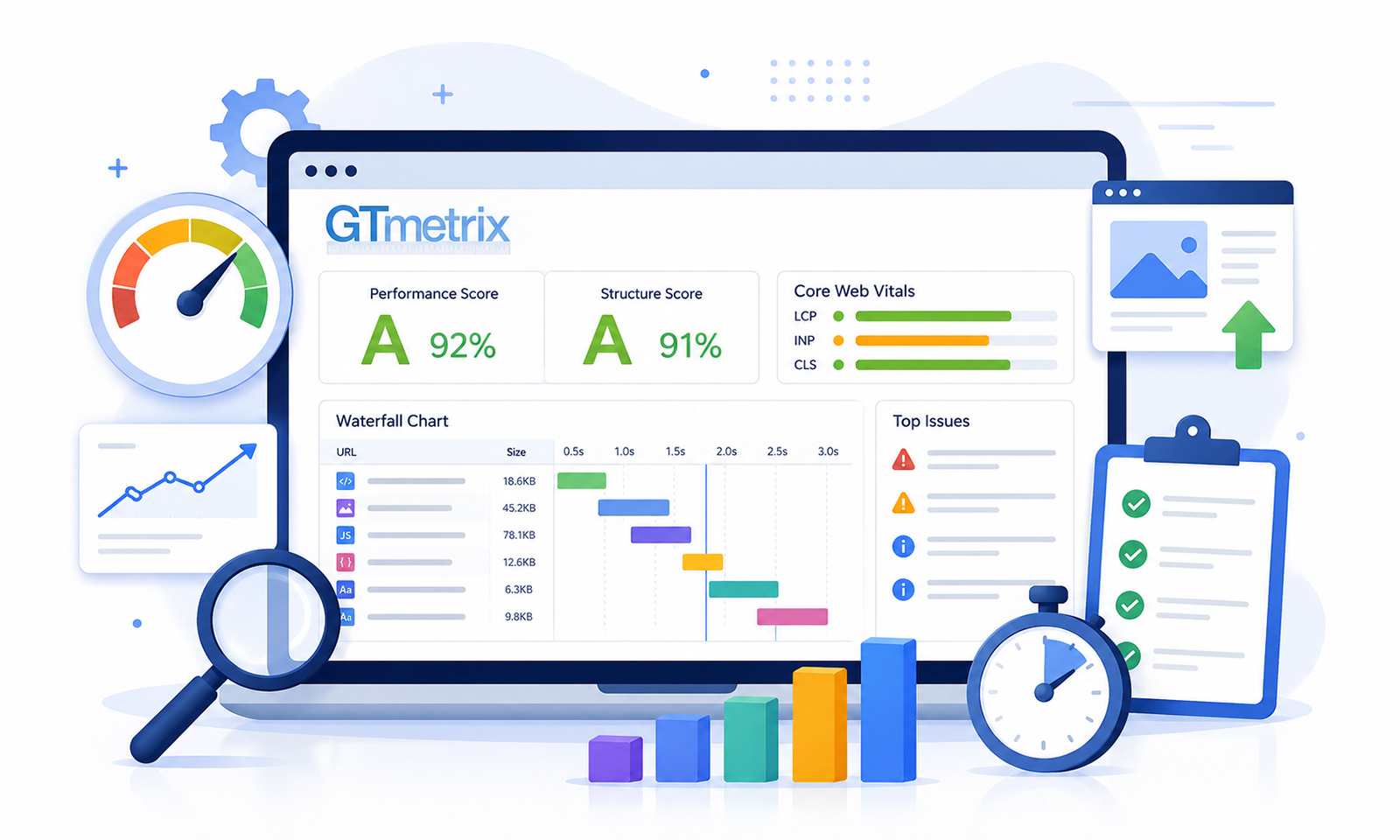
One of GTmetrix’s most appreciated features is its waterfall chart (a visual breakdown of every single resource that loads on a page, in the order it loads, and how long each one takes). For developers trying to identify a specific bottleneck, this is genuinely valuable.
GTmetrix also allows testing from multiple server locations (though some are locked behind the paid tier), browser selection, and connection speed simulation. This granularity is useful for diagnosing why a site might load slowly for users in a specific geography.
GTmetrix vs PageSpeed Score
A very common question is: why do GTmetrix and PageSpeed Insights show different scores for the same site?
The answer lies in testing methodology. PageSpeed Insights uses real-world CrUX data (if available) blended with lab results from Lighthouse. GTmetrix runs purely simulated lab tests from a chosen server location. The emulation settings, throttling conditions, and test frequency differ between the two. A site might score 78 on PSI and 85 on GTmetrix, or vice versa, and both scores can be technically accurate in their own context.
Neither score is “more correct.” They’re measured under different conditions.
Limitations of GTmetrix
Like PSI, GTmetrix is a reporting and analysis tool. It excels at giving detailed, developer-friendly diagnostics, and the waterfall chart alone makes it worth using for technical audits. But it doesn’t touch a website’s code, optimize assets, or implement any fixes automatically. Every recommendation requires manual developer intervention.
For a business owner or non-technical marketer running a Shopify store or a Wix site, GTmetrix reports can feel more like a problem statement than a solution.
What Is Website Speedy and How Does It Work?
Website Speedy operates in a fundamentally different category. It’s a SaaS-based automatic website speed optimization tool. Rather than generating a list of issues for someone else to fix, it actually applies performance improvements automatically, without requiring a developer.
The implementation is straightforward: after signing up, a website owner submits their key URLs, receives a small JavaScript snippet, and adds it to the site’s header. From that point, Website Speedy’s engine starts working in the background.
What Does Website Speedy Optimize?
Website Speedy addresses the very issues that tools like GTmetrix and PageSpeed Insights flag, including:
- Render-blocking resource removal: Scripts and stylesheets that delay page rendering are rearranged to load asynchronously, allowing the visible content to render faster.
- Lazy loading: Images and off-screen resources only load when they’re needed, reducing the initial payload significantly.
- Core Web Vitals improvements: By optimizing LCP, TBT, CLS, and FCP at the delivery layer, Website Speedy helps websites meet Google’s performance thresholds, the ones that directly affect search rankings.
- Mobile speed optimization: The tool applies optimizations specific to mobile loading behavior, which is critical given that the majority of web traffic is now mobile-first.
- CDN-level delivery improvements: Resources are served faster globally through delivery network optimizations built into the platform.
Real Results from Real Websites
One of the more compelling aspects of Website Speedy’s approach is the before/after data from live sites across different platforms:
- Eleken.co (Shopify): Mobile score increased by 30 pts, 58 → 88. Desktop by 17 pts, 82 → 99.
- Trail N Track.com (Wix): Mobile score increased by 33 pts, 41 → 74. Desktop by 9 pts, 87 → 96.
- Bigbuda.ca (Webflow): Mobile score jumped by 35 pts, 61 → 96. Desktop by 19 pts, 80 → 99.
Side-by-Side Comparison: Website Speedy vs GTmetrix vs PageSpeed Insights
| Feature | PageSpeed Insights | GTmetrix | Website Speedy |
|---|---|---|---|
| Primary Function | Speed auditing | Detailed analysis | Automated optimization |
| Fixes Automatically | No | No | Yes |
| Core Web Vitals Reporting | Yes (real + lab data) | Yes (lab data) | Yes (before & after) |
| Developer Required to Act? | Yes | Yes | No |
| Waterfall Chart | Limited | Detailed | Not applicable |
| Mobile-Specific Optimization | Reports issues only | Reports issues only | Active optimization |
| Lazy Loading Implementation | Flags if missing | Flags if missing | Implements it |
| Cost | Free | Free / Paid tiers | Paid (free trial available) |
| Best For | SEO audits, quick checks | Developer-level diagnosis | Business owners, marketers, non-devs |
Should a Website Use Testing Tools or Optimization Tools?
The honest answer is: both, but for different purposes.
PageSpeed Insights should be used to benchmark current performance, track progress over time, and ensure alignment with Google’s ranking signals. GTmetrix is worth running during a developer audit, especially when a specific slow-loading resource needs to be isolated using the waterfall report.
But neither tool improves a score on its own. That’s where an optimization tool like Website Speedy becomes relevant, particularly for business owners managing platforms like Shopify, Wix, BigCommerce, Webflow, and more.
The question “Should I use testing tools or optimization tools?” is a bit like asking whether to use a speedometer or an engine upgrade to make a car go faster. Both have different roles, one measures, and the other acts.
How Website Speedy Improves Core Web Vitals
Core Web Vitals are part of Google’s page experience signals, which contribute to rankings. Websites that score well on LCP, INP, and CLS have a measurable advantage in search results, and improving these performance metrics is among the most technically demanding aspects of web performance.
Website Speedy approaches SEO and Core Web Vitals optimization through several automated techniques:
Reducing LCP (Largest Contentful Paint)
LCP is heavily influenced by how quickly the page’s main visual element (usually a hero image or headline block) becomes visible. Website Speedy reduces LCP by optimizing how critical resources are prioritized, ensuring the main content loads without waiting on non-essential scripts or stylesheets.
Lowering TBT / INP
Total Blocking Time, the lab-measurable proxy for INP, can be significantly reduced when render-blocking JavaScript is deferred or loaded asynchronously. Website Speedy’s core mechanism, rearranging resource loading order, directly targets this metric. The Discountelectronics.com case study, where TBT dropped from 3,944ms to 12ms, illustrates just how significant this improvement can be.
Stabilizing CLS (Cumulative Layout Shift)
Layout instability often comes from images without defined dimensions or ads injecting content mid-load. Website Speedy’s lazy loading implementation includes dimension handling that prevents unexpected layout jumps, improving CLS scores across mobile and desktop.
Why Website Speed Matters for SEO and Conversions
A lot of attention goes to the number, the PageSpeed score, and the GTmetrix grade. But the downstream business impact of speed is what makes this worth caring about beyond SEO.
- Bounce rate climbs sharply when pages take longer than 3 seconds to load on mobile.
- Conversion rates drop with each additional second of load time, particularly in e-commerce.
- Ad spend efficiency degrades on slow sites. Google, Meta, and TikTok Ads all use landing page experience as part of their Quality Score calculations, which directly affects cost-per-click (CPC) and return on ad spend (ROAS).
Final Verdict
The difference between Website Speedy, GTmetrix, and PageSpeed Insights comes down to purpose. GTmetrix and PageSpeed Insights help identify issues and measure performance, which is valuable for analysis. But identifying problems and actually fixing them are not the same thing.
For those looking to improve real-world performance, combining testing tools with an optimization solution makes more sense.
Frequently Asked Questions
Q1: Which tool actually fixes website speed issues instead of just testing?
Q2: Why do GTmetrix and PageSpeed Insights show different scores?
Q3: Can Website Speedy improve Core Web Vitals automatically?
Q4: Should a website use testing tools or optimization tools for speed?
Q5: Do website speed test tools improve performance automatically?
Q6: Is Website Speedy suitable for non-technical users?
Q7: Does a faster website directly improve Google rankings?
Q8: Can these tools be used together effectively?
Q9: How long does it take to see results with Website Speedy?
About the Author