






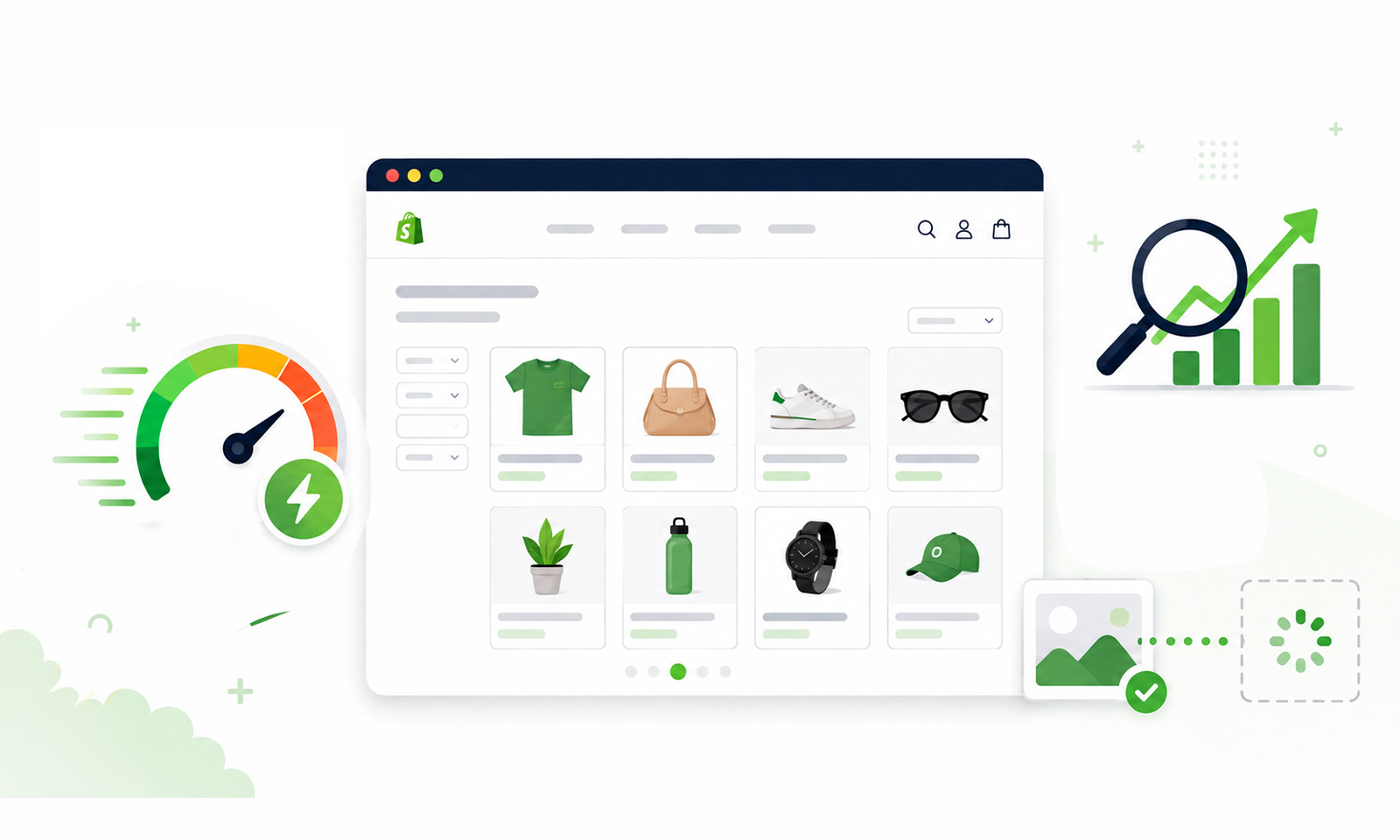
TL;DR: To speed up Shopify collection pages without hurting SEO, optimize product images, reduce JavaScript, use lazy loading, limit products per page, improve Core Web Vitals, and keep collection content crawlable. Faster collection pages create a better user experience while preserving rankings and conversions.
Shopify collection pages are often the busiest pages on an ecommerce store. They help shoppers browse products, discover categories, and navigate toward a purchase. They also rank for valuable category-level keywords, making them one of the most important pages for organic traffic.
The challenge is that Shopify collection pages usually contain dozens of product cards, images, filters, badges, reviews, and third-party scripts. As collections grow, these elements increase page weight, hurt loading speed, and negatively affect Core Web Vitals.
Many store owners worry that improving Shopify collection page speed could impact SEO by removing content, reducing products, or changing URLs. Fortunately, that’s not the case when optimization is done correctly.
This guide explains how to speed up Shopify collection pages while maintaining strong rankings, crawlability, and user experience.
Quick Tips to Speed Up Shopify Collection Pages Without Hurting SEO
Before diving into the details, here’s a quick overview of the most effective techniques for improving Shopify collection page speed while maintaining strong SEO performance.
| Tip | Benefit |
|---|---|
| Optimize product images | Reduce page weight and improve LCP |
| Lazy load images | Speed up initial page load |
| Limit products per page | Improve loading and scrolling performance |
| Remove unused apps and scripts | Reduce JavaScript execution time |
| Eliminate render-blocking resources | Display content faster |
| Preserve SEO elements | Maintain rankings while optimizing speed |
| Optimize collection filters | Improve crawl efficiency |
| Improve Core Web Vitals | Enhance UX and search performance |
| Test collection pages regularly | Identify speed bottlenecks |
| Monitor performance over time | Keep pages fast as your catalog grows |
For most Shopify stores, the fastest performance gains come from optimizing images, reducing unnecessary JavaScript, limiting page weight, and preserving SEO-friendly collection structures.
Why Shopify Collection Pages Become Slow
Unlike a product page that focuses on one item, Shopify product collections display many products simultaneously. Every product card typically loads:
- Featured image
- Product title
- Price
- Variant information
- Reviews
- Sale badges
- Wishlist buttons
- Quick-view functionality
When multiplied across 30–50 products, the browser must download significantly more resources before rendering the page.
The heavier a collection page becomes, the more it impacts overall website speed, especially on mobile devices where bandwidth and processing power are limited.
Third-party Shopify apps often add additional JavaScript, which delays rendering and increases interaction latency. According to Google, optimizing page loading and Core Web Vitals improves overall page experience.
If your collection page loads slowly, visitors may leave before browsing products. Google also considers page experience as part of its ranking systems, making Shopify collection page optimization valuable for both SEO and conversions.
10 Best Ways to Speed Up Shopify Collection Pages Without Hurting SEO
Optimizing Shopify collection pages is about reducing unnecessary page weight while preserving the content and structure that search engines rely on. The following best practices will help improve Shopify collection page speed, enhance user experience, and maintain strong SEO performance.
1. Optimize Product Images First
Images are usually the largest resource on Shopify collection pages. Uploading oversized images wastes bandwidth because thumbnails rarely need full-resolution files.
Instead:
- Resize images to match thumbnail dimensions.
- Compress images without noticeable quality loss.
- Serve next-generation formats like WebP whenever possible.
- Use responsive image sizes for different devices.
Google recommends serving appropriately sized images because oversized files increase download time, slow page rendering, and negatively affect Core Web Vitals.
2. Lazy Load Images Below the Fold
Collection pages don’t need to load every product image immediately. Modern browsers support native lazy loading, allowing images outside the viewport to load only when users scroll.
Proper lazy loading provides several performance benefits:
- Faster loading Largest Contentful Paint (LCP)
- Reduced initial page weight
- Lower bandwidth usage
- Better mobile browsing experience
Avoid lazy loading of the first visible product images, as they contribute directly to LCP.
3. Limit the Number of Products Per Collection Page
Showing 100 products on one page may seem convenient, but it significantly increases HTML size, image downloads, and JavaScript execution. Instead, use reasonable pagination such as:
| Products per page | Performance |
|---|---|
| 24 | Excellent |
| 36 | Good balance |
| 48 | Acceptable |
| 100+ | Usually too heavy |
Google can crawl paginated collection pages effectively when internal linking is implemented correctly. This approach improves Shopify collection page performance without sacrificing discoverability.
4. Remove Unnecessary Shopify Apps and Scripts
Many Shopify apps inject JavaScript into every collection page, even when their functionality isn’t being used.
Common performance offenders include:
- Multiple analytics tools
- Popup apps
- Review widgets
- Chat plugins
- Social sharing tools
- Heatmap software
Each additional script increases download time and processing overhead. Regularly audit installed apps and remove those that no longer provide value, as every unnecessary script increases the amount of code the browser must download and execute.
5. Eliminate Render-Blocking Resources
Before displaying your collection page, browsers often pause rendering while downloading CSS and JavaScript.
Reducing render-blocking resources helps visitors see content much sooner.
Useful techniques include:
- Deferring non-critical JavaScript
- Loading CSS asynchronously where appropriate
- Inlining critical CSS
- Removing unused CSS
These optimizations improve Shopify collection page speed while preserving functionality, reducing the browser’s critical rendering work, allowing shoppers to see products sooner.
6. Keep Collection Pages SEO-Friendly
One common misconception is that faster pages require removing SEO content. In reality, Shopify collection page SEO depends on preserving the elements search engines use to understand your collections.
Maintain:
- Unique collection titles
- Optimized meta descriptions
- Descriptive introductory copy
- Internal links to related collections
- Product links
- Canonical URLs
Avoid hiding important collection content inside JavaScript or images, as search engines may not process it as effectively as visible HTML text. The goal is to optimize Shopify collection pages technically while keeping valuable content accessible to both users and search engines.
7. Optimize Filtering Without Breaking Crawlability
Collection filters improve shopping experiences but can accidentally generate thousands of crawlable URLs.
Whenever possible:
- Prevent unnecessary filtered URLs from being indexed.
- Use canonical tags where appropriate.
- Avoid creating duplicate collection pages.
- Ensure important collection pages remain easily crawlable.
Well-managed filters improve usability without creating SEO issues.
8. Improve Core Web Vitals
Google’s Core Web Vitals measure real-world user experience. For Shopify collection pages, focus on:
| Metric | Target |
|---|---|
| LCP | Under 2.5 seconds |
| INP | Under 200 ms |
| CLS | Below 0.1 |
Common improvements include:
- Faster image loading
- Smaller JavaScript bundles
- Stable image dimensions
- Reduced layout shifts
Since a significant share of ecommerce traffic comes from mobile devices, always prioritize testing and optimizing the mobile version of your Shopify collection pages first.
9. Test Collection Pages Separately
Many Shopify merchants focus only on testing their homepage, overlooking the performance of collection pages that often receive significant organic traffic. They’re usually much heavier.
Useful tools include:
- Google PageSpeed Insights
- Lighthouse
- Chrome DevTools
- GTmetrix
Compare desktop and mobile performance because mobile users often experience slower networks and devices.
10. Monitor Performance as Your Catalog Grows
A collection page that loads quickly with 50 products may slow considerably after expanding to hundreds of products.
Create a routine to monitor:
- Page weight
- JavaScript size
- Image count
- Third-party scripts
- Core Web Vitals
Performance optimization isn’t a one-time task, it should evolve alongside your store. Regular monitoring is an essential part of long-term Shopify speed optimization, especially as your product catalog continues to grow.
Common Shopify Collection Page Optimization Mistakes to Avoid
Avoid these common mistakes to keep your Shopify collection pages fast, SEO-friendly, and easy to browse:
- Uploading oversized product thumbnails that increase page weight and loading time.
- Installing too many Shopify apps that add unnecessary CSS and JavaScript.
- Loading all product images at once instead of lazy loading below-the-fold images.
- Ignoring mobile performance, where most ecommerce shoppers browse.
- Allowing unnecessary filter URLs to be indexed, creating duplicate content and crawl issues.
- Testing only the homepage instead of your actual Shopify collection pages.
Conclusion
Your Shopify collection pages do more than display products. They’re important landing pages that help customers discover products and help your store rank for valuable category searches. Optimizing them doesn’t mean sacrificing SEO. By improving image delivery, reducing unnecessary JavaScript, managing product counts, and maintaining crawlable content, you can achieve faster loading times while preserving search visibility.
The most effective Shopify collection page optimization strategy focuses on balancing performance with user experience. As your catalog grows, regularly reviewing Shopify collection page performance ensures your store remains fast, discoverable, and easy to browse across every device.
Frequently Asked Questions
Does improving Shopify collection page speed help SEO?
How many products should a Shopify collection page display?
Does lazy loading hurt Shopify SEO?
Should I use infinite scroll on Shopify collection pages?
Why are my Shopify collection pages slower than product pages?
How can I measure Shopify collection page performance?
Can too many Shopify apps slow down collection pages?
About the Author