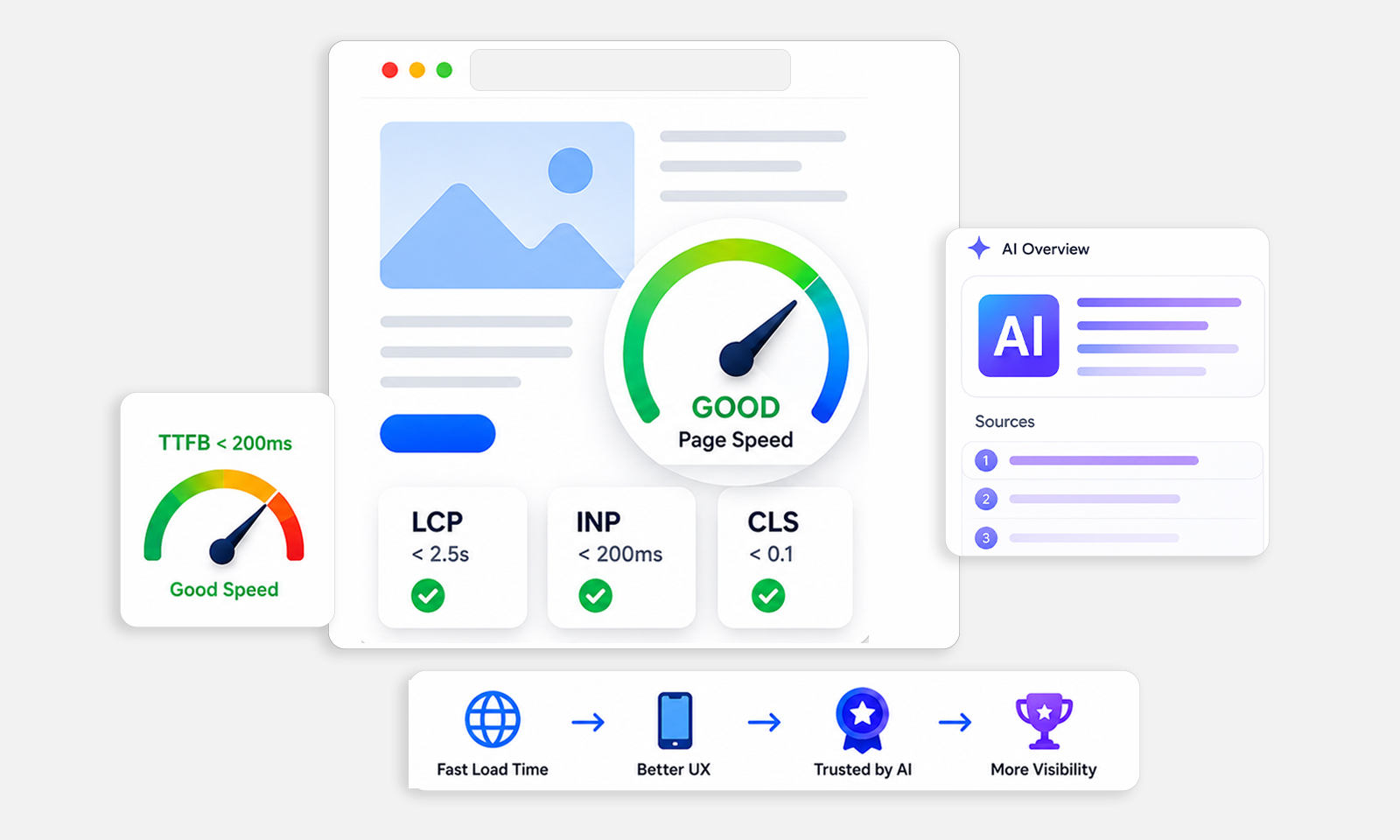







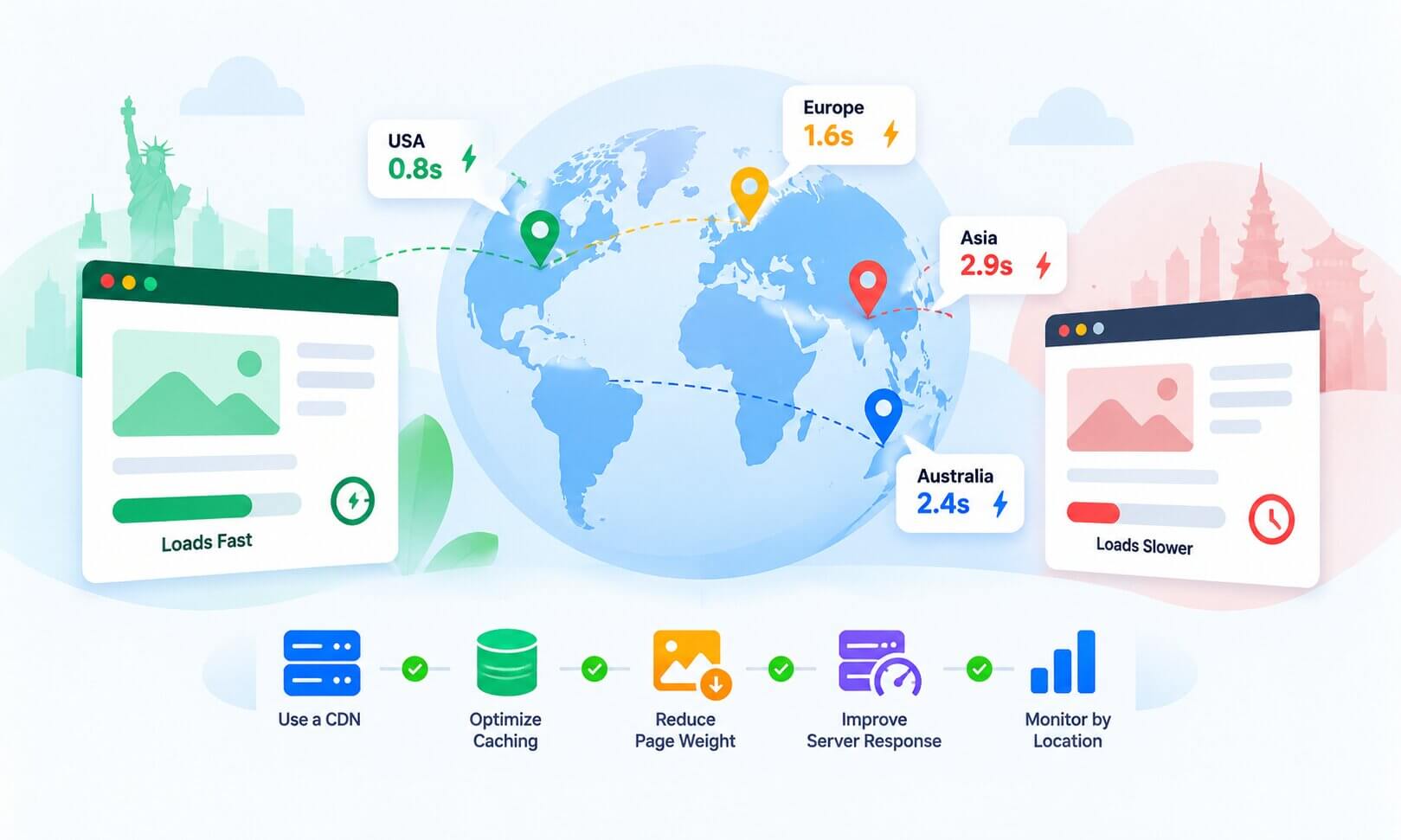
TL;DR: Website speed by country varies mainly because users are different distances from your server, networks route traffic differently, and cached content may not be equally available everywhere. To improve website speed globally, use a CDN, optimize caching, reduce page weight, improve server response time, and monitor real-user performance by location.
A website can load quickly for someone in the US and noticeably slower for someone in India, Australia, or Europe, even when they visit the exact same URL.
That doesn’t necessarily mean the website itself is broken. Website speed by country is influenced by geography, network routing, server location, caching, device conditions, and the amount of work required before a page can render.
If your audience is international, testing your site from only one location can therefore give you a misleading picture of real-world performance.
Why Does Website Speed Vary by Country: The Reasons & Fixes
Website speed varies by country mainly because of server distance, CDN coverage, network routing, caching, and local connection quality. Users farther from your origin server may experience higher latency, while CDN caching can reduce that distance for cacheable content.
| Why website speed varies by country | How to fix it |
|---|---|
| Server location | Use a CDN with edge locations close to your users and choose an origin location strategically. |
| CDN coverage | Expand CDN coverage and configure caching for static and cacheable content. |
| Network routing | Use a reliable CDN and hosting provider with strong global network routing. |
| Caching | Set appropriate browser and CDN cache policies and improve cache-hit rates. |
| Page weight | Compress images, reduce JavaScript, optimize fonts, and remove unnecessary third-party resources. |
| Real-user conditions | Test real-user performance by location and device , then prioritize the regions with the slowest experience. |
Improving global website speed is not just about making the site fast from one test location. You need to reduce latency, improve CDN and caching coverage, and optimize page weight for users in different regions.
Google’s Core Web Vitals are based on real-world user experiences, so geographic performance differences can matter when evaluating overall site performance.
What Does Website Speed by Country Actually Mean?
Website speed by country refers to how quickly visitors in different countries can access, load, and interact with your website. It is more than the time required to download HTML, it can include DNS lookup, connection setup, server processing, network latency, resource downloads, rendering, and user interactions.
For example, if your origin server is in the US, a visitor in New York may have a shorter network path than someone in India or Australia. Requests that travel farther, or need to make multiple round trips to the origin, can experience higher website latency by country.
However, physical distance is only part of the picture. CDN coverage, cache availability, network routing, server response time, and local connection conditions can also cause the same website to perform differently across regions.
This is why website loading speed by country should be evaluated using real-user and location-specific performance data rather than a single global speed score.
Why Websites Load Slower in Some Countries
A website can perform differently for visitors in different countries even when they are accessing the same page. The main reasons are related to server distance, CDN coverage, network conditions, caching, and the resources a page needs to load.
1. Distance from the origin server
When users are geographically far from the origin server, requests that need to reach that server generally have more network distance to travel. This can increase latency and delay the initial response, especially when the requested content is not available from a nearby cache.
How to Fix:
Use a CDN and position your origin infrastructure strategically for your main audiences.
2. CDN coverage varies by region
A CDN can improve website speed by location by serving cached content from edge servers closer to users. However, its effect depends on where the CDN has coverage, what content is cached, and whether the request results in a cache hit. If the requested content is not available at the edge, the CDN may still need to retrieve it from another cache layer or the origin server.
How to Fix:
Choose a CDN with strong coverage across the countries where your visitors are located.
3. Network routing affects latency
Internet traffic does not always follow the shortest geographical path. Routing between networks, ISPs, and data centers can add latency, meaning two users at similar distances from a server can experience different loading times.
How to Fix:
Use hosting and CDN providers with reliable global network infrastructure and routing.
4. Cache misses increase response time
When a requested resource is not available in the cache serving the visitor, the CDN may need to retrieve it from another cache layer or the origin server before delivering it. This can add latency, particularly when the content ultimately has to be fetched from an origin that is far from the visitor.
How to Fix:
Configure effective CDN and browser caching to improve cache-hit rates for static and cacheable resources.
5. Page weight has a bigger impact on slower connections
Large images, JavaScript files, fonts, and third-party resources take longer to transfer. The effect becomes more noticeable for visitors using slower or higher-latency networks.
How to Fix:
Compress images, reduce unnecessary JavaScript and CSS, optimize fonts, and limit non-essential third-party resources.
6. Local network and device conditions differ
Visitors in different countries may use different mobile networks, connection speeds, devices, and browsers. A page that feels fast on a high-speed desktop connection may take considerably longer on a slower mobile network.
How to Fix:
Optimize for mobile users and evaluate real-user performance across different countries and connection types.
7. Third-party services can add regional delays
External analytics, advertising platforms, embedded widgets, and other third-party resources add network requests and JavaScript that your page has to load or process. Their performance can also vary by region depending on how their infrastructure serves visitors, which can delay parts of the page from becoming fully usable.
How to Fix:
Remove unnecessary third-party scripts and defer non-critical resources where possible.
How to Measure Website Performance by Country
Before changing your infrastructure, identify whether the problem is actually geographic.
Start with real-user data where available. Google Search Console’s Core Web Vitals report uses field data from real-world usage, while PageSpeed Insights combines field data with Lighthouse diagnostics when data is available. For detailed country-level comparisons, use real-user monitoring or geographically distributed tests that let you compare the same page across different locations.
You can also compare performance from multiple test locations using tools such as GTmetrix or other geographically distributed testing systems.
For a broader diagnosis, compare:
| What to compare | What it can reveal |
|---|---|
| TTFB by location | Server, network, and request latency |
| LCP by country | Overall loading experience |
| Mobile vs desktop | Device/network differences |
| Cache hit vs miss | CDN effectiveness |
| Page weight | Transfer bottlenecks |
| Third-party requests | External latency |
Your website performance metrics should be evaluated together rather than relying on one speed score.
Best Practices to Improve Website Speed Globally
Once you understand where the regional differences are coming from, these broader practices can help maintain more consistent global website performance:
- Optimize Core Web Vitals: Monitor LCP, INP, and CLS to identify real user experience issues.
- Prioritize mobile performance: Test pages on mobile devices, where hardware and network limitations can have a greater impact.
- Optimize the critical rendering path: Prioritize above-the-fold content and delay non-essential resources.
- Reduce unnecessary JavaScript: Remove unused code and defer scripts that aren’t needed immediately.
- Optimize fonts: Limit font variations and use efficient loading strategies to reduce render delays.
- Monitor real-user performance: Compare website speed by country, device, and connection type to identify regions that need attention.
- Run regular performance audits: Lab tests can reveal technical problems, while real-user data shows how the site performs for visitors around the world.
Should You Move Your Server to Another Country?
Not necessarily.
Moving your origin closer to your largest audience can reduce latency for uncached requests, but it may create a new disadvantage for users elsewhere. For a genuinely global audience, a well-configured CDN is often a more scalable solution because it distributes cacheable content across multiple edge locations.
If most of your visitors are concentrated in one region, however, server location deserves closer attention, especially when your application generates dynamic responses that cannot be cached effectively.
The right question is not simply, “Where should my server be?” It is “Which requests need to reach my origin, and how quickly can they be served?”
Conclusion
Website speed by country is rarely caused by one factor. Geography, network routing, server location, CDN caching, page weight, backend processing, and real-user conditions all contribute to the final experience.
For international websites, the goal shouldn’t be to make one test location look perfect. Instead, measure performance across the countries that matter to your audience, identify where latency or loading problems originate, and then optimize the requests that have the greatest impact.
That approach produces more reliable global website speed because it focuses on how real users experience the site, not just how fast it looks from one location.
FAQs
Why is my website fast in one country but slow in another?
Does server location affect website speed?
Does a CDN make a website faster globally?
How can I test website speed by country?
Why is my website slow for international users but fast locally?
Can improving Core Web Vitals fix country-specific speed problems?
About the Author