






TL;DR: The Lighthouse Agentic Browsing audit tests whether AI agents can read and operate your site, using six audits covering WebMCP integration, agent-centric accessibility, layout stability, and llms.txt. It’s experimental, it doesn’t produce a 0–100 score, and the two checks worth acting on today are the ones you’ve probably been working on for years.
Open Chrome DevTools, run Lighthouse, and you may spot a category that wasn’t there a few months ago – Agentic Browsing. No green gauge. No familiar 0-100 number. Just a list of checks marked pass or fail.
It’s easy to read that as a new problem you need to solve this week. In most cases, it isn’t. But it does reflect a real shift in who visits your website.
For most of the web’s history, the automated visitors that mattered were search crawlers reading text and following links. AI agents behave differently, they click buttons, fill out forms, and complete checkouts on someone’s behalf. The Lighthouse Agentic Browsing audit asks whether an agent can finish a task on your page without getting stuck.
Here’s what each check measures, how to run the audit correctly, and the order to fix things in.
What Is the Lighthouse Agentic Browsing Audit?
The Agentic Browsing category is an experimental Lighthouse audit that evaluates how well your site is built for machine interaction. It was introduced in Lighthouse 13.3 in May 2026 and runs deterministic checks covering WebMCP, accessibility, layout stability, and llms.txt.
What this means is that it answers a different question from the rest of the report. Performance asks how fast your page loads. Accessibility asks whether assistive technology can parse it. Agentic Browsing asks whether software acting for a human can understand your page well enough to do something on it, and that matters more as agents start comparing products and starting purchases on their own.
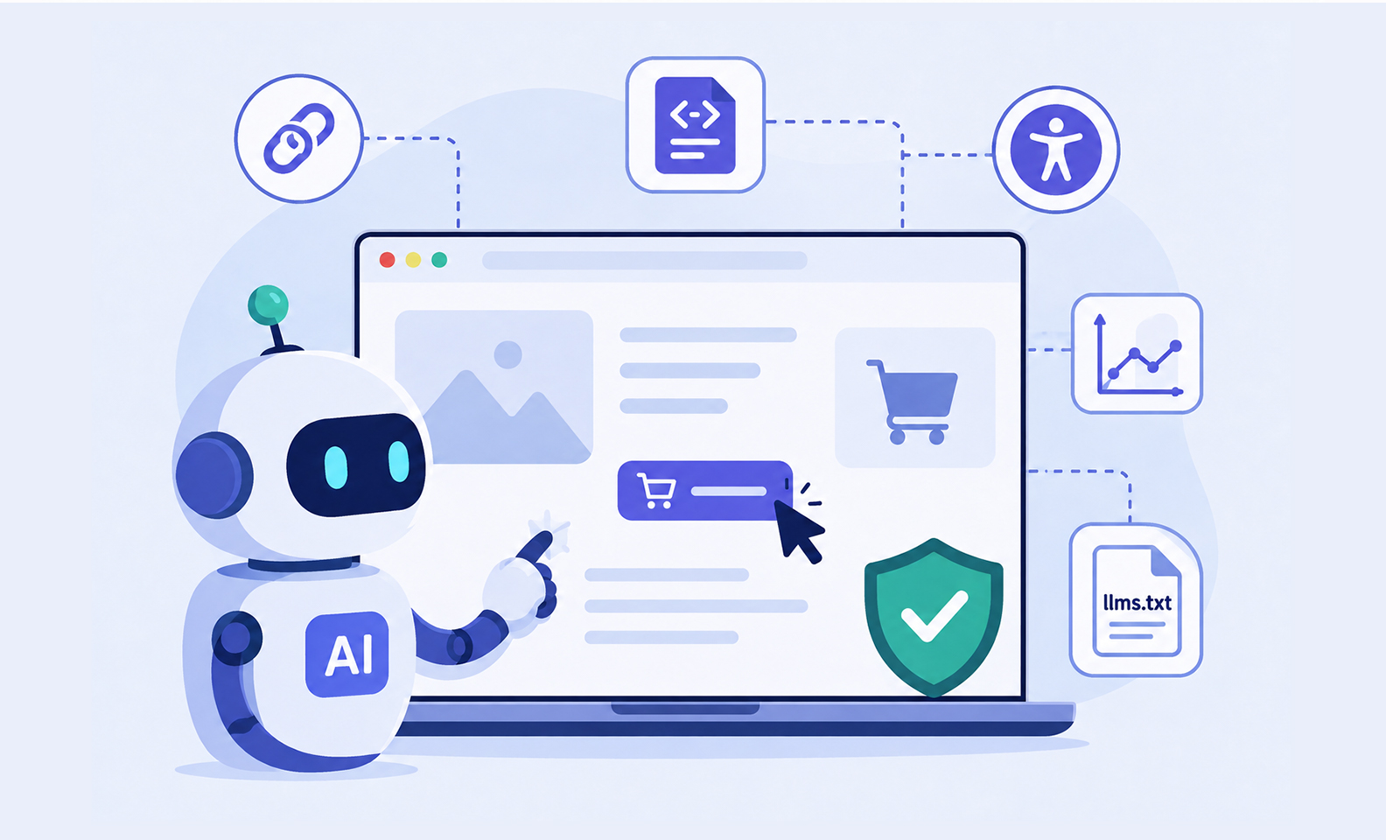
What the Lighthouse Agentic Browsing Audit Actually Checks
Most coverage describes this as four checks. It’s closer to four groups containing six individual audits.
1. WebMCP integration (three audits)
This is the largest group, and the one most sites have never touched. WebMCP is a proposed web standard that lets websites expose structured tools to AI agents, so an agent can use defined actions instead of having to work out what a button or form does from the page alone.
Lighthouse checks three things: whether WebMCP tools are registered, whether forms are missing declarative WebMCP definitions, and whether the schemas you’ve declared are valid. It monitors tool registration through the Chrome DevTools Protocol, verifying both declarative tools defined in HTML and imperative tools defined in JavaScript.
2. LLMs.txt
llms.txt is a proposed convention, similar in spirit to robots.txt, where you place a Markdown summary of your site at your root domain so AI models can understand your structure without crawling everything.
One detail is widely misreported: if the file returns a 404, Lighthouse’s llms.txt audit marks it Not Applicable, not failed. The file is optional, and Lighthouse only flags a problem if the server throws an error fetching it. If you do add one, follow the llms.txt specification.
3. Agent-centric accessibility
Agents rely on the accessibility tree as their primary data model, the same semantic map screen readers use. Lighthouse filters the subset of its accessibility checks that matter most for machine interaction.
The accessibility audits Lighthouse runs for agents cover names and labels (every interactive element has a programmatic name), tree integrity (roles and relationships are valid), and visibility (nothing is interactive while hidden from the tree). A button with no accessible name is invisible to a screen reader user and equally invisible to an agent.
4. Layout stability
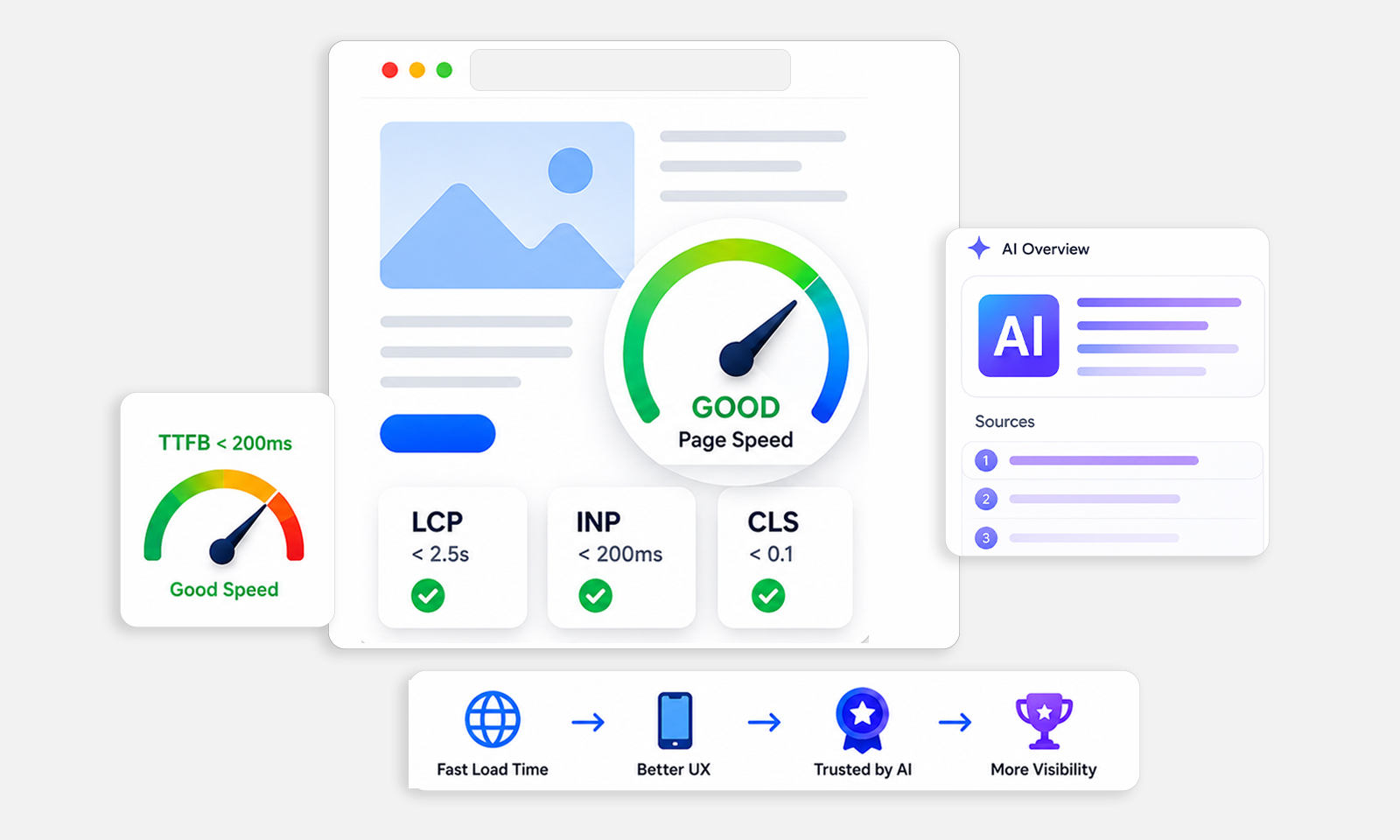
This is where the audit lands squarely in performance territory. Google’s documentation on layout stability for agents explains why Cumulative Layout Shift carries over here: agents often interact using screenshots or coordinates, so a shift after the agent locates a button can make it click the wrong thing.
For a human, a late-loading banner is annoying. For an agent completing a checkout, a layout shift can cause it to interact with the wrong element. The causes are familiar: images without set dimensions, content injected above the fold, and other changes that move elements after they have appeared. Reducing Cumulative Layout Shift can improve both visual stability and agent interaction reliability.
Why Is There No Score in the Agentic Browsing Report?
Because Google deliberately didn’t give it one. Unlike Performance or SEO, Google’s agentic browsing scoring documentation confirms the category has no weighted 0-100 average. Instead, you get a fractional pass ratio, pass/fail status per audit, and informational counts.
The standards are still emerging, so the goal is to gather data rather than rank sites, a real contrast with how Lighthouse scores the Performance category, where weighted metrics produce a single trackable number.
Expect some fluctuation between runs. The timing of JavaScript-registered WebMCP tools, DOM changes affecting the accessibility tree, and layout shifts can all move your results. The audits themselves are deterministic, so they’re safe to wire into a CI/CD pipeline.
How to Run the Lighthouse Agentic Browsing Audit
Setup is simple, but a lot of instructions circulating now are out of date, including guidance to enable a Chrome flag on older versions. Per Google’s current documentation:
- Use Chrome 150 or later. The category is experimental and requires this version.
- Register for the WebMCP origin trial if you want the WebMCP audits to run at all.
- Open DevTools, go to the Lighthouse tab, check Agentic Browsing, and analyze the page load.
- Review the pass/fail results rather than looking for a score.
Run it against your most interaction-heavy pages first: checkout, contact forms, booking flows, and account dashboards. A blog post gives an agent little to operate. A cart does.
What Should You Fix First?
Start with layout stability, then the accessibility tree. Both affect whether the agentic web develops the way Google expects. WebMCP and llms.txt are worth monitoring, not prioritizing.
Start with CLS
This is the highest-leverage item on the list, because it’s the only check that improves conversions, Core Web Vitals optimization work you’re likely already doing, and agent reliability at once. Google’s Cumulative Layout Shift documentation covers diagnostics; the fixes are usually explicit image dimensions, reserved space for embeds, and avoiding content that pushes existing elements around after the page starts rendering.
Then clean up the accessibility tree
Label your interactive elements, use semantic HTML instead of clickable divs, and make sure nothing is operable while hidden. This is ordinary accessibility practice, and it now has a second payoff.
Monitor WebMCP, don’t rush llms.txt
WebMCP is still in active development, so anything you build today may need revision. If your site has important interactive workflows, however, WebMCP is worth evaluating rather than ignoring. And since a missing llms.txt registers as Not Applicable, adding one won’t change your pass ratio. Google’s guidance on optimizing for AI features still centers on technical SEO fundamentals rather than a new file at your root.
Worth noting: Google hasn’t described Agentic Browsing as a ranking signal. Treat it as a diagnostic, not a scorecard.
Final Thoughts
The Lighthouse Agentic Browsing audit is less of a new to-do list than it looks. Two of its four groups measure work the performance and accessibility communities have done for years, and those are the two worth prioritizing.
Layout stability is the fastest win, since it helps visitors, conversion rates, and agents at once. A missing llms.txt isn’t a failure, so don’t spend a sprint on it. And when you run the audit, point it at your transactional pages rather than your homepage, where checkout flows and forms give an agent something to do.
Agentic readiness isn’t a separate discipline. It’s the same structural and performance work that already decides whether visitors convert, measured from a second angle.
If layout shifts are hurting your pass ratio, start with a free speed audit and check your CLS and Core Web Vitals scores before you change anything else.
FAQ
Q1: What is the Lighthouse Agentic Browsing audit?
Q2: Do I need an llms.txt file to pass the audit?
Q3: Is agentic browsing a Google ranking factor?
Q4: Why doesn't the Agentic Browsing report show a score?
Q5: Which pages should I test first?
About the Author