






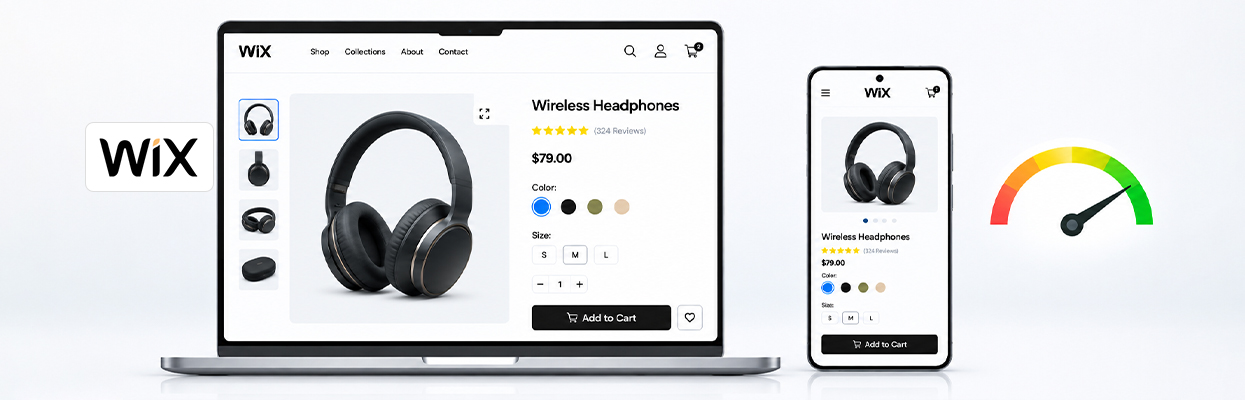
TL;DR: Speed up Wix product pages by optimizing image delivery, prioritizing visible content, managing third-party scripts, and improving JavaScript execution. Monitor Core Web Vitals while preserving product galleries, reviews, variants, and essential shopping features.
Slow Wix product pages can make it harder for shoppers to explore products, compare options, and complete purchases. However, removing product galleries, reviews, or interactive features just to improve loading speed can hurt the shopping experience.
A better approach is to optimize how these elements load and function. You can improve Wix product page loading speed by optimizing images, prioritizing important content, managing third-party scripts, and reducing unnecessary JavaScript execution without redesigning your store.
What Are the Best Ways to Improve Wix Product Page Speed
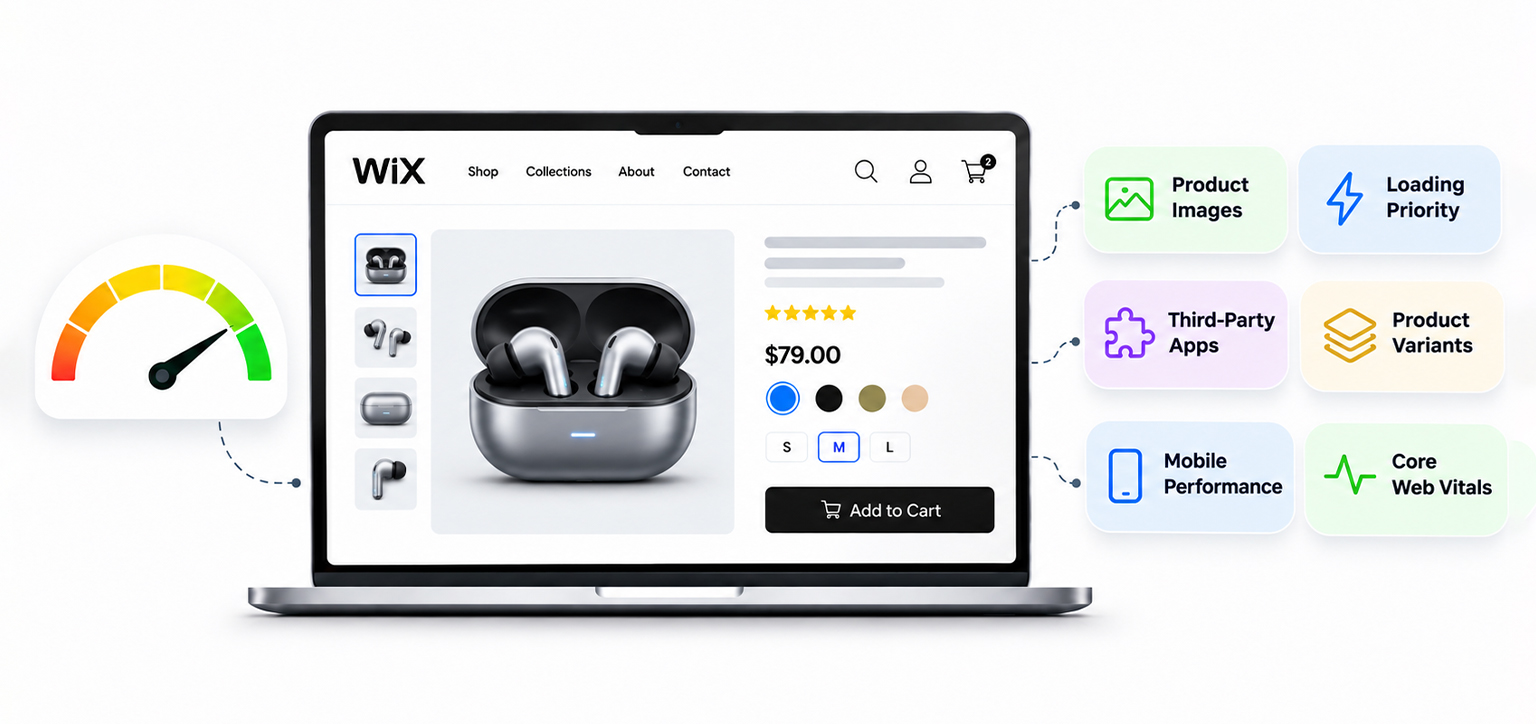
Wix product pages load faster when you reduce unnecessary scripts, prioritize visible product content, improve mobile loading, and review apps that add extra requests. The goal is to improve performance without removing useful features or making the shopping experience harder for customers.
| Optimization | What to improve |
|---|---|
| Product images | Use appropriately sized images and efficient formats. |
| Loading priority | Load the main product image and essential information first. |
| Third-party apps | Review scripts from review widgets, chat tools, and marketing apps. |
| Product variants | Improve the responsiveness of variant selectors and image changes. |
| Mobile performance | Prioritize visible content and interactive shopping elements. |
| Core Web Vitals | Improve LCP, INP, and CLS without compromising functionality. |
Why Are My Wix Product Pages Loading Slowly?
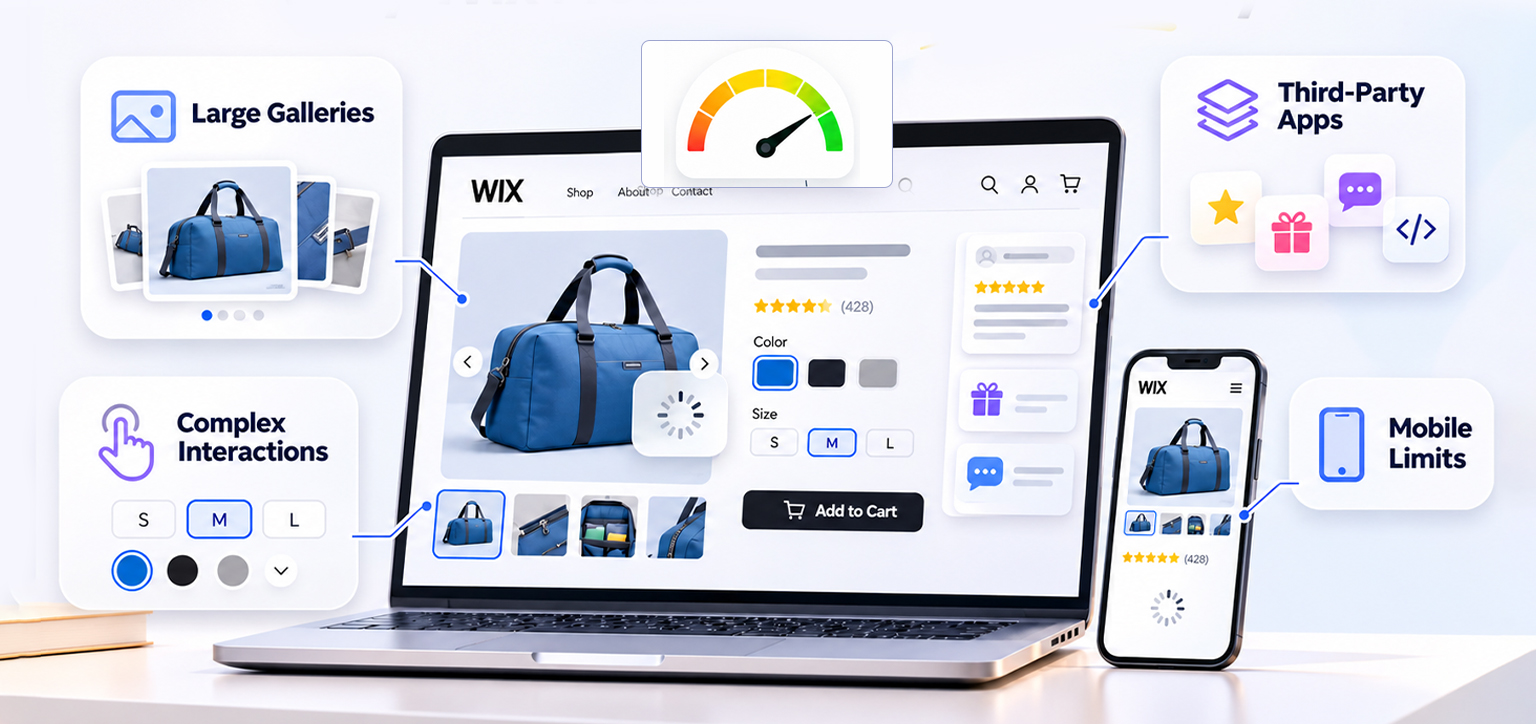
Wix product pages can load slowly because of large image galleries, third-party apps, complex product interactions, and scripts that delay rendering or user interactions.
Unlike informational pages, product pages contain several interactive elements that need to work together, including product images, variant selectors, pricing, customer reviews, recommendation widgets, and add-to-cart functionality.
Some common causes include:
- Large product galleries: High-resolution images and multiple gallery items can increase loading work.
- Third-party integrations: Review widgets, chat tools, and marketing apps can introduce additional scripts and network requests.
- Complex product interactions: Variant selection, image zoom, and dynamic pricing may require additional JavaScript.
- Mobile performance limitations: Image-heavy and script-heavy pages can feel slower on mobile devices.
Wix already provides automatic image optimization, lazy loading, and CDN delivery. However, these features cannot eliminate every performance issue, particularly those caused by external apps and custom integrations.
The first step is identifying which elements actually delay loading instead of assuming that every feature needs to be removed.
How to Speed Up Wix Product Pages Without Affecting User Experience
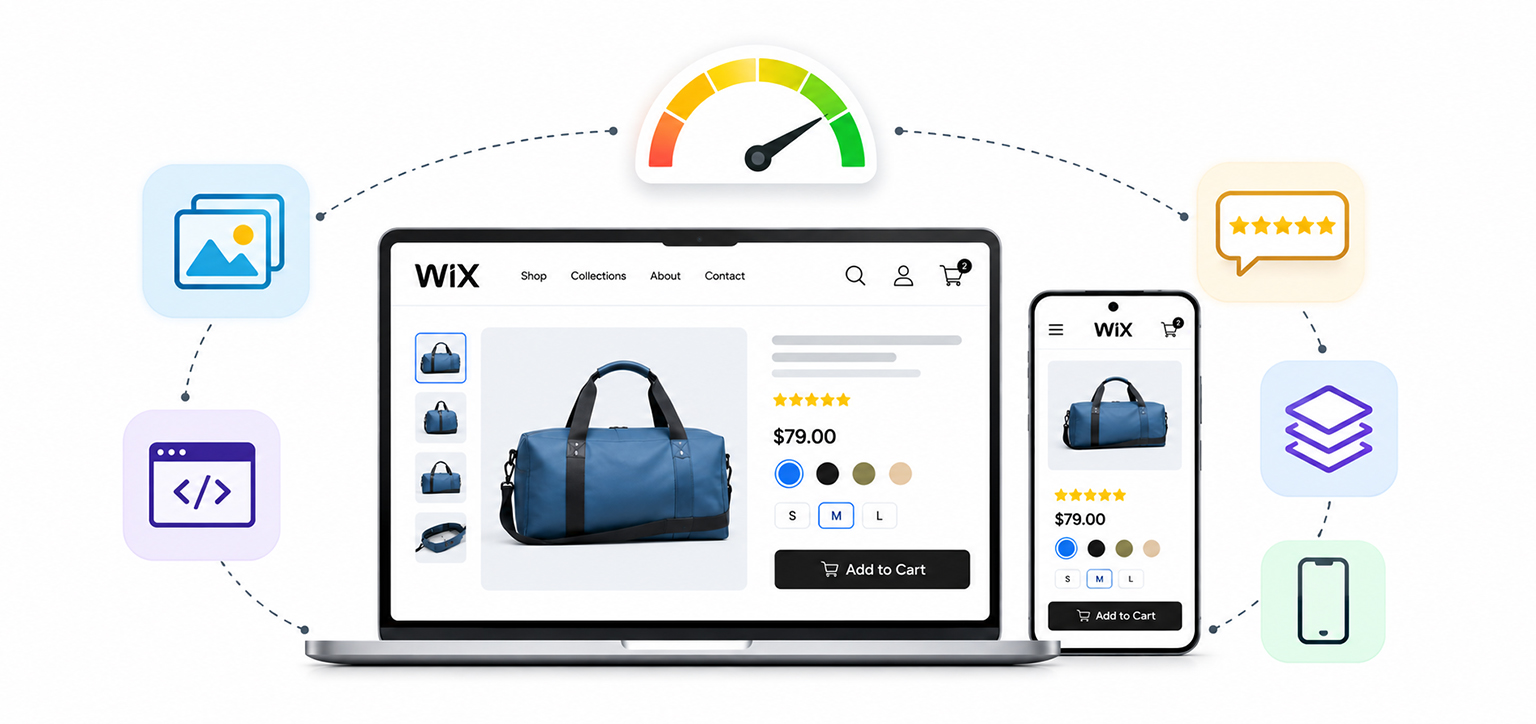
You can improve Wix product page speed without removing essential shopping features by optimizing how images, scripts, and interactive elements load. The following techniques address common performance issues while preserving the existing product page design and functionality.
1. Optimize Product Images Without Reducing Visual Quality
Product images help customers understand product appearance, colors, and details. The goal is to reduce unnecessary loading overhead without compromising image quality.
Start by checking whether uploaded images are unnecessarily large for their actual display dimensions. A small product thumbnail, for example, does not need to load an extremely high-resolution original.
Wix automatically resizes and optimizes supported images, so manual compression is not always necessary. Instead, focus on appropriate dimensions and loading behavior.
Consider these improvements:
- Use appropriately sized product images.
- Preserve sufficient resolution for image zoom and detailed viewing.
- Prioritize the main product image visible above the fold.
- Allow secondary gallery images to load when needed.
- Avoid duplicate images that provide no additional information.
The main product image should not be unnecessarily delayed by lazy loading. Secondary images can load as visitors scroll or interact with the gallery.
2. Prioritize Important Product Page Content
The main product image, product name, price, availability, and add-to-cart button should become available as quickly as possible.
If promotional banners, animations, or non-essential widgets delay these elements, visitors may see an incomplete product page even when the remaining content eventually loads.
Prioritize the content customers see immediately after opening a product page. Investigate whether non-critical scripts, animations, or widgets can load later without affecting essential functionality.
Pay particular attention to Largest Contentful Paint (LCP), which measures how quickly the largest visible content element appears. On many product pages, this is the main product image.
Avoid lazy loading the primary above-the-fold image. Instead, investigate its loading priority, dimensions, and resource delivery.
3. Review Third-Party Apps and Product Review Widgets
Third-party integrations provide useful shopping features, but they can introduce additional scripts, stylesheets, and network requests.
Do Wix product reviews slow down product pages?
They can, depending on how the review app loads its scripts and customer-generated content. However, having product reviews does not automatically make a Wix product page slow.
Instead of removing reviews, investigate whether the full review list can load later while essential rating information remains accessible near the product details.
Also review chat widgets, wishlist tools, analytics, promotional popups, and recommendation apps. Check whether they load unnecessary scripts across every page or can be restricted to pages where they are actually needed.
4. Improve Product Variant Loading and Interactions
Product variants allow customers to select options such as size, color, and material. These features are essential to shopping, so removing them is rarely a sensible optimization.
How do Wix product variants affect page speed?
Product variants do not automatically make a page slow. However, changing a variant may trigger image updates, pricing changes, availability checks, and JavaScript execution.
For example, a clothing store with several color and size combinations may need to update product images and availability whenever a customer makes a selection.
Check whether variant selection responds promptly, associated images are appropriately sized, and product information updates without unexpected layout shifts.
Test these interactions on mobile as well as desktop. A page that loads quickly but takes several seconds to respond to a size selection still has a performance problem.
5. Reduce Unnecessary JavaScript and Rendering Delays
JavaScript controls many Wix product page features, including image galleries, variant selectors, cart interactions, and third-party widgets. Problems occur when unnecessary scripts delay rendering or make the page less responsive.
Review scripts added through third-party apps and custom integrations. Identify whether non-essential scripts are loading on product pages and whether their loading behavior can be improved.
Render-blocking CSS and JavaScript can also delay the browser from displaying important content. Investigate which resources are blocking rendering and whether they can be deferred or loaded asynchronously where appropriate.
Tools like Website Speedy can automate certain technical improvements, including resource-loading optimization, render-blocking resource handling, preloading, prefetching, and asynchronous script handling. These improvements can help address technical loading delays without requiring you to remove essential product content or redesign the store.
However, specific problems caused by individual third-party app scripts may still require separate investigation.
6. Improve Mobile Product Page Loading Speed
Mobile product pages need particular attention because shoppers often browse images, compare options, and add products to their carts using smaller screens and less powerful devices.
How can I improve Wix product page loading on mobile?
Start by testing individual product URLs on mobile devices or using a mobile performance test.
Prioritize the main product image, product title, price, variant selectors, and add-to-cart button. Check whether image galleries and interactive controls respond without unnecessary delays.
Also review third-party scripts and prevent product information from shifting unexpectedly as images and widgets load. If your Wix store remains slow on mobile despite using a lightweight theme, the problem may involve apps, scripts, or resource loading rather than the design itself.
How to Improve Core Web Vitals on Wix Product Pages
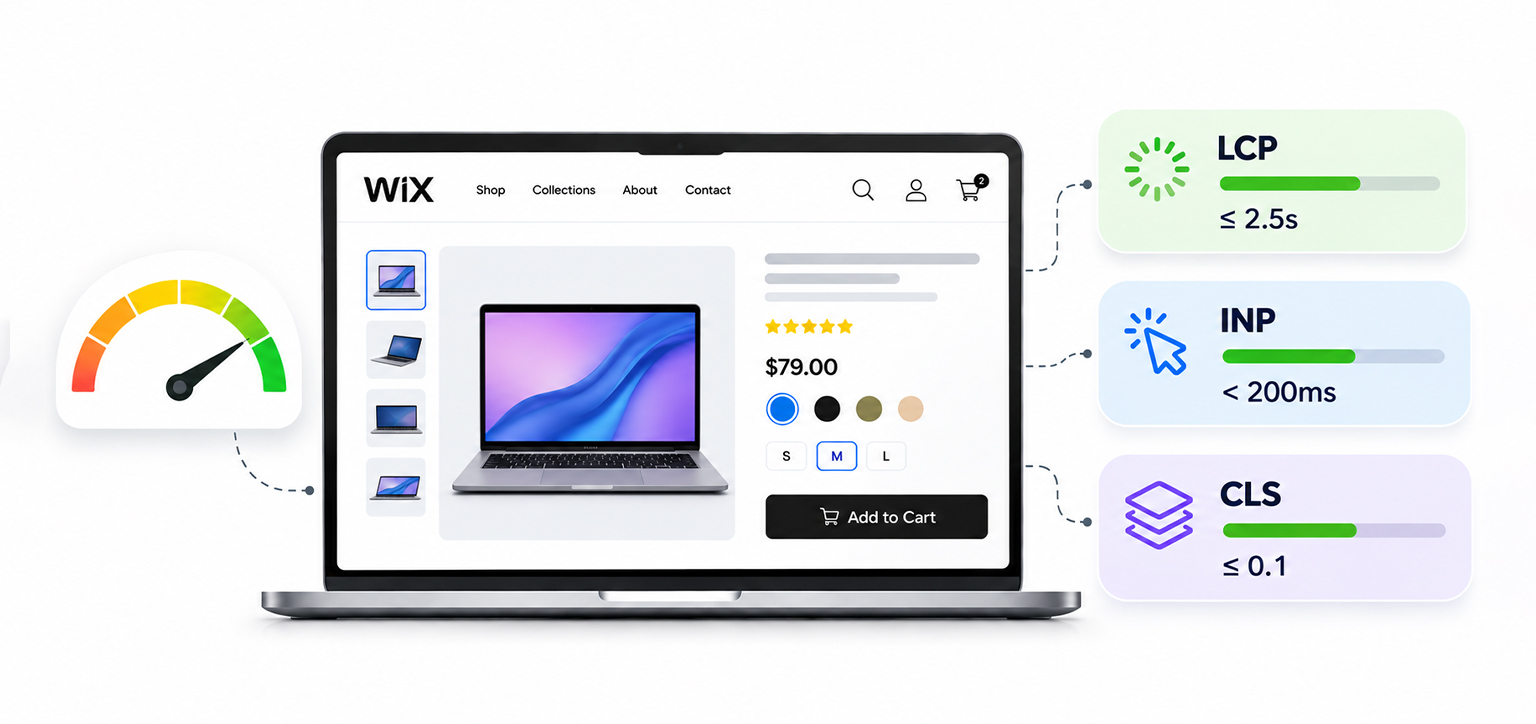
Core Web Vitals help evaluate whether product pages provide a good loading, interaction, and visual stability experience.
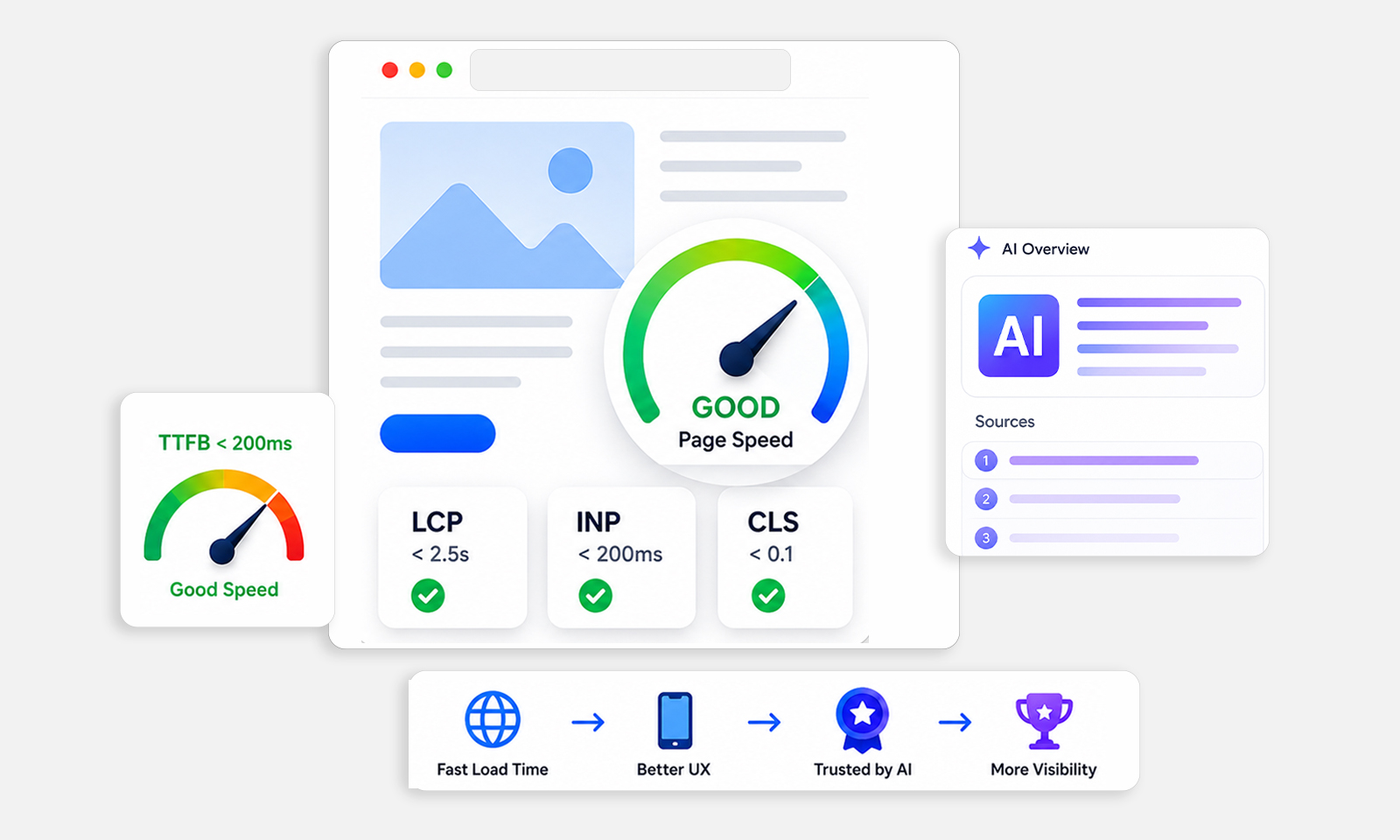
Google identifies three Core Web Vitals:
| Metric | What it measures | Good score |
|---|---|---|
| LCP | Loading performance | 2.5 seconds or less |
| INP | Interaction responsiveness | Less than 200 milliseconds |
| CLS | Visual stability | 0.1 or less |
Improve Largest Contentful Paint (LCP)
If the main product image takes too long to appear, investigate its loading priority, dimensions, and resource delivery. Avoid lazy loading the primary image when it is immediately visible.
Improve Interaction to Next Paint (INP)
If selecting a product variant or interacting with the cart causes delays, investigate JavaScript execution and third-party scripts. Check whether unnecessary processing is affecting customer interactions.
Reduce Cumulative Layout Shift (CLS)
If product images, prices, or add-to-cart buttons move unexpectedly, check whether sufficient space is reserved for images and dynamic widgets. Stable layouts help customers interact with product pages without accidentally selecting the wrong element.
Do not focus exclusively on achieving a perfect PageSpeed Insights score. A product page must also remain functional and easy to use.
How to Test Wix Product Page Speed After Optimization
The most reliable way to evaluate Wix product page speed optimization is to compare the same product URLs before and after making changes.
Product pages may contain different images, variants, reviews, and integrations, so their performance can vary significantly.
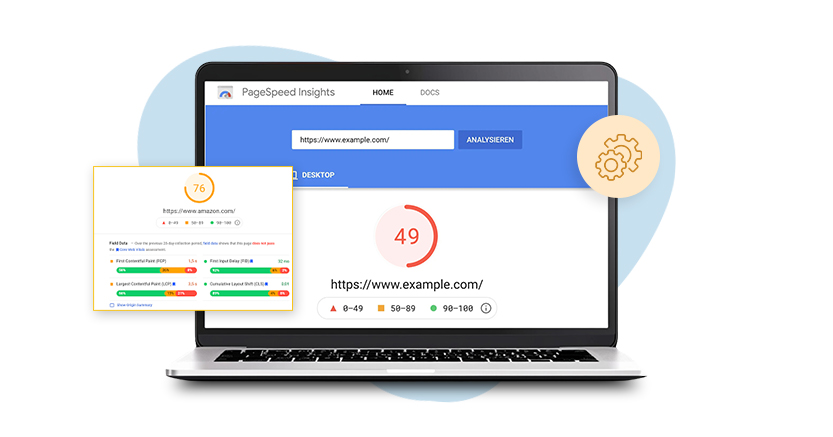
Use Google PageSpeed Insights
Enter individual product URLs to check mobile and desktop performance, Core Web Vitals, and optimization opportunities.
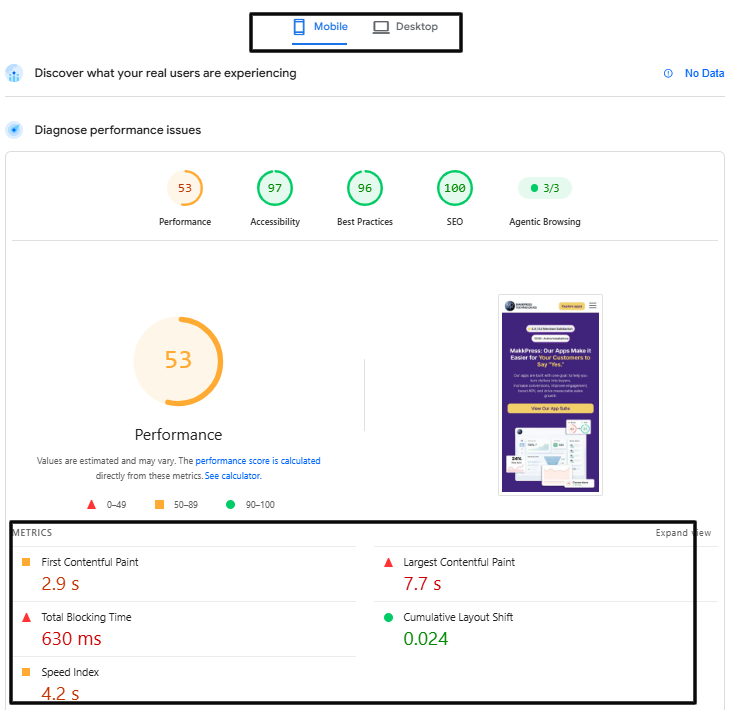
Review the diagnostics to identify which resources are contributing to loading delays.
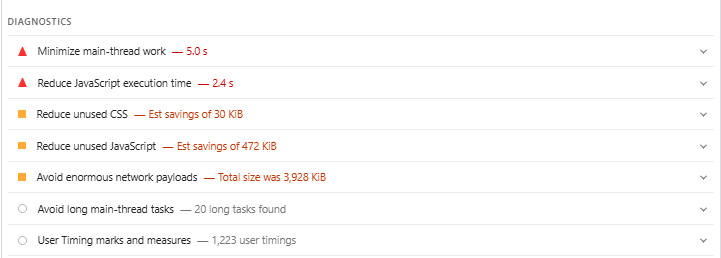
Check Performance Using Wix and Chrome DevTools
Use the Wix Site Speed Dashboard to review real visitor performance data, Core Web Vitals, and Google PageSpeed simulation results. The dashboard also provides performance insights for desktop and mobile. Note that real visitor data is available when your site receives at least 10 sessions within the previous seven days. Chrome DevTools provides additional diagnostic options through its Network and Performance panels, helping identify slow resources, JavaScript execution issues, and rendering delays.
Compare Product Page Performance Before and After Optimization
Follow a consistent testing process:
- Select two or three representative product pages.
- Record their mobile and desktop performance.
- Identify the biggest contributors to loading delays.
- Apply targeted optimizations without removing essential shopping features.
- Retest the same URLs under comparable conditions.
- Check product selection, galleries, reviews, and add-to-cart functionality.
Remember that PageSpeed Insights provides lab measurements and field data when available. Lab tests help diagnose problems, while field data reflects real visitor experiences over time.
A Wix App Market reviewer reported improvements in Core Web Vitals on some pages after activating Website Speedy. The reviewer also mentioned trying the app through its 15-day trial. This is an individual experience, not a guarantee that every product page or Core Web Vitals metric will improve.
Conclusion
Speeding up Wix product pages is not about removing everything that makes an online store useful. It is about identifying unnecessary loading delays and improving how essential resources are delivered.
By optimizing image delivery, managing third-party scripts, improving product interactions, and monitoring Core Web Vitals, you can improve Wix ecommerce page speed while preserving the features customers depend on.
A faster product page should not just look complete sooner. It should also let customers explore products, select variants, and interact with shopping features without unnecessary delays.
Frequently Asked Questions
1. Why are my Wix product pages loading slowly?
Wix product pages can load slowly because of large product galleries, third-party review widgets, external scripts, complex product variants, and interactive elements. Testing individual product URLs helps identify the actual cause.
2. How do I optimize Wix product page images?
Use appropriately sized product images, preserve sufficient resolution for zoom functionality, and avoid unnecessarily large media files. Wix automatically resizes and optimizes supported images. Prioritize the main product image and allow secondary images to load when needed.
3. Do Wix product reviews slow down product pages?
They can. Some review apps load external JavaScript, stylesheets, and customer-generated content, increasing loading work. However, reviews do not automatically make a product page slow. Review how the widget loads before considering its removal.
4. How do Wix product variants affect page speed?
Product variants can require additional JavaScript to update images, prices, and availability. Inefficient scripts and delayed updates can affect responsiveness, so test variant selection on both desktop and mobile.
5. How can I improve Wix product page loading on mobile?
Prioritize the main product image and essential product information, use appropriately sized images, review third-party scripts, and check the responsiveness of variant selectors and add-to-cart buttons.
6. How do I improve Core Web Vitals on Wix product pages?
Improve LCP by prioritizing the main product image, INP by reducing unnecessary JavaScript work, and CLS by preventing unexpected layout shifts. Use Google PageSpeed Insights to diagnose individual product URLs and Search Console to monitor real-world Core Web Vitals data.
About the Author