






TL;DR: BigCommerce product page speed optimization involves compressing product images, reducing unnecessary JavaScript, optimizing third-party apps, eliminating render-blocking resources, and improving mobile performance. Monitor Core Web Vitals to identify issues and keep product pages fast, responsive, and easy to use.
BigCommerce product pages contain several elements, including product images, variant selectors, reviews, recommendations, and add-to-cart buttons. Although these features improve the shopping experience, they can also affect how quickly a page loads.
Large images, unnecessary JavaScript, third-party applications, and render-blocking resources are common reasons behind slow product pages.
BigCommerce product page speed optimization involves identifying these performance issues and improving how browsers load and process product page resources. The goal is to display important product information quickly while keeping shopping features responsive.
This guide explains what affects BigCommerce product page speed and how to improve it without compromising the shopping experience.
Checklist to Improve BigCommerce Product Page Speed
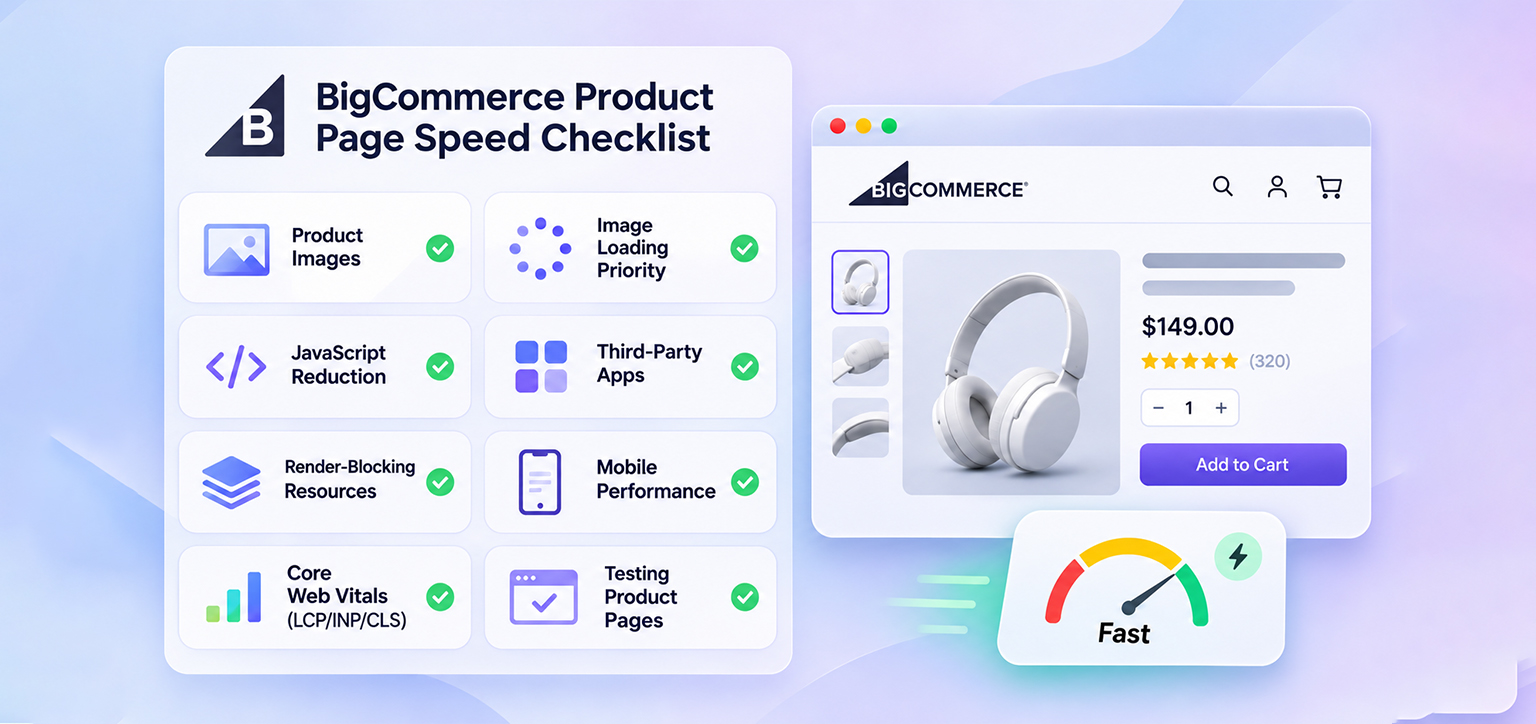
You can speed up BigCommerce product pages by focusing on the resources and features that affect their initial loading and interaction.
- Optimize product images: Resize and compress product photos while maintaining sufficient visual quality.
- Improve image loading: Prioritize the main product image and lazy-load secondary images below the fold.
- Reduce JavaScript: Remove unnecessary scripts and minimize the execution of nonessential code.
- Review third-party apps: Audit review widgets, chat tools, tracking scripts, and recommendation integrations.
- Eliminate render-blocking resources: Optimize CSS and JavaScript that delay the initial page display.
- Improve mobile performance: Test product galleries, variant selectors, and purchasing elements on mobile devices.
- Monitor Core Web Vitals: Track LCP, INP, and CLS to understand loading, responsiveness, and visual stability.
- Test individual product pages: Compare performance before and after making changes.
Why Are My BigCommerce Product Pages Loading Slowly?
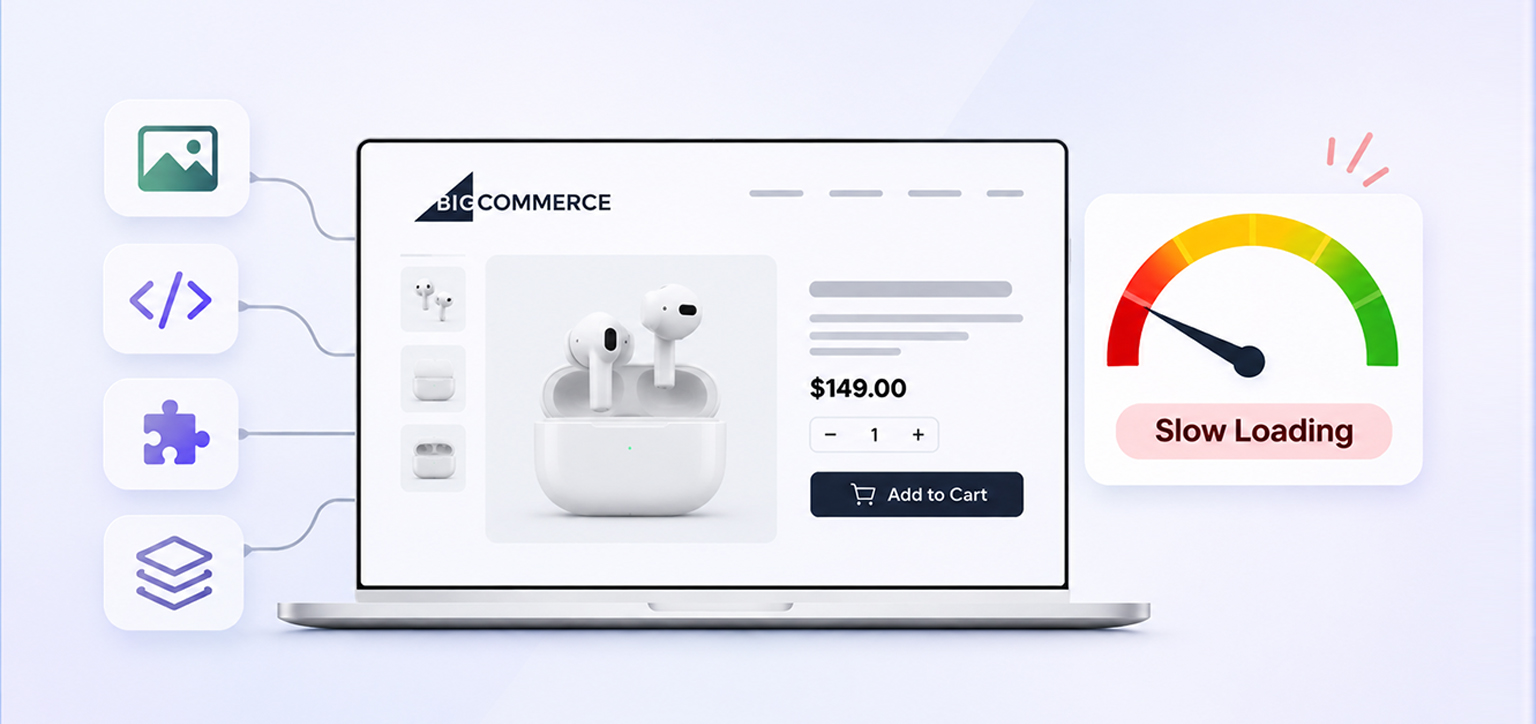
BigCommerce product pages often load slowly because they contain more resources and interactive elements than simpler website pages. Large product galleries, variant selectors, review widgets, and third-party scripts can increase browser processing time.
Here are some common reasons behind BigCommerce slow product pages.
1. Large Product Images and Galleries
High-resolution product images are important for ecommerce, but unnecessarily large files increase download time.
For example, a product image displayed at 600 × 600 pixels may still load a much larger original file. Product galleries can also increase initial loading time when multiple images download immediately.
2. Too Many JavaScript Files
JavaScript powers product galleries, variant selection, pricing updates, reviews, and other interactive features.
However, unnecessary scripts can increase browser processing time and delay page interactions.
3. Third-Party Apps and Widgets
Review systems, live chat, analytics, recommendation widgets, and marketing tools can introduce additional network requests and scripts.
BigCommerce stores should regularly review these integrations to identify applications that are no longer needed or load resources unnecessarily.
4. Render-Blocking CSS and JavaScript
Some CSS and JavaScript resources delay the browser from displaying important page content. This can affect how quickly shoppers see the main product image, title, and price.
How Does Product Page Speed Affect BigCommerce Store Conversions?
Product page speed affects how quickly shoppers can view product information, interact with product options, and proceed toward purchasing.
When a product page takes too long to display its main content, shoppers may leave before evaluating the product. If variant selectors, image galleries, or add-to-cart buttons respond slowly, the buying process can become frustrating.
Consider a shopper browsing a clothing store on a mobile device. They open a product page, wait for the main image, select a size, and try to add the item to their cart. If each interaction introduces additional delays, the shopping experience becomes less convenient.
Faster product pages can help reduce these usability barriers, although speed improvements alone do not guarantee higher conversions. Pricing, product quality, shipping costs, trust, and the overall buying experience also influence purchase decisions.
BigCommerce’s guide to site speed discusses the relationship between storefront performance, customer experience, and ecommerce outcomes.
How to Speed Up BigCommerce Product Pages: 9 Practical Optimization Techniques
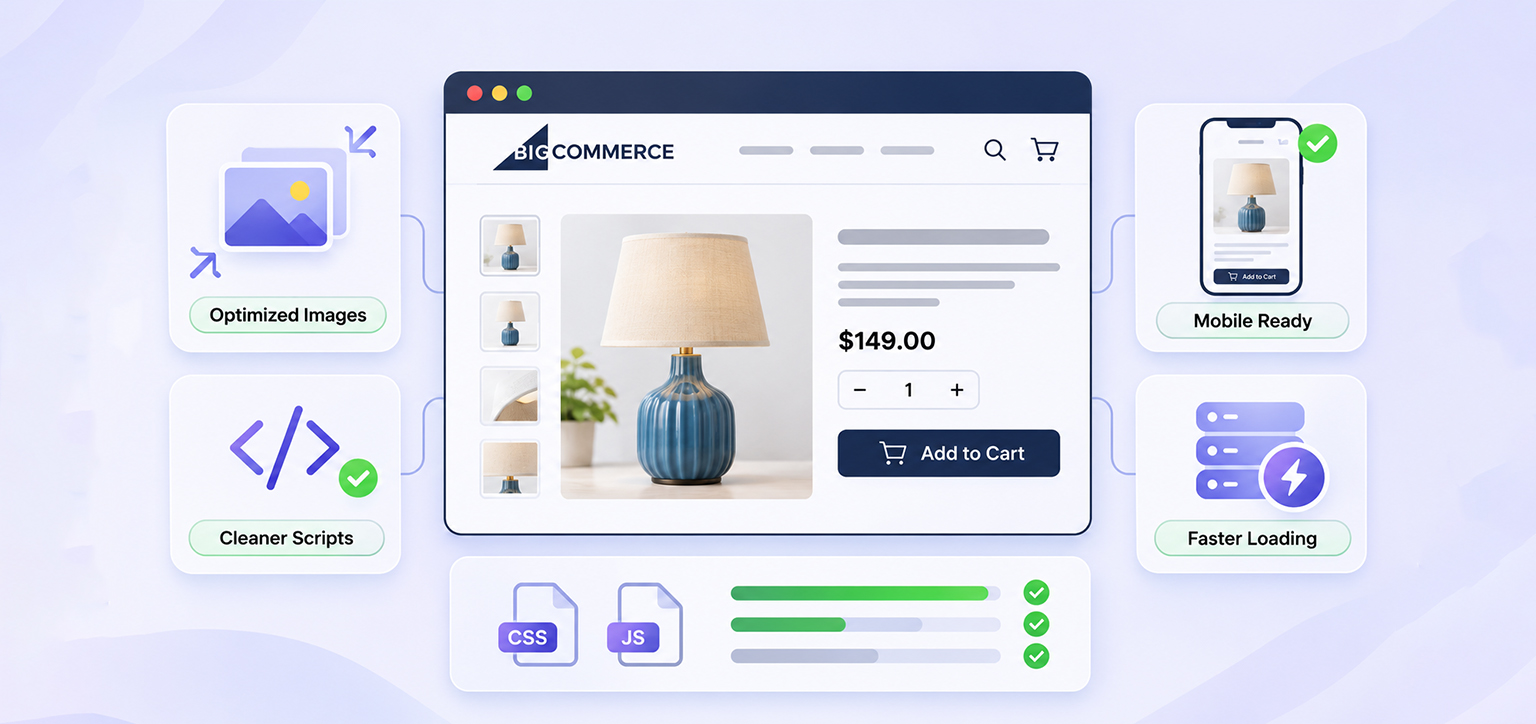
Improving BigCommerce product page speed requires more than reducing file sizes. You need to prioritize the resources shoppers see first, reduce unnecessary browser work, and make interactive elements responsive.
The following practices address common product page performance issues without requiring you to remove useful shopping features.
1. Optimize Product Images Without Compromising Quality
Product images often account for a significant portion of the data transferred when an ecommerce page loads. Optimizing them can reduce download time and improve the loading experience.
Start by checking the dimensions and file sizes of your product images. If an image is displayed in a relatively small gallery area, there is little benefit in loading an unnecessarily large original file.
Resize images according to their actual display requirements and use efficient formats such as WebP where supported by your storefront and image delivery setup.
Tools such as Image Optimizer Pro can also help compress product images in bulk while maintaining visual quality, reducing the amount of data browsers need to download.
For product image optimization, focus on three things:
- Image dimensions: Match image dimensions to the display area.
- File size: Compress images while retaining the detail shoppers need.
- Image format: Use efficient web formats where compatible.
BigCommerce provides image delivery and optimization capabilities through its storefront infrastructure. Its Stencil performance documentation also recommends using appropriately sized, low-byte-size images.
2. Prioritize the Main Product Image and Lazy-Load Other Images
Not every image on a product page needs to load immediately.
The primary product image is usually one of the first things shoppers look at. Delaying this image can negatively affect Largest Contentful Paint (LCP), particularly when it becomes the largest visible element in the initial viewport.
Prioritize loading the main product image, while allowing secondary gallery images, lower-page product visuals, and other offscreen media to load when needed.
For example, a product page with six gallery images does not necessarily need to download all six before displaying the first image.
Lazy loading can help reduce unnecessary initial downloads, but applying it to the main above-the-fold product image may make the page slower. Use it selectively for content that is initially outside the viewport.
This approach balances image availability with loading performance.
3. Reduce Unnecessary JavaScript Execution
JavaScript affects both how quickly a product page becomes usable and how smoothly shoppers can interact with it.
A product page may load scripts for image zoom, variant selection, reviews, analytics, promotional banners, and recommendation features. Some scripts are necessary, while others may not contribute enough value to justify their performance cost.
Start by identifying scripts that execute during the initial page load. Check whether they are essential for displaying the product or completing an immediate interaction.
Nonessential scripts can sometimes be deferred or loaded asynchronously, depending on their dependencies and functionality.
For example, an analytics script may not need to execute before the product title, price, and primary image become visible.
However, do not apply async or defer indiscriminately. Scripts that depend on a specific execution order or support essential product functionality must be handled carefully.
4. Audit Third-Party Apps and Remove Unnecessary Scripts
Third-party applications can add useful functionality to BigCommerce stores, but each integration can introduce additional requests, scripts, and processing requirements.
Review the applications and scripts connected to your product pages. Pay particular attention to:
- Customer review and rating widgets.
- Live chat and customer support tools.
- Product recommendation applications.
- Marketing and advertising tracking scripts.
- Popups and promotional applications.
- Personalization and analytics tools.
Check whether each application is still necessary and whether it loads resources across every page unnecessarily. For example, a product recommendation widget may be useful on product pages but unnecessary on pages where it does not appear.
Similarly, a review application may need to load its essential functionality only when the review section becomes relevant.
Uninstalling an application does not always guarantee that every script or piece of custom code it added has disappeared. Check the storefront after removing an app, particularly if its scripts were added through the theme or Script Manager.
5. Eliminate Render-Blocking CSS and JavaScript
Render-blocking resources can delay the browser from displaying the content shoppers need to see first.
For example, a product page might load several stylesheets and scripts before displaying its main image, product title, and price. Some of these resources may be necessary, but others may not be required for the initial view.
Start by identifying render-blocking resources through PageSpeed Insights or Lighthouse.
Then review whether you can:
- Inline small amounts of critical CSS where appropriate.
- Defer nonessential JavaScript.
- Load noncritical stylesheets without delaying the initial rendering.
- Remove unused CSS and JavaScript.
- Reduce unnecessary dependencies between scripts.
The objective is not to eliminate all CSS or JavaScript. Product pages need styling and interactive functionality. Instead, prioritize the resources required to display the main product information.
6. Improve Product Variant and Selection Functionality
Product variants are important for stores selling items with different sizes, colors, materials, or configurations. However, poorly implemented variant functionality can increase JavaScript execution and delay interactions.
For example, selecting a different product color might trigger multiple operations, including changing the main image, updating availability, modifying the price, and refreshing other product information.
If these operations require excessive JavaScript or unnecessary network requests, shoppers may experience delays when selecting product options.
Review how variant selectors behave on both desktop and mobile. Keep the implementation focused on essential updates and avoid unnecessary scripts or repeated requests.
For larger catalogs, also check whether product option configurations introduce unnecessary complexity into the product page template.
7. Improve Mobile Product Page Performance
BigCommerce mobile page speed deserves separate attention because a product page that performs well on desktop may still feel slow on a smartphone.
Mobile devices often operate under different network and processing conditions. Large product images, complex galleries, animations, and JavaScript-heavy widgets can become more noticeable in these environments.
Why do BigCommerce product pages load slower on mobile?
Common reasons include oversized images, excessive scripts, large page elements, and interactive features that require significant browser processing.
To improve mobile performance, check the following:
- Ensure product images fit mobile display dimensions.
- Avoid loading unnecessary gallery images immediately.
- Keep variant selectors and add-to-cart controls responsive.
- Reduce large animations and unnecessary visual effects.
- Check whether popups and review widgets interfere with the initial view.
- Test the page using mobile network throttling.
Also, pay attention to the first screen shoppers see. The product image, title, price, and purchase options should appear without unnecessary delays.
Mobile testing should be part of every BigCommerce product page speed optimization process, rather than something you do only after desktop improvements are complete.
8. Optimize Resource Loading and Use Browser Caching
The order in which resources load can influence how quickly shoppers see and interact with product information.
Prioritize critical resources such as the main product image, essential stylesheets, and scripts required for important product functionality.
Depending on the storefront implementation, resource hints such as preload and preconnect can help browsers discover important resources earlier or establish connections to required external services.
For example, if a product page depends on an external service for an essential resource, establishing the connection earlier may reduce connection delays.
Browser caching can also help returning visitors avoid downloading unchanged resources repeatedly. Static assets such as stylesheets, scripts, and product images can benefit from appropriate cache policies.
BigCommerce provides CDN-based delivery for storefront resources, but caching behavior still depends on the resource type and its configuration.
Avoid preloading every image, font, or script. Preloading too many resources can create competition for bandwidth and delay more important content.
9. Minify and Clean Up Theme Code
Unused code and unnecessary resource requests can increase the amount of work a browser performs when loading a product page.
Review your BigCommerce theme for outdated CSS, unused JavaScript, duplicate code, and unnecessary components.
For example, a product page may still load styles and scripts for a slider or promotional component that is no longer used.
Minification can reduce the size of CSS and JavaScript files by removing unnecessary characters and formatting. Combining files may also reduce requests in some implementations, although it is not automatically beneficial in every modern setup.
Be careful when editing theme files. Changes to product templates can affect variant selection, image galleries, pricing updates, and add-to-cart functionality.
Test changes on a staging environment before deploying them to your live store.
What Affects BigCommerce Product Page Performance on Mobile and Desktop?
The same product page can produce different performance results across desktop and mobile because browsers, devices, network conditions, and screen sizes influence how resources are downloaded and processed.
A desktop browser may handle a large image gallery and several JavaScript files without noticeable delays. A smartphone with limited processing capacity or a slower connection may struggle with the same resources.
Here is how common performance issues affect each device type.
| Performance factor | Desktop impact | Mobile impact |
|---|---|---|
| Large product images | Longer image downloads | More noticeable loading delays |
| Heavy JavaScript | Increased processing time | Slower interactions |
| Product galleries | Delayed image display | More noticeable rendering delays |
| Third-party widgets | Additional requests and execution | Greater competition for limited resources |
| Render-blocking CSS | Delayed initial rendering | Slower first content display |
| Layout shifts | Moving product elements | Disrupted browsing and tapping |
This is why BigCommerce product page performance should be evaluated separately for mobile and desktop rather than relying on a single desktop test.
How to Measure BigCommerce Product Page Speed
You can measure BigCommerce product page speed using tools that identify loading delays, resource-heavy elements, and user experience problems.
Testing the homepage alone is not sufficient because individual product pages may contain different images, variants, widgets, and scripts.
Use the following tools to evaluate important product URLs.
Google PageSpeed Insights
Google PageSpeed Insights is useful for identifying performance issues on individual BigCommerce product pages.
Enter a product page URL to review its performance on mobile and desktop. Pay attention to:
- Largest Contentful Paint (LCP).
- Interaction to Next Paint (INP), when field data is available.
- Cumulative Layout Shift (CLS).
- Total Blocking Time (TBT) in Lighthouse lab tests.
- Render-blocking resources.
- Unused JavaScript and CSS.
PageSpeed Insights provides both Lighthouse lab results and real-user field data when sufficient Chrome UX Report data is available.
Google Lighthouse
Google Lighthouse helps identify technical problems affecting a product page.
You can run Lighthouse through Chrome DevTools to inspect resource loading, JavaScript execution, image delivery, and other performance opportunities.
It is particularly useful when testing individual product page changes in a controlled environment.
Google Search Console
Google Search Console helps monitor Core Web Vitals using real-world visitor data.
Its Core Web Vitals report groups similar URLs according to their performance and identifies groups that need improvement.
This is useful for stores with large product catalogs because you can identify recurring problems across groups of product pages instead of relying entirely on individual tests.
BigCommerce Core Web Vitals Optimization: What Should You Monitor?
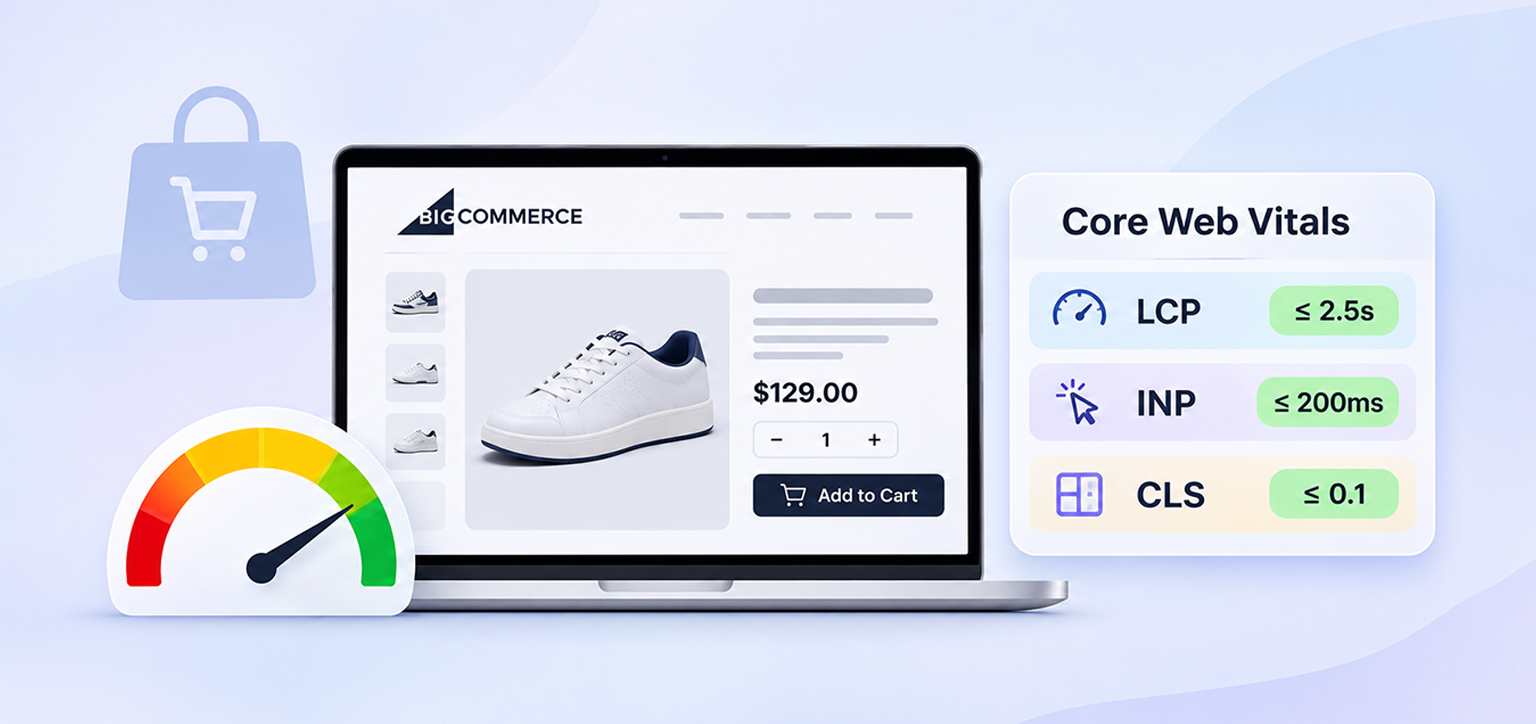
BigCommerce Core Web Vitals optimization focuses on three measurements: Largest Contentful Paint (LCP), Interaction to Next Paint (INP), and Cumulative Layout Shift (CLS).
These metrics help you understand whether the main product content loads quickly, interactive features respond promptly, and page elements remain visually stable.
Google recommends the following good-performance thresholds:
| Metric | What it measures | Good target |
|---|---|---|
| LCP | Loading performance of the largest visible content element | 2.5 seconds or less |
| INP | Responsiveness to user interactions | 200 ms or less |
| CLS | Unexpected layout movement | 0.1 or less |
Largest Contentful Paint (LCP)
LCP measures how long it takes for the largest visible content element to appear. On a BigCommerce product page, this element may be the primary product image or another large visual element.
If the main product image takes too long to load, investigate its file size, dimensions, loading priority, and any resources delaying its download.
Interaction to Next Paint (INP)
INP measures how quickly a page responds to user interactions throughout a visit.
On product pages, interactions may include selecting a size, changing a color, opening an image gallery, or clicking the add-to-cart button.
Excessive JavaScript execution and long-running browser tasks can affect responsiveness. Reducing unnecessary scripts and optimizing interactive components can help improve INP.
Cumulative Layout Shift (CLS)
CLS measures unexpected movement of visible page elements.
For example, a product image may initially appear without reserved dimensions, causing the price and product description to move when the image loads.
Review widgets, promotional banners, and dynamically inserted content can also cause layout shifts.
Reserve space for images and other dynamic components so that important product information remains stable while the page loads.
How Website Speed Optimization Tools Fit into BigCommerce Performance
Some performance issues require manual investigation of theme code, application scripts, and storefront configuration. Other technical improvements can be automated through website speed optimization tools.
For example, tools like Website Speedy provide automated optimization for areas such as resource loading, render-blocking CSS and JavaScript, script handling, and code-level improvements.
These optimizations can support BigCommerce product page speed optimization by reducing unnecessary delays in how browsers process and display page resources.
However, automated optimization is not a replacement for reviewing individual product page elements. If a specific review widget, product gallery, or application script is causing a problem, it may still require separate investigation.
A BigCommerce customer review of Website Speedy described the experience as “very speedy and helpful service” and mentioned “instant results.” This reflects an individual customer’s experience rather than a controlled benchmark of product page loading times.
The important consideration is to measure the actual product page before and after making changes. Improvements should be evaluated using loading metrics and real user experience rather than assuming that activating an optimization tool will resolve every performance issue.
How to Know Whether Your BigCommerce Product Page Optimization Is Working
Successful optimization should result in measurable improvements without breaking important product functionality.
After making changes, test the same product URLs under comparable conditions. Avoid comparing unrelated pages or relying on a single Lighthouse score.
Use this practical checklist:
- The primary product image appears without unnecessary delay.
- Secondary product images load when needed.
- Product variants respond without noticeable lag.
- Add-to-cart functionality works correctly.
- Unnecessary third-party scripts have been removed or optimized.
- Important product content appears without render-blocking delays.
- Mobile product pages remain responsive.
- LCP, INP, and CLS show improvement where previously problematic.
Also, check whether the changes affect other important storefront pages. Theme-level optimizations may influence category pages, search results, and the cart.
A faster product page is useful only when shoppers can still browse products, select options, and complete their purchases without problems.
Frequently Asked Questions
1. How can I make my BigCommerce product pages load faster?
2. Why are my BigCommerce product pages loading slowly?
3. How can I reduce BigCommerce product page load time on mobile?
4. Do BigCommerce apps slow down product pages?
5. What are the best tools to test BigCommerce product page speed?
6. Does improving BigCommerce product page speed help SEO?
About the Author