






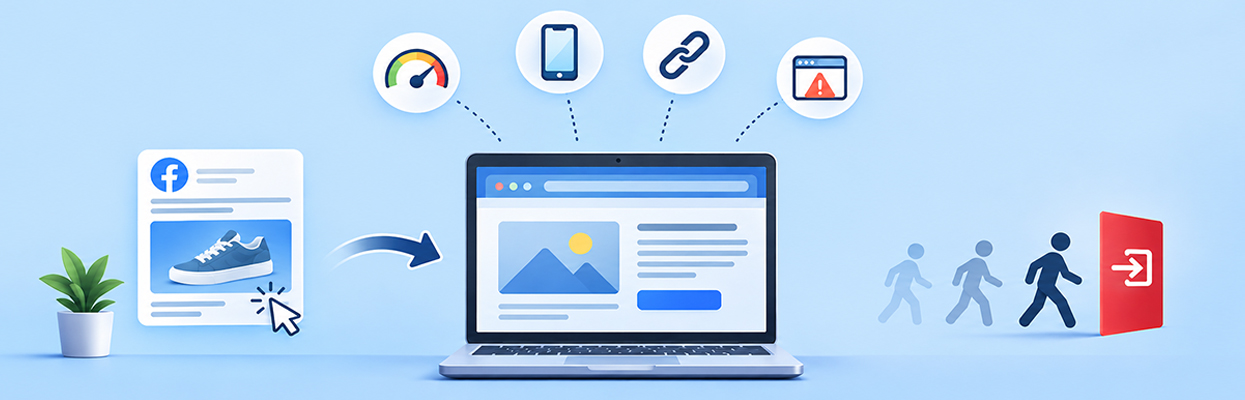
TL;DR: Visitors leave your website after clicking Facebook ads when the landing page loads slowly, fails to match the ad, offers a poor mobile experience, or makes the next step unclear. Check landing page speed, engagement, ad relevance, and conversion tracking to identify the actual cause of a high bounce rate from Facebook Ads.
Paying for Facebook ads but watching visitors leave your website within seconds is frustrating. Your ads may attract clicks, yet those clicks do not necessarily lead to product views, enquiries, or sales.
A high bounce rate from Facebook Ads can result from slow loading, a mismatch between the ad and landing page, poor mobile usability, weak offers, or technical problems. The challenge is determining which issue affects your visitors.
This guide explains why visitors leave website pages after clicking Facebook ads, how to diagnose the problem, and what to fix first to improve engagement and conversions.
Why Do Facebook Ad Visitors Leave Quickly?
- Slow loading: Visitors may leave before the landing page becomes useful, particularly on mobile connections.
- Ad mismatch: The landing page does not deliver the product, offer, or information promised in the ad.
- Poor mobile experience: Text, images, navigation, or forms are difficult to use on smaller screens.
- Weak landing page content: The value proposition is unclear, or visitors cannot find the information they expected.
- Technical issues: Broken links, redirects, JavaScript errors, or checkout problems interrupt the visit.
- Measurement problems: Facebook reports clicks that do not always translate into fully loaded landing pages, while analytics tools may record engagement differently.
The solution is to identify where visitors drop off, test the landing page on mobile and desktop, and fix the specific problem rather than assuming every lost visitor is caused by website speed.
What Causes a High Bounce Rate from Facebook Ads?
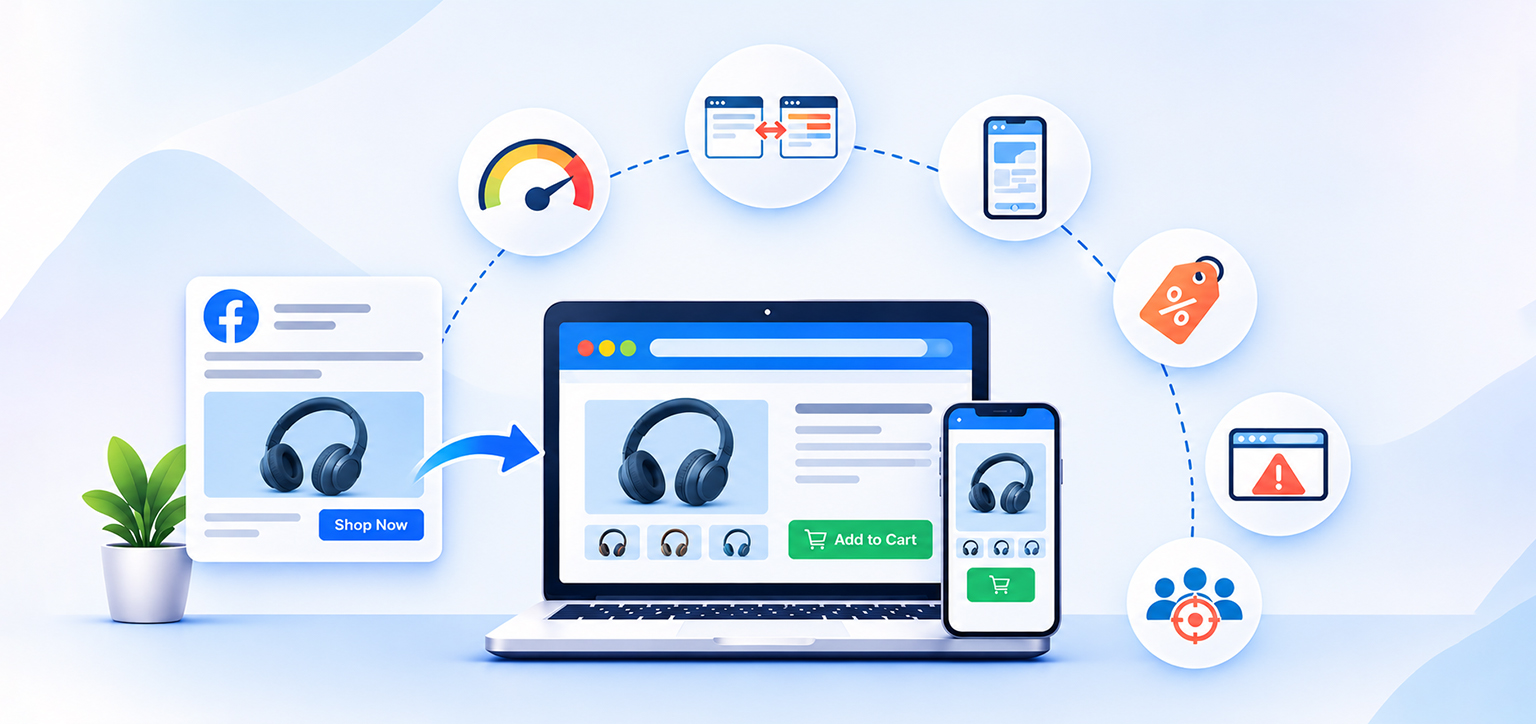
Visitors rarely leave for just one reason. The same ad can send people to a slow page, a confusing offer, or a product page that does not meet their expectations. Here are the main causes to investigate.
1. Your landing page loads too slowly
A visitor clicks an ad because something catches their attention. If the destination page takes too long to display the product, offer, or information they expected, they may return to Facebook before engaging.
A slow landing page in a Facebook Ads campaign can lose visitors because of oversized images, render-blocking CSS and JavaScript, excessive third-party scripts, or slow server responses. The problem may be more noticeable on mobile networks.
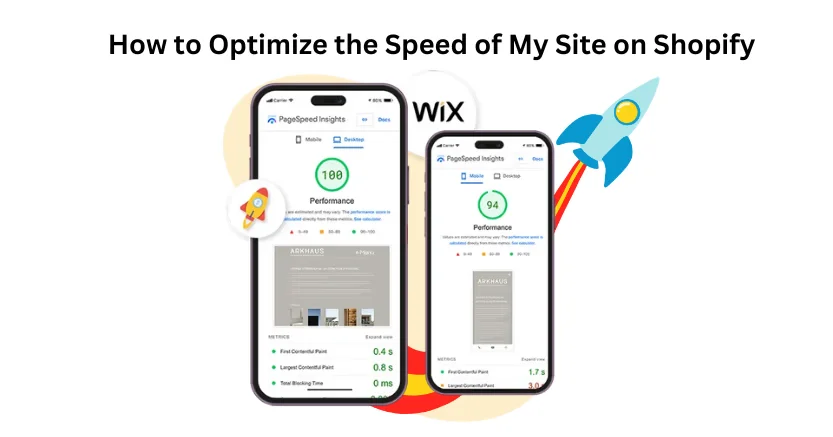
Start by testing the exact landing page used in the ad, not just your homepage. Google’s PageSpeed Insights provides lab diagnostics and, where sufficient real-user data is available, field performance data.
Pay particular attention to these Core Web Vitals:
- Largest Contentful Paint (LCP): How quickly the main visible content appears. Aim for 2.5 seconds or less.
- Interaction to Next Paint (INP): How quickly the page responds to user interactions. Aim for 200 milliseconds or less.
- Cumulative Layout Shift (CLS): How much visible content moves unexpectedly. Aim for a score of 0.1 or less.
These are Google’s recommended good-performance thresholds, not guarantees of a low bounce rate.
2. Your ad and landing page do not match
Someone clicks an ad for a discounted product but lands on a general collection page. Another visitor expects free shipping, but the landing page reveals extra charges. In both cases, the page creates a gap between the promise and the experience.
This is a common reason for Facebook Ads landing pages not converting, even when the ad receives plenty of clicks.
Check whether the landing page delivers the exact product, discount, benefits, or information featured in the ad. Keep the headline and offer consistent, and make the next step obvious.
For example, if your ad promotes a specific skincare product, link directly to that product page rather than asking visitors to browse the entire store.
3. The mobile experience is frustrating
Many people browse Facebook and Instagram on their phones. If the landing page is difficult to use on a small screen, visitors may leave before they explore the offer.
Common problems include text that is too small, intrusive pop-ups, buttons that are difficult to tap, product images that load slowly, and forms that require too much typing.
Test the complete journey on a real phone. Open the ad destination, dismiss any pop-ups, scroll through the page, select a product variant, and try adding the product to your cart.
Loading speed also affects mobile abandonment. Research says 53% of mobile users abandon sites that take over 3 seconds to load and highlights the importance of reducing delays. Prioritize the mobile experience rather than assuming desktop performance reflects what every visitor experiences.
4. Your offer or value proposition is unclear
A visitor can reach a fast, functional landing page and still leave if they cannot quickly understand what you offer or why it matters.
This often happens when the main headline is vague, product benefits are buried below the fold, pricing is difficult to find, or trust signals are missing.
Make the first screen answer three questions: What is this? Why should I care? What should I do next?
For an ecommerce store, show the product, its key benefit, price, and primary action clearly. For a lead-generation campaign, explain what the visitor receives and what happens after submitting the form.
Avoid adding unnecessary steps between the ad click and the promised outcome.
5. Technical issues interrupt the visit
Sometimes the issue is not the offer or the design. The page may contain broken links, redirect loops, JavaScript errors, unavailable products, or buttons that fail to respond.
These problems can be difficult to notice if you test only the homepage or check a page once on your own device.
Open the exact ad URL in a private browser window and test it on both mobile and desktop. Check the browser console for errors, confirm that redirects work correctly, and verify that forms, product variants, cart buttons, and checkout links function as expected.
Also check whether cookie banners, chat widgets, tracking scripts, or other third-party elements block the page or interfere with interactions.
6. Your ad attracts the wrong audience
A high bounce rate from Facebook Ads is not always a website problem. An ad may attract people who are curious about the creative but have little interest in buying the product.
Broad targeting, unclear messaging, misleading creative, or an offer that appeals to bargain hunters can produce clicks without meaningful engagement.
Compare results by campaign, ad set, creative, placement, and audience. If one ad attracts many clicks but consistently produces fewer engaged sessions or purchases than another, investigate the audience and message before making major website changes.
Do not judge traffic quality on bounce rate alone. Consider product views, add-to-cart events, leads, purchases, and cost per conversion to understand whether visitors are progressing toward your goal.
Why Do Facebook Ad Clicks Not Turn into Website Conversions?
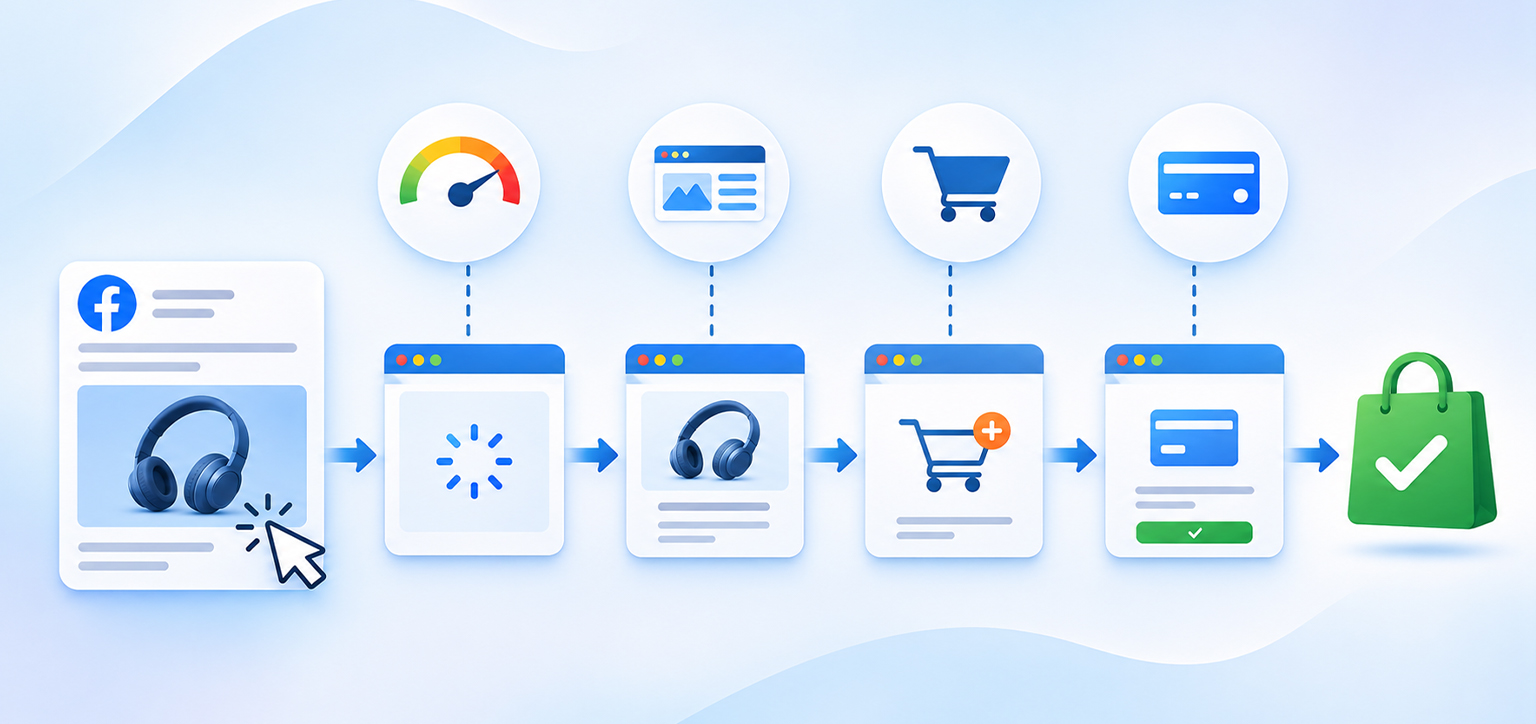
Facebook ad clicks, but no conversions, can indicate a problem anywhere between the initial click and the final purchase. The important distinction is whether visitors fail to reach the page, leave without engaging, or engage but abandon the conversion process.
| What you observe | Possible explanation | What to check |
|---|---|---|
| Many clicks, few landing page views | Slow loading, accidental clicks, redirects, or measurement differences | Compare link clicks, outbound clicks, and landing page views |
| Landing page views, few product views | Poor message match or unclear page content | Review the headline, offer, and first screen |
| Product views, few add-to-carts | Pricing, product information, shipping, or trust concerns | Review product details and offer clarity |
| Add-to-carts, few purchases | Unexpected costs, checkout friction, or payment errors | Test the full checkout process |
| Purchases occur, but tracking shows none | Pixel, Conversions API, or event configuration issues | Compare actual orders with reported purchase events |
This breakdown helps you avoid changing the wrong part of the funnel. If people never reach the landing page, improving checkout design will not solve the initial problem. If they add products to the cart but do not complete checkout, page speed may not be the only issue.
How to distinguish clicks from actual visits
A link click does not necessarily mean someone successfully reached your website. Meta’s advertising metrics distinguish link clicks, outbound clicks, and landing page views. Link clicks include interactions with links leading to destinations both on and off Meta technologies, while outbound clicks measure clicks leading outside Meta. Landing page views provide a closer indication that someone reached the destination page.
Compare these metrics in Ads Manager alongside GA4 sessions to understand where visitors drop off. Remember that differences between platforms can also result from tracking configuration, measurement methods, and attribution settings.
If your analytics show a large drop between ad clicks and actual visits, investigate loading problems, redirect behavior, and tracking configuration before concluding that visitors are abandoning the page.
For campaigns where users reach the page but do not engage, the next step is to examine landing page content, speed, and conversion paths.
How Can You Reduce Bounce Rate from Facebook Ads Traffic?
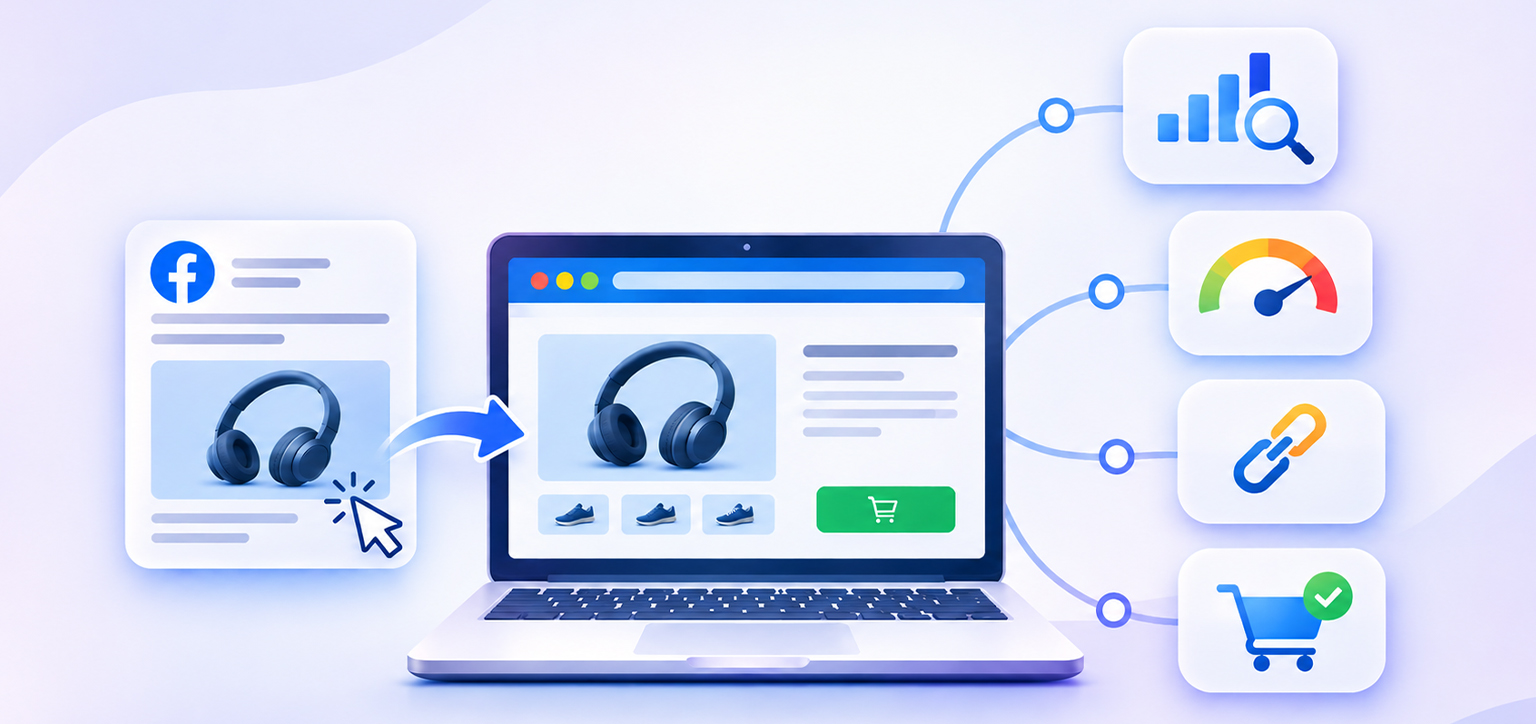
Once you identify the likely cause, make targeted changes and compare results before and after. Changing your ad, landing page, audience, and tracking setup simultaneously makes it harder to identify what worked.
Step 1: Measure the right metrics
Use Meta Ads Manager and Google Analytics 4 (GA4) together. Review landing page views, engaged sessions, product views, add-to-cart events, and purchases.
In GA4, bounce rate is the percentage of sessions that were not engaged. An engaged session lasts longer than 10 seconds, includes at least one key event, or has at least two page or screen views. This means a visitor can view just one page and still have an engaged session if they meet one of these conditions. Therefore, bounce rate does not simply represent visitors who leave after viewing one page.
Step 2: Test and improve landing page speed
Run your campaign landing page through PageSpeed Insights. Test both mobile and desktop, then prioritize issues affecting the main content and user interactions.
Compress oversized images, remove unnecessary scripts, defer nonessential JavaScript, and address render-blocking resources.
Step 3: Match the landing page to the ad
Make sure the landing page repeats the offer and delivers the specific information promised in the creative. Send visitors to the most relevant product or campaign page, not automatically to your homepage.
Step 4: Simplify the conversion journey
Remove unnecessary form fields, make pricing and shipping information easy to find, and ensure the primary call to action is visible. Test the complete purchase or enquiry process on mobile.
Step 5: Compare results by audience and device
Review bounce rate, engagement, and conversions across campaigns, placements, audiences, and devices. If mobile traffic performs worse than desktop, investigate mobile loading speed, layout, and usability before changing the entire campaign.
How Better Website Performance Can Keep Visitors Engaged
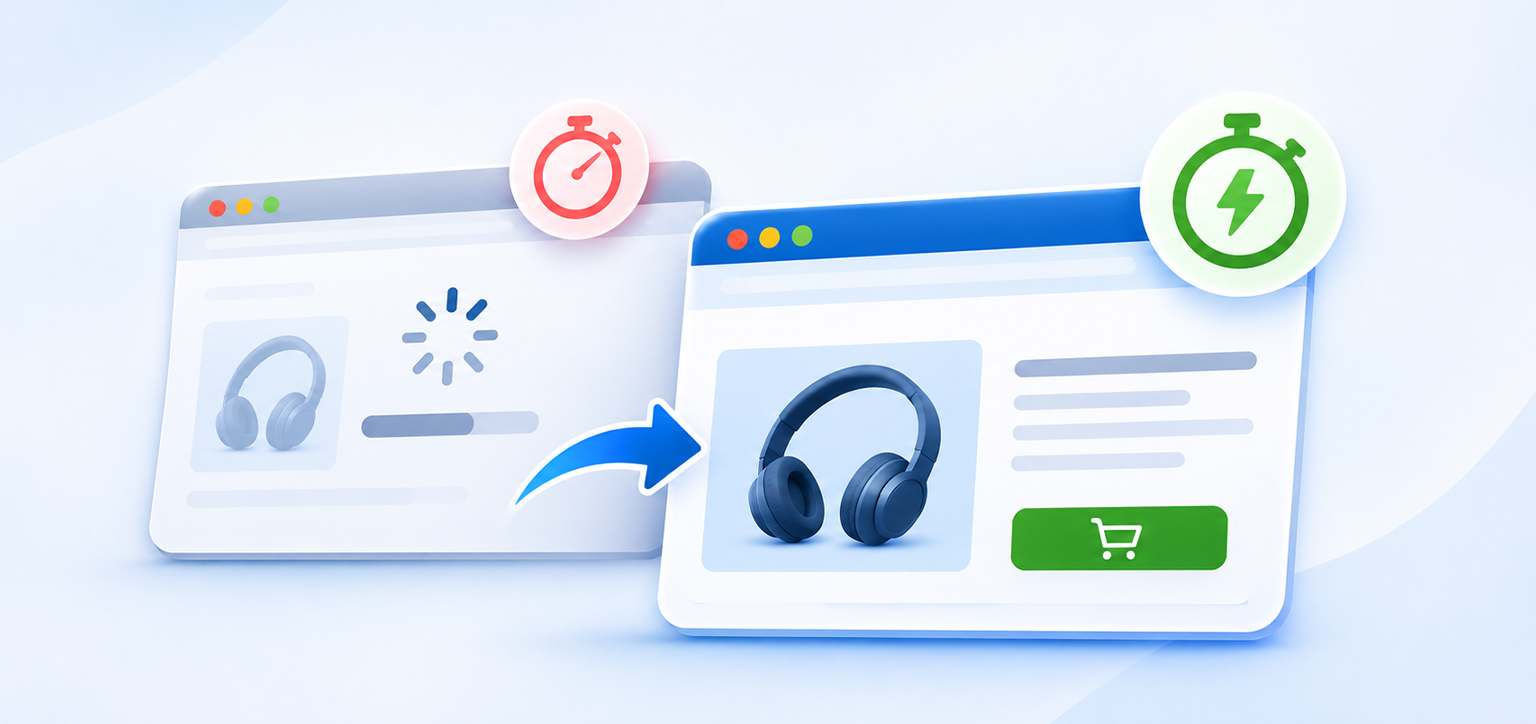
When visitors leave a landing page quickly, loading speed is one factor worth investigating. Even if your ad targets the right audience and promotes a relevant offer, delays can discourage people from exploring the page.
For example, Rick Mantheiy reported in a Trustpilot review that his large-catalog website achieved Google-verified loading times of 1.57 seconds on desktop and 2.42 seconds on mobile after using Website Speedy.
For businesses running Facebook Ads, this highlights the importance of checking landing page performance on mobile as well as desktop. Website Speedy focuses on website speed optimization, which can help address performance-related friction.
However, faster loading does not automatically lower bounce rates or increase sales. Visitors must also find what the ad promised, understand the offer, and be able to complete the next step easily.
Conclusion
When visitors leave your website quickly after clicking Facebook ads, the cause may be slow loading, an irrelevant landing page, poor mobile usability, technical errors, or low-intent traffic. Compare ad clicks with actual visits, identify where engagement drops, and fix the most likely problem first.
A better landing page experience comes from combining reliable performance with relevant messaging and an easy path to conversion. Track the results to determine which improvements actually help your business.
Frequently Asked Questions
Why do visitors leave my website immediately after clicking Facebook ads?
Can a slow website cause a high bounce rate from Facebook Ads?
How do I check whether my landing page is causing visitors to leave?
Why do Facebook ad clicks not turn into website conversions?
How can I improve my Facebook Ads landing page experience?
Does a high bounce rate always mean my Facebook Ads are failing?
About the Author