






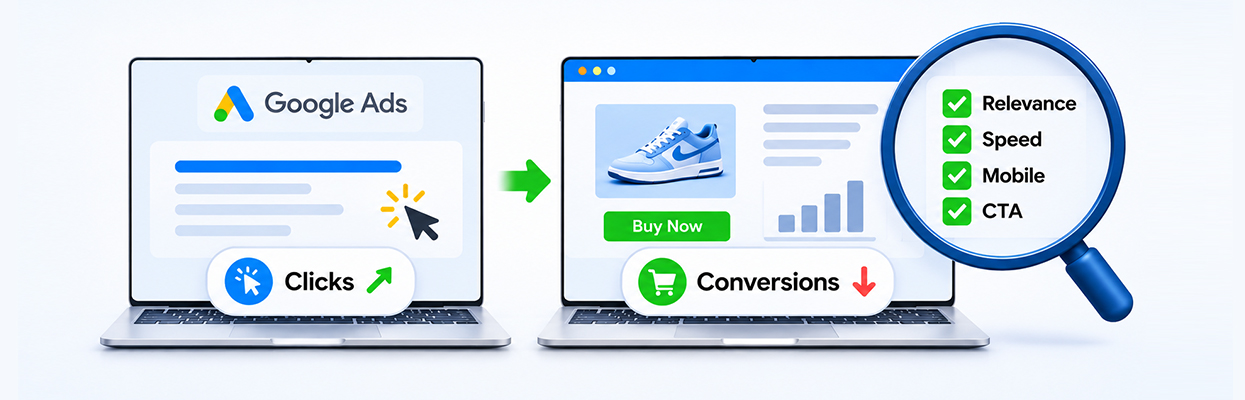
TL;DR: If your Google Ads clicks but no conversions problem persists, check whether your landing page matches the ad, loads quickly on mobile, presents a clear call to action, and makes buying or submitting a form easy. Also verify conversion tracking before changing your campaign.
Getting clicks on Google Ads means people are interested enough to visit your website. But if those visits rarely turn into purchases, leads, or enquiries, something may be going wrong after the click.
The problem could be a mismatch between your ad and landing page, slow loading, confusing navigation, an unattractive offer, or broken conversion tracking. More traffic will not necessarily solve it.
The best approach is to examine the entire visitor journey, starting with the page people see immediately after clicking your ad.
Google Ads Landing Page Checklist to Improve Conversions
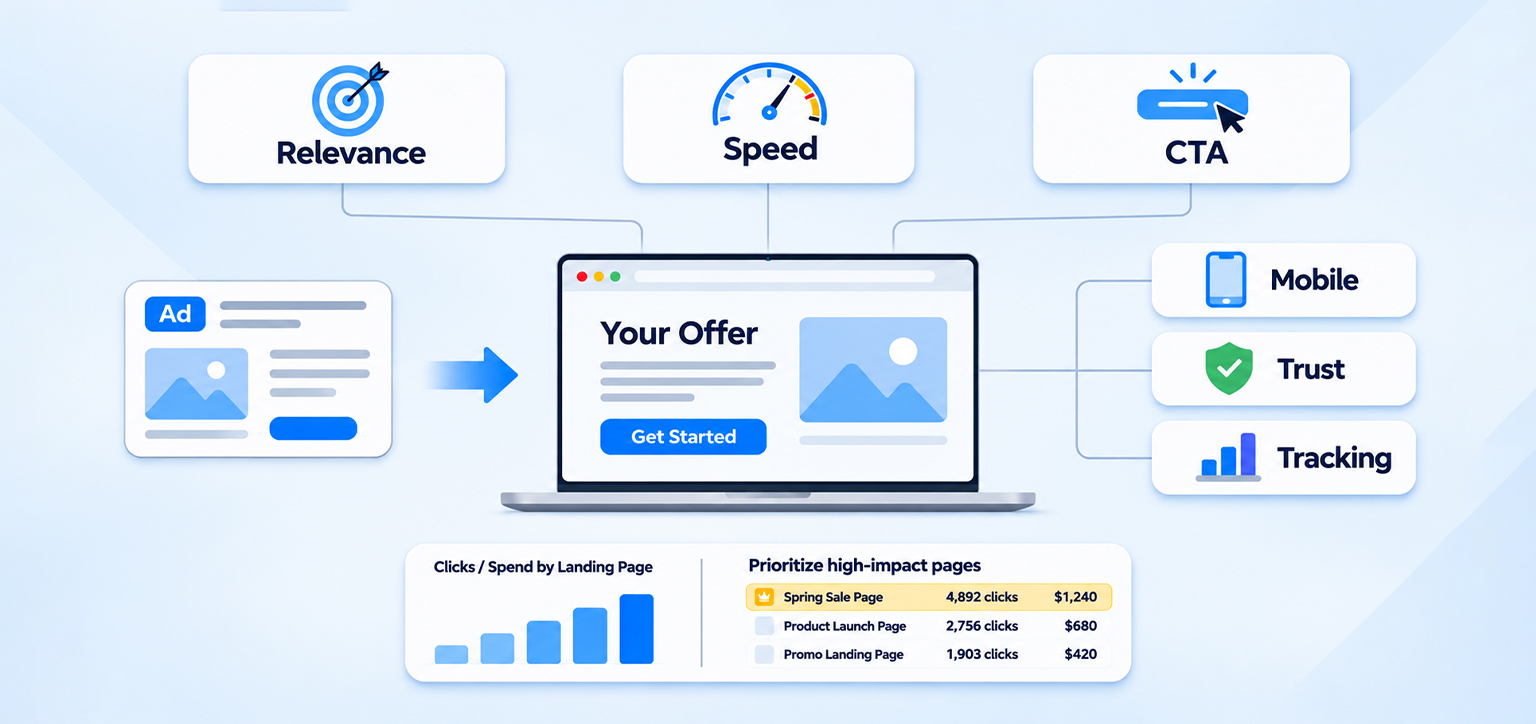
- Ad-to-page relevance: Make sure the headline, offer, and content match the promise in your ad.
- Landing page speed: Test mobile loading performance and identify scripts, images, or other resources delaying the page.
- Call to action: Make the next step clear, visible, and easy to complete.
- Mobile usability: Check buttons, forms, product details, and checkout on an actual phone.
- Trust and friction: Review pricing, shipping information, payment options, and unnecessary form fields.
- Conversion tracking: Confirm that purchases, leads, and other intended actions are recorded correctly.
Start with the pages and campaigns receiving the most clicks or spending the most money. This helps you prioritize fixes based on their potential business impact.
6 Things to Check on Your Landing Page When Google Ads Conversions Are Low
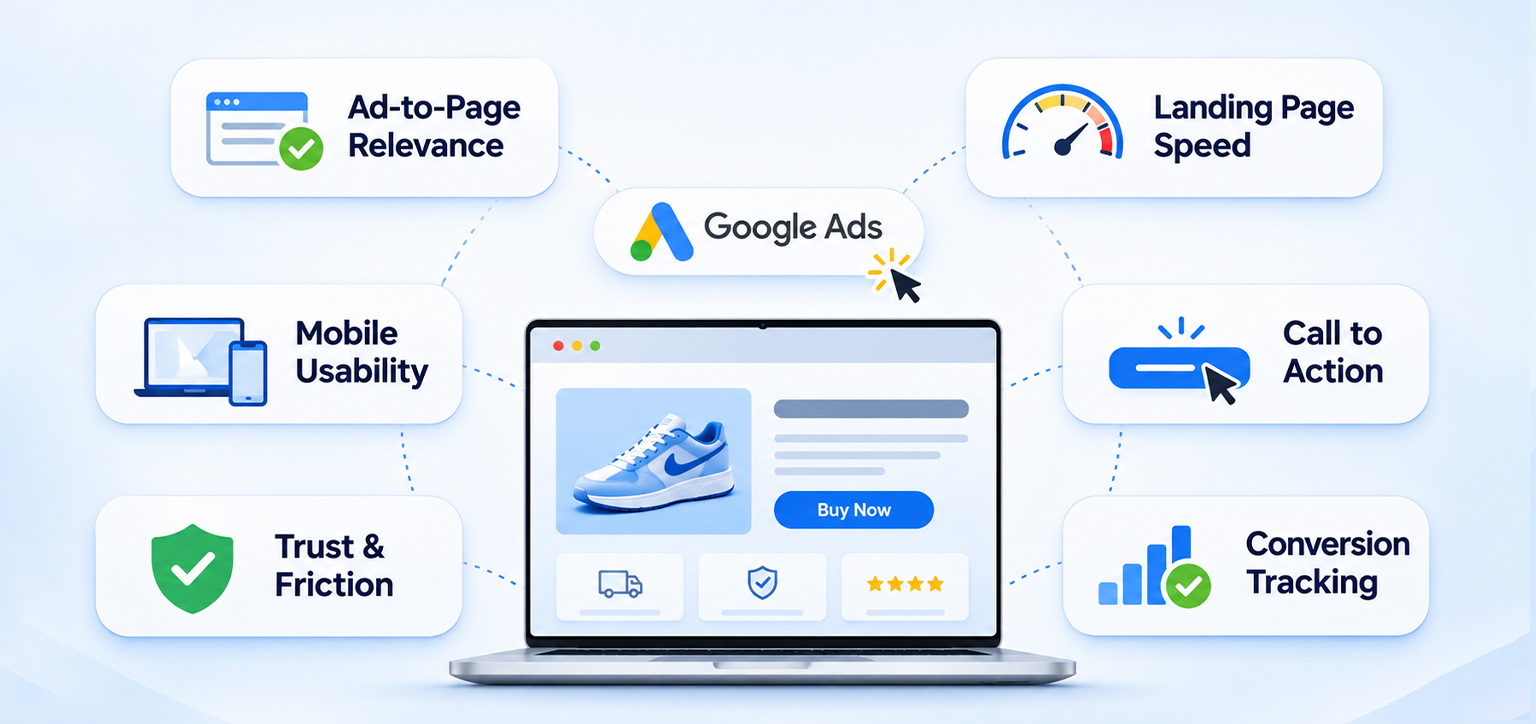
When Google Ads clicks but no conversions is an ongoing problem, review the landing page from the visitor’s perspective. These six checks can help you identify issues with relevance, speed, usability, trust, and conversion tracking before making major campaign changes.
1. Does Your Landing Page Match Your Google Ad?
One of the first things to investigate when your Google Ads landing page is not converting is the gap between what the ad promises and what visitors actually see.
Imagine someone searches for “affordable Shopify speed optimization” and clicks an ad promising a specific service. If the landing page opens with a generic company introduction and makes the visitor search for that service, the experience feels disconnected.
Your landing page should immediately confirm that the visitor has reached the right place.
Check whether the page headline reflects the ad’s main promise, the advertised product or service is easy to find, and any discounts or offers mentioned in the ad are clearly explained. The page should also provide enough information to help visitors make a decision.
Google’s guidance on optimizing ads and landing pages emphasizes relevance, clear calls to action, useful content, and mobile usability.
What to fix:
Create a closer match between the ad group, search intent, and destination page. A specific product or service page is often more appropriate than sending every visitor to your homepage.
2. Is Your Landing Page Loading Slowly, Especially on Mobile?
A slow landing page can hurt the experience of the visitors who stay long enough to convert. Someone arriving from a paid ad has already taken an action, but they may leave if the page remains blank, shifts around, or takes too long to become interactive.
This is especially important on mobile, where visitors may be using slower connections or less powerful devices.
Can a slow landing page reduce Google Ads conversions?
Yes. Slow loading can cause visitors to abandon a page before they see the offer or complete an action. It is not the only possible cause of low conversions, but it is worth investigating when paid traffic arrives without producing results.
Google’s landing page performance guidance highlights mobile speed and usability as important parts of evaluating landing pages. It also provides a Landing pages report for reviewing performance across ad destinations.
How do I check landing page speed for Google Ads?
Use this practical testing sequence.
- Open Google PageSpeed Insights and enter the exact landing page URL.
- Review the mobile report first, then compare it with the desktop.
- Check Core Web Vitals, particularly Largest Contentful Paint (LCP), Interaction to Next Paint (INP), and Cumulative Layout Shift (CLS).
- Review the diagnostics for oversized images, render-blocking resources, excessive JavaScript, and other performance issues.
- Repeat the test after making changes and compare the results.
For reference, Google’s recommended Core Web Vitals thresholds are LCP at 2.5 seconds or less, INP at 200 milliseconds or less, and CLS at 0.1 or less, measured at the 75th percentile. Lab tests help diagnose issues, while field data shows how real users experience the page.
Why does my landing page load slowly on mobile?
Common causes include large images, too many third-party tracking scripts, render-blocking CSS or JavaScript, excessive app integrations, and unnecessary network requests. These issues can affect loading and responsiveness even when the page design looks simple.
For example, a landing page might load its headline quickly but delay the main product image or booking form. Visitors can see the page beginning to load without being able to act on the information they need.
Website Speedy is one example of a website performance optimization tool that addresses technical loading issues. The important thing is to identify the actual cause before applying changes, then retest the page.
3. Is the Call to Action Clear and Easy to Find?
Visitors should not have to guess what to do next. A landing page can attract relevant traffic and explain the offer well but still struggle to convert if its next step is unclear.
For a lead-generation page, the primary action might be “Book a Consultation” or “Get a Quote.” For an ecommerce store, it might be “Add to Cart” or “Buy Now.”
Review the page on mobile and desktop. Is the primary button visible without excessive scrolling? Does its wording explain what happens next? Does it stand out from secondary links without overwhelming the page?
Also, check whether pop-ups, sticky banners, or chat widgets cover the CTA. If visitors must dismiss several overlays before interacting with the page, the experience creates unnecessary friction.
What to fix:
Give each landing page one clear primary conversion goal. Remove competing actions where possible, and test changes to CTA wording, placement, and visibility individually.
4. Does the Landing Page Make Buying or Enquiring Easy?
Every additional step gives visitors another opportunity to abandon the process. This matters when investigating Google Ads with high clicks and low conversions, particularly for ecommerce stores and lead-generation campaigns.
For a lead form, ask only for information you genuinely need at that stage. A simple enquiry may require a name, email address, and message, not a long questionnaire.
For an ecommerce store, inspect the journey from product selection to checkout. Unexpected shipping fees, unclear delivery estimates, limited payment options, account-creation requirements, or confusing error messages can discourage purchases.
Test the entire journey yourself. Submit a form, add a product to the cart, and attempt checkout using a mobile device. Confirm that buttons respond, validation messages are understandable, and successful submissions reach the correct confirmation page.
5. Does the Page Build Enough Trust?
A visitor might be interested in your offer but hesitate if the page does not provide enough evidence to support the decision.
For ecommerce pages, make product descriptions, prices, shipping costs, returns, and payment information easy to find. For service pages, explain what the service includes, how the process works, and what the customer can reasonably expect.
Genuine customer reviews can help visitors evaluate a business and its services. For example, Website Speedy customer Rick Mantheiy reported Google test results of 1.57 seconds on desktop and 2.42 seconds on mobile for his Squarespace website with a large catalog in a Trustpilot review.
While this feedback illustrates the value of measuring website performance, it does not establish that speed alone improves ad conversions.
Reviews are most useful when they provide specific, relevant experiences rather than broad promises. The practical lesson is to support visitors’ decisions with clear information and credible evidence, while measuring landing page performance and conversion outcomes separately.
6. Is Your Google Ads Conversion Tracking Working Correctly?
Not every case of Google Ads clicks without sales is caused by the landing page. Sometimes, conversions happen but are not recorded correctly in Google Ads.
For example, a customer might complete a purchase, but a missing tag, incorrect event configuration, or broken thank-you-page trigger prevents the conversion from appearing in your reports. Duplicate events can also distort the numbers.
Check the following:
- Conversion actions: Confirm that the intended purchase, form submission, or phone call is configured correctly.
- Tag implementation: Use Google Tag Assistant to help diagnose whether relevant tags fire as expected.
- Test conversions: Complete a test journey and verify that the event is recorded in the appropriate reporting tools.
- Reporting delays: Allow time for conversion data to appear before concluding that tracking is broken. Google Ads notes that conversion reporting can take approximately 3–24 hours to update, although processing times can vary.
- Actual business results: Compare recorded conversions with real orders, enquiries, or CRM records, accounting for differences in attribution and reporting.
If actual orders are healthy but Google Ads reports few conversions, investigate conversion measurement first. If both actual orders and reported conversions are low, examine traffic quality, the offer, and the landing page experience.
How Should You Prioritize Landing Page Fixes?
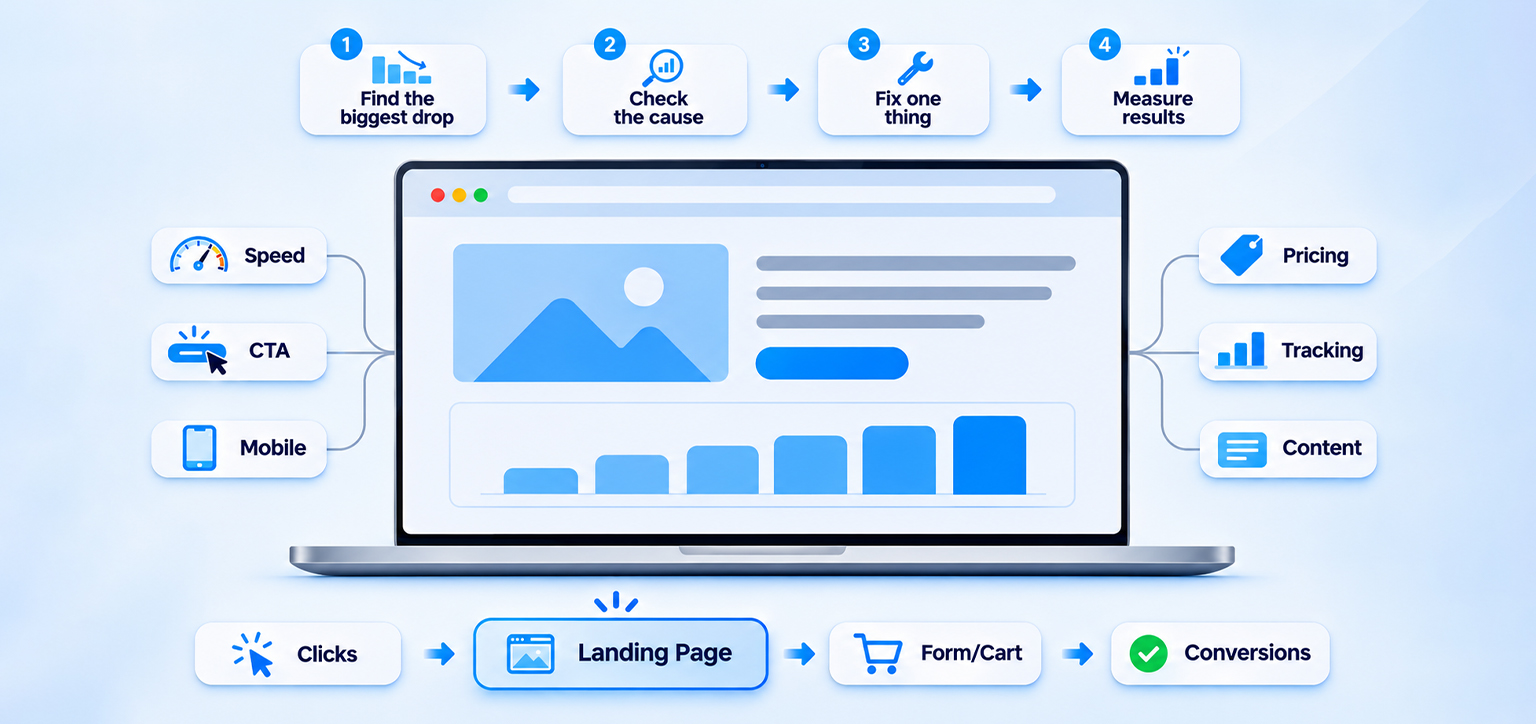
Avoid changing everything at once. A structured Google Ads landing page optimization process makes it easier to identify which changes are associated with better results.
| What you observe | What to investigate first |
|---|---|
| High clicks but few page interactions | Page loading, ad relevance, and traffic quality |
| Visitors engage but do not submit forms | Form length, CTA clarity, trust, and offer |
| Product views are healthy but purchases are low | Pricing, shipping, checkout, and payment options |
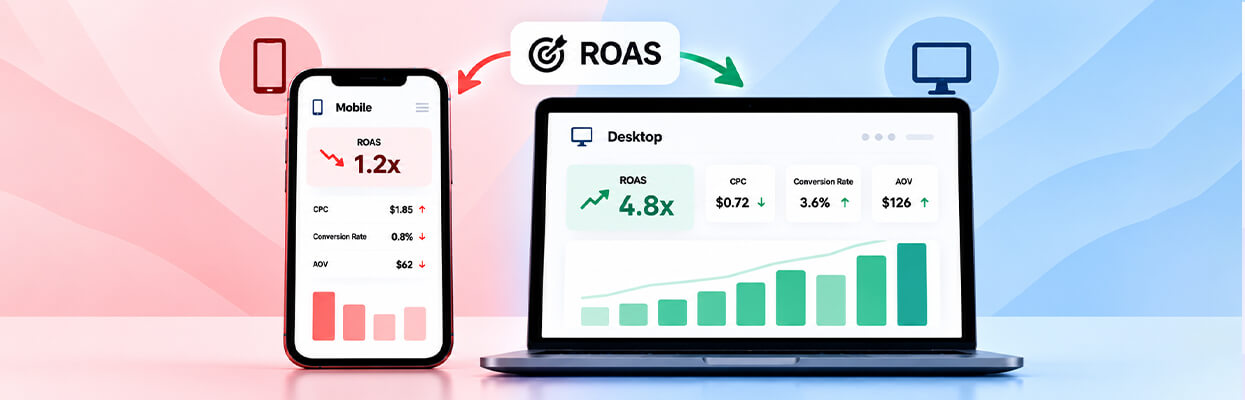
| Mobile conversions are weaker than desktop | Mobile speed, layout, buttons, and form usability |
| Actual sales exceed reported conversions | Conversion tracking and attribution |
| One landing page performs worse than similar pages | Differences in content, speed, offer, and user journey |
Use Google Ads reports alongside analytics and actual sales data. Compare conversion rates by device, campaign, ad group, search term, and landing page where the available data allows.
To identify where visitors are dropping off, use Google Analytics 4’s Funnel Exploration. For example, an ecommerce funnel can track product views, add-to-cart actions, checkout starts, and completed purchases. A significant drop between two steps can help you identify where to investigate further, such as product information, shipping costs, payment options, or checkout usability.
For lead-generation pages, track the journey from landing page visits to form views and successful submissions. Make sure the relevant events are configured correctly before interpreting the results.
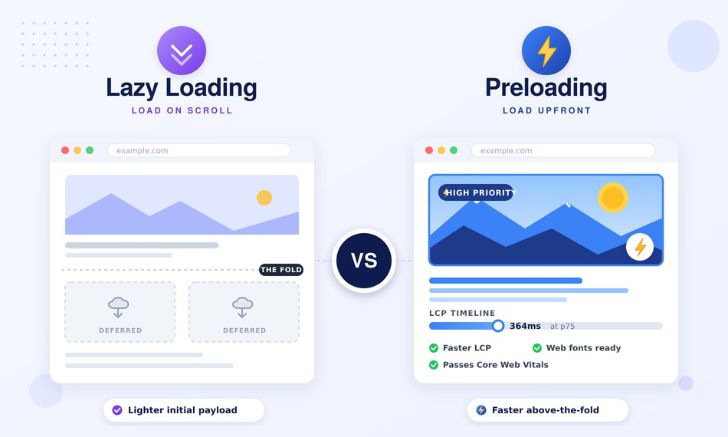
For a deeper look at resource loading, browser resource prioritization can help explain why some page elements appear later than others.
When testing improvements, change one major element at a time where practical. Measure completed purchases or qualified leads, not just clicks, time on page, or PageSpeed scores. Give the test enough time and traffic to interpret the results sensibly.
Conclusion
When Google Ads clicks but no conversions becomes a recurring problem, the answer is not necessarily to increase the budget or rebuild the campaign. Start by checking the landing page’s relevance, speed, mobile usability, CTA, trust signals, and conversion path. Then verify tracking and compare the results with actual business outcomes.
Fix the clearest problems first, measure the impact, and use the data to decide what needs attention next.
FAQs
Why are my Google Ads clicks but no conversions?
What is a good landing page conversion rate for Google Ads?
Can landing page speed affect Google Ads performance?
How can I improve my Google Ads landing page experience?
Why do I get Google Ads traffic but no sales on mobile?
Should I change my ads or landing page first?
About the Author