






TL;DR: Check your Google Ads search terms to identify irrelevant traffic, then test your landing page for slow loading, message mismatch, and conversion barriers. If the traffic is relevant but visitors do not convert, investigate the page, offer, and tracking before changing your targeting.
A low Google Ads conversion rate can be caused by irrelevant targeting, a poorly performing landing page, or incorrect conversion tracking. To identify the cause, check whether your ads attract the right audience and whether visitors can easily complete the desired action after clicking.
Review your search terms for targeting issues, test your landing page for speed and usability problems, and verify that conversions are tracked correctly. These checks help you determine whether to refine your targeting, improve your landing page, or fix tracking before making further campaign changes.
How Do You Identify the Cause of Low Google Ads Conversions?
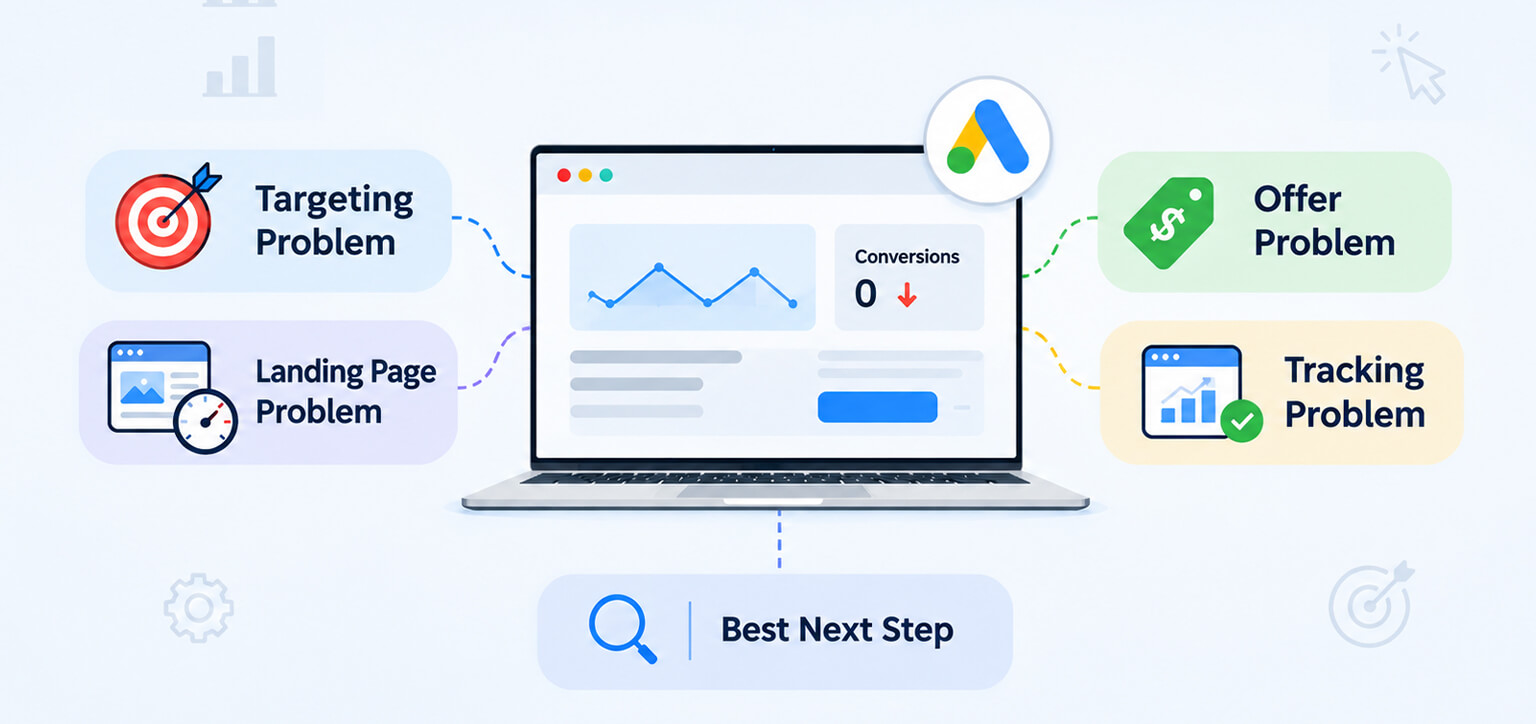
- Targeting problem: Your ads attract irrelevant searches, audiences, or locations.
- Landing page problem: Relevant visitors arrive but struggle with slow loading, confusing content, or a difficult conversion process.
- Offer problem: Visitors understand the page but find the price, terms, or offer unsuitable.
- Tracking problem: Completed actions are not recorded correctly in Google Ads.
- Best next step: Review search terms, compare performance by landing page and device, test the conversion journey, and fix the issue supported by the evidence.
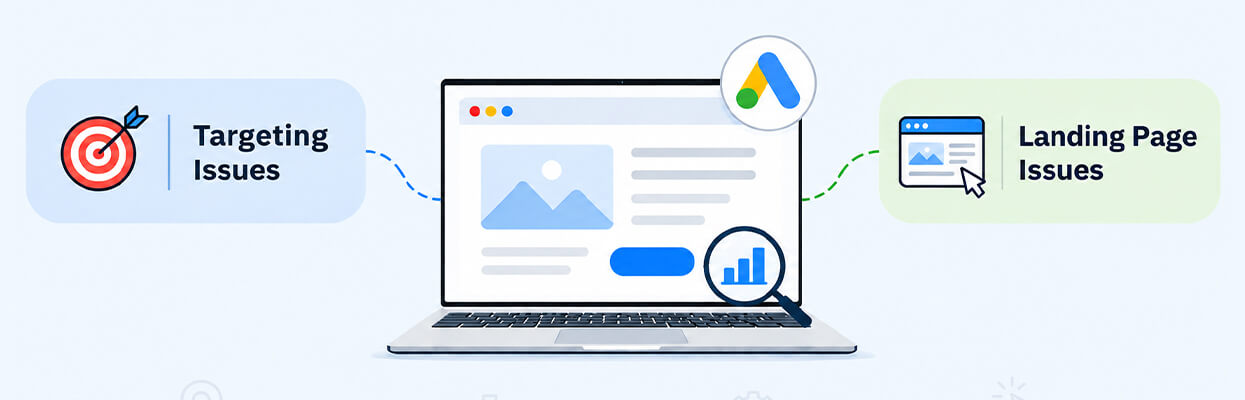
How Do I Distinguish Google Ads Targeting Issues From Landing Page Problems?
You can distinguish targeting issues from landing page problems by checking whether the people clicking your ads are relevant to your offer and whether those visitors can complete the desired action.
- Targeting issues: Your ads appear for unrelated searches or reach people who are unlikely to need your product or service.
- Landing page issues: Visitors arrive with the right intent but encounter slow loading, confusing information, poor mobile usability, or an unclear next step.
- Offer issues: The traffic and page may be relevant, but pricing, shipping costs, eligibility, or other terms discourage conversions.
- Tracking issues: Actual leads or purchases occur but are not recorded correctly in your advertising reports.
For example, a business selling premium accounting software might attract people searching for free accounting templates. That suggests a targeting or search-intent mismatch.
If the ad attracts people searching for premium accounting software but the landing page takes too long to load or hides the pricing information, the page may be contributing to the problem.
Both issues can happen together, so examine the evidence before deciding what to change.
How Do I Know If My Google Ads Targeting Is Wrong?
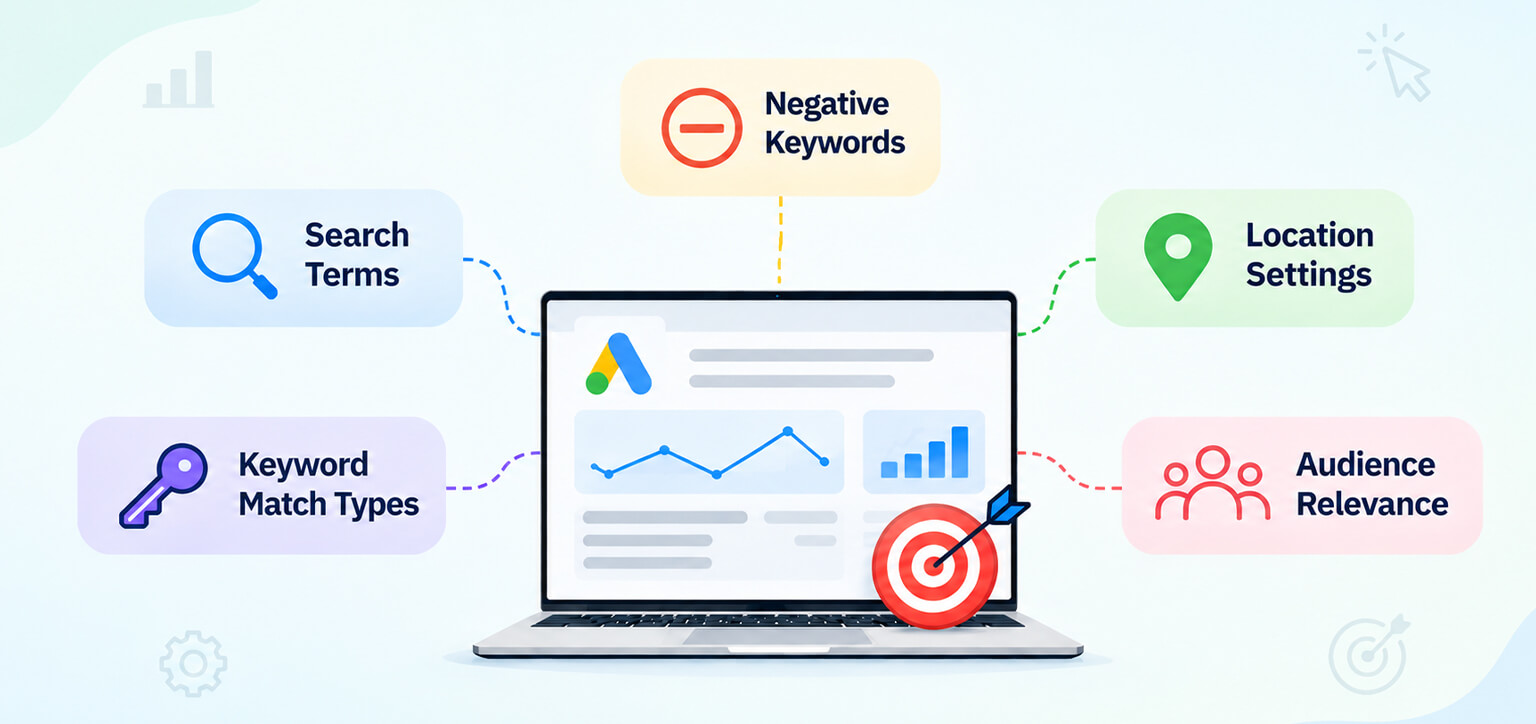
Your Google Ads targeting may be wrong if your campaigns consistently attract clicks from people whose searches, locations, or needs do not match your offer.
Check these areas first:
- Search terms: Open the Search terms report in Google Ads and identify irrelevant or unrelated queries that triggered your ads.
- Keyword match types: Review whether broad or phrase matching is bringing in searches with a different intent from the one you intended to target.
- Negative keywords: Exclude genuinely irrelevant searches, such as free alternatives when you only sell a paid service, where appropriate.
- Location settings: Check whether your ads are reaching the geographic areas you actually serve.
- Audience relevance: Review audience segments and campaign settings where applicable to determine whether they align with your intended customers.
Google’s Search terms report documentation explains how to review the actual queries associated with your ads.
What Does Google Ads Search Intent Mismatch Look Like?
A Google Ads search intent mismatch occurs when the searcher’s goal differs from what your ad and landing page offer.
For example, someone searching for “how to improve website speed” may want free advice, while someone searching for “website speed optimization service” may be evaluating providers.
If your campaign repeatedly attracts people whose intent does not match your offer, refine your keywords, ads, and negative keyword list. However, do not exclude a relevant keyword based on just one or two clicks. Consider the search intent, conversion volume, and cost together.
How Can I Tell If My Landing Page Is Causing Low Conversions?
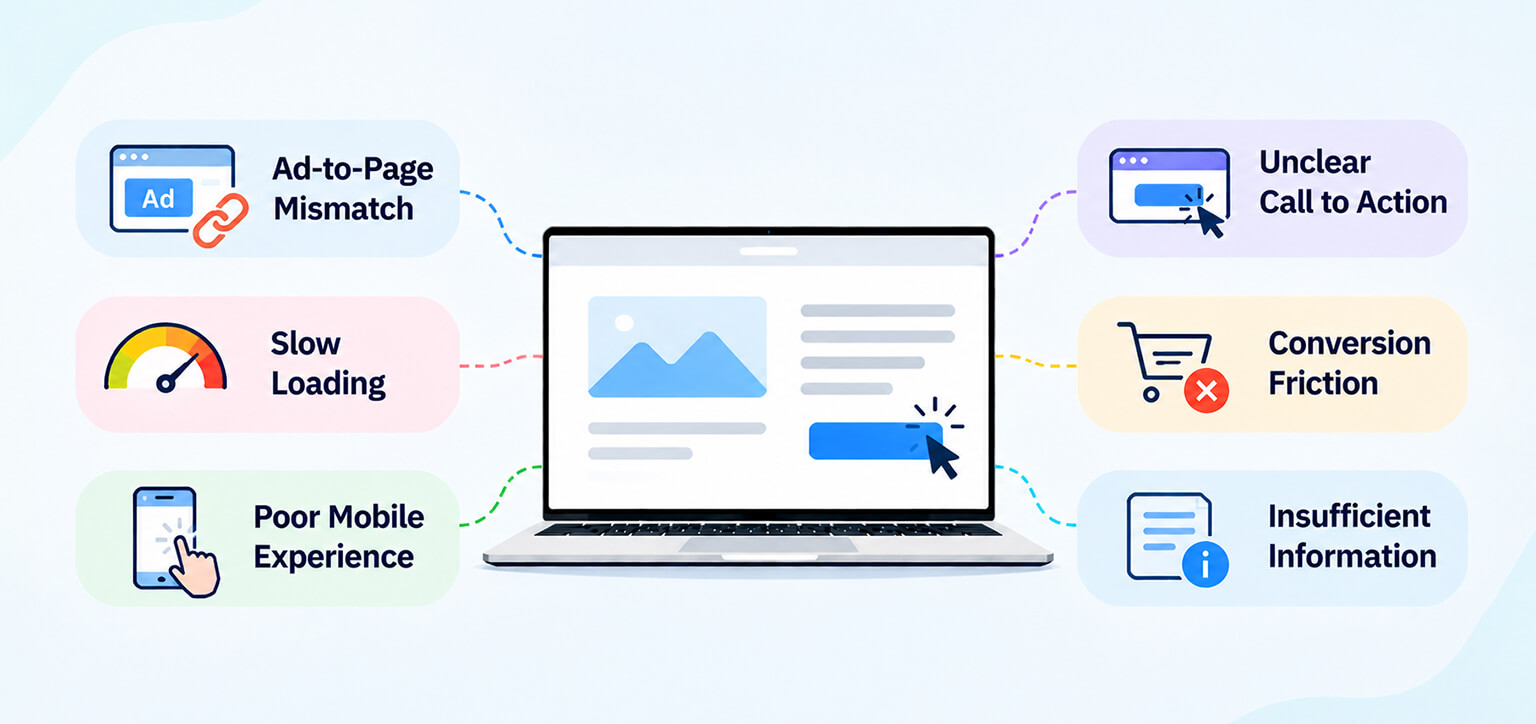
Your landing page may be responsible when relevant visitors arrive but encounter problems that make it difficult to understand the offer, trust the business, or complete the desired action.
Check these common issues:
- Ad-to-page mismatch: The headline, product, discount, or service on the landing page does not match the promise in the ad.
- Slow loading: Important content appears late, or the page takes too long to respond to interactions.
- Poor mobile experience: Buttons are difficult to tap, forms are hard to complete, or product details are difficult to read.
- Unclear calls to action: Visitors cannot easily identify how to buy, book, request a quote, or submit a form.
- Conversion friction: Unexpected costs, lengthy forms, broken buttons, or checkout errors prevent visitors from completing the process.
- Insufficient information: Visitors cannot easily find pricing, delivery details, service terms, or other information needed to make a decision.
For example, if an ad promotes a specific product but sends visitors to a general homepage, shoppers may have to search for the product again. A dedicated product or category page may better match their intent.
A useful starting point is to test the entire conversion journey yourself on desktop and mobile. Check the landing URL, main content, buttons, forms, and final confirmation step.
Why Are My Google Ads Getting Clicks but No Conversions?
Google Ads clicks, but no conversions usually indicate that something is preventing visitors from completing the desired action, but the cause could be irrelevant traffic, a weak offer, landing page friction, or inaccurate tracking.
Use these checks to narrow it down:
- Check search relevance: Are visitors searching for what you actually sell?
- Check the landing page: Does it deliver the exact information or offer promised in the ad?
- Check the conversion path: Can visitors complete a purchase, form submission, or booking without errors?
- Check the offer: Are pricing, delivery costs, eligibility, and other terms clear and competitive?
- Check tracking: Are completed actions appearing in the correct Google Ads conversion reports?
A sudden drop in reported conversions deserves particular attention. If your website still receives orders or leads but Google Ads reports none, investigate tracking before redesigning the landing page or changing campaign settings.
Google Ads and Google Analytics 4 may report different totals because of attribution, reporting windows, and measurement settings. Small differences are not automatically evidence of a technical fault.
Also, remember that conversions may not happen immediately after someone clicks your ad. Some visitors take hours or days to make a purchase or submit an inquiry. Check your typical conversion delay and allow enough time for recent clicks to generate conversions before deciding that your campaign performance has dropped.
How Can I Compare Targeting and Landing Page Performance?
Compare search relevance, conversion rates, and landing page behavior across campaigns, pages, and devices to identify where performance differs.
| Performance signal | Possible cause | What to investigate |
|---|---|---|
| Many irrelevant search terms | Targeting issue | Search terms, match types, negative keywords |
| Relevant traffic but low conversions across several pages | Offer, intent, or tracking issue | Pricing, buying intent, conversion setup |
| One page performs worse than comparable pages | Landing page issue | Content, speed, forms, calls to action |
| Mobile conversions are much lower than desktop | Mobile usability or traffic differences | Mobile loading, layout, forms, checkout |
| Conversions suddenly disappear | Tracking or technical issue | Tags, conversion actions, recent changes |
| Many users start checkout but do not finish | Checkout friction or commercial concerns | Unexpected costs, payment options, errors |
These patterns are clues rather than proof. For example, a low mobile conversion rate could reflect a poor mobile experience, but it could also mean mobile visitors are researching while desktop visitors are more ready to buy.
Which Reports Should You Check?
- Google Ads Search terms report: Identify the queries triggering your ads.
- Google Ads campaign and landing page reports: Compare conversion performance across campaigns and destination pages.
- Google Analytics 4: Examine visitor engagement and the steps users take before converting.
- PageSpeed Insights: Assess page performance and identify technical issues that may affect loading or responsiveness.
Use Google PageSpeed Insights to test individual landing pages. Treat its results as diagnostic information rather than proof that page speed caused a conversion decline.
Should I Fix Google Ads Targeting or Optimize My Landing Page First?
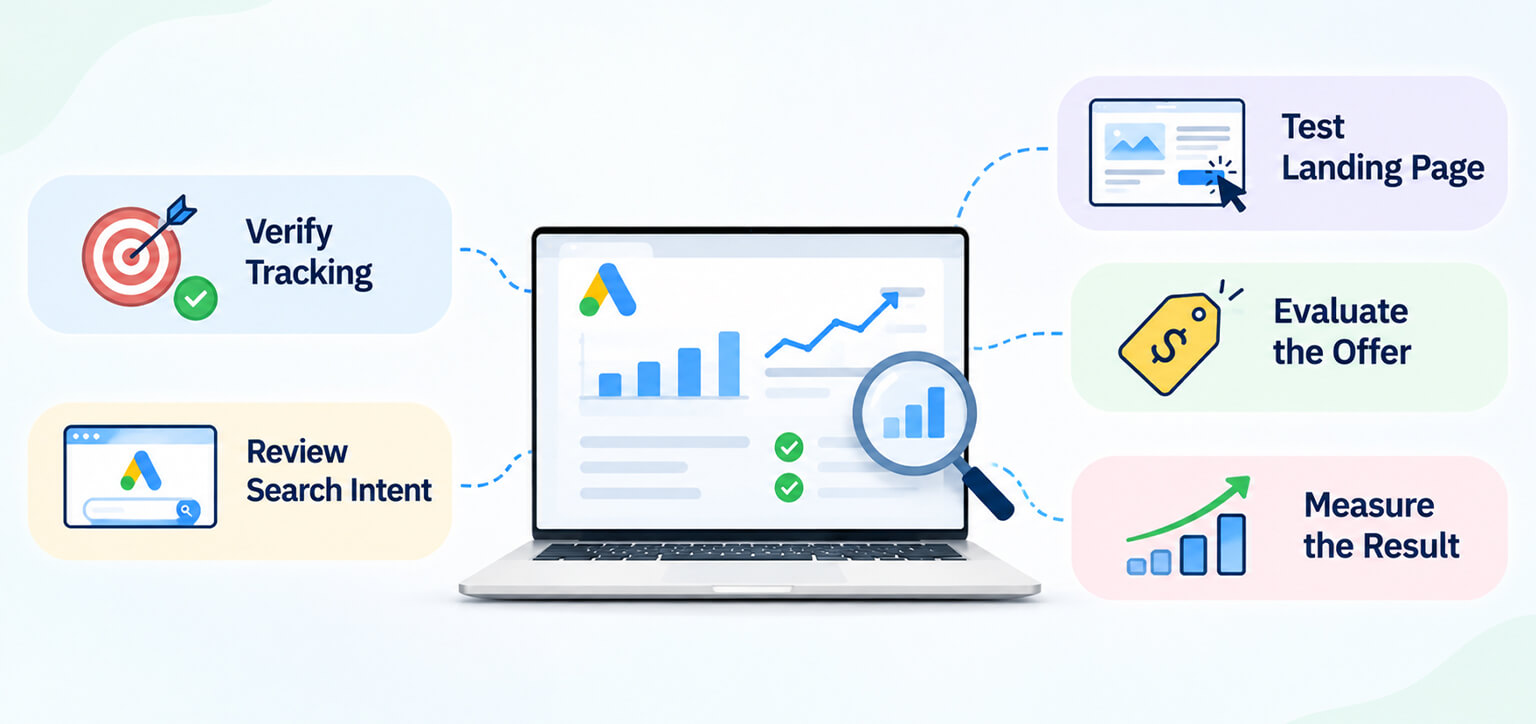
Fix targeting first when the evidence shows that your ads attract irrelevant visitors. Prioritize the landing page when relevant visitors encounter clear usability, content, or technical problems.
Use this practical sequence:
- Verify tracking: Confirm that leads, purchases, and other intended actions are recorded correctly.
- Review search intent: Remove or refine genuinely irrelevant traffic sources and queries.
- Test the landing page: Check message match, mobile usability, loading, forms, and checkout.
- Evaluate the offer: Review pricing, terms, and whether the page answers the questions potential customers need resolved.
- Measure the result: Compare performance after making changes, allowing enough time and conversion volume for a meaningful assessment.
Avoid changing targeting, page design, pricing, and bidding simultaneously unless an urgent problem requires it. Making changes in stages helps you understand which intervention was useful.
This is the practical foundation of Google Ads conversion rate optimization: diagnose the issue, make a focused change, and measure the outcome rather than assuming every conversion problem has the same cause.
Why Is Website Performance Worth Investigating?
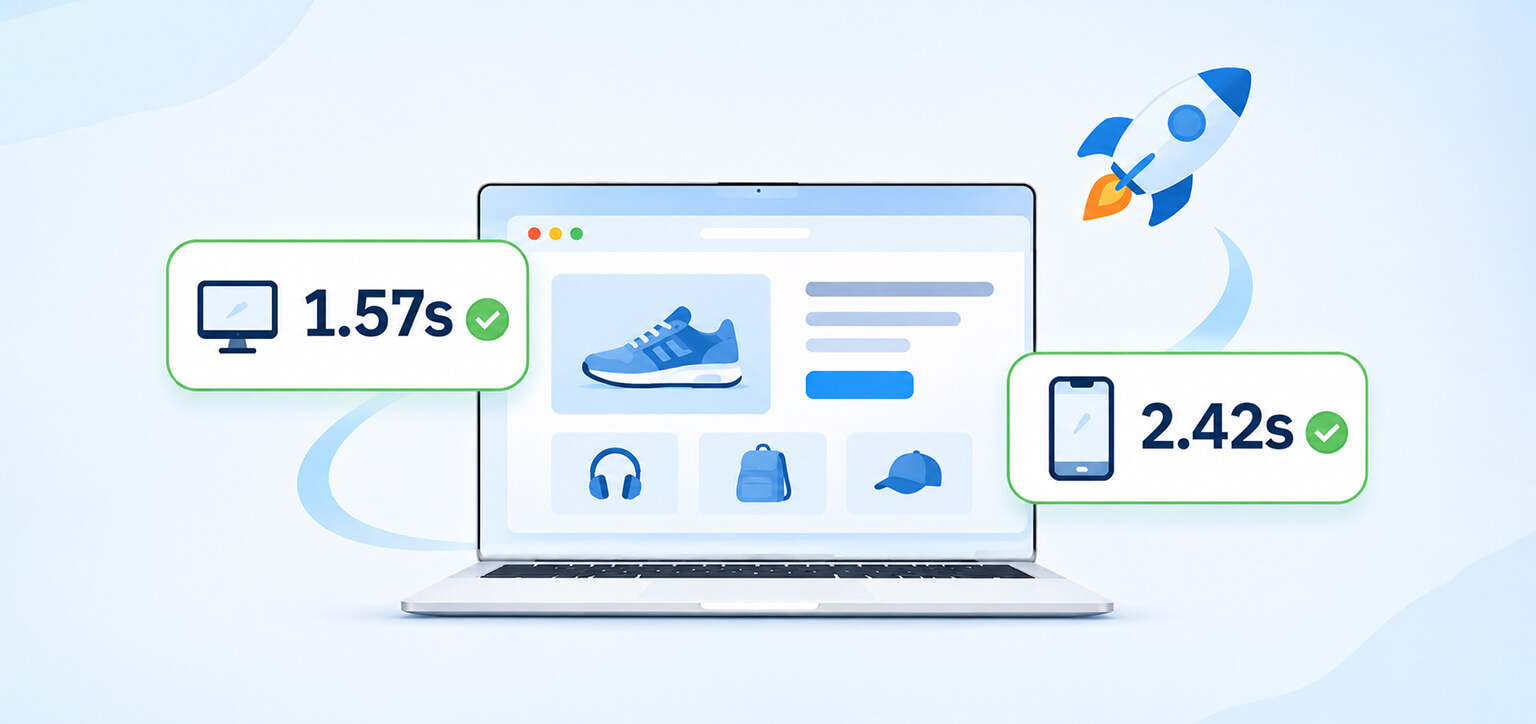
Website performance is worth checking when relevant visitors leave before the page becomes usable or struggle to interact with important elements. It is one potential contributor to low conversions, not a guaranteed explanation.
A Website Speedy customer, Rick Mantheiy, described performance improvements for his website with a large catalog and reported Google test results of 1.57 seconds on desktop and 2.42 seconds on mobile. This is an individual customer report about website performance, not evidence that faster loading alone improves Google Ads conversions.
The practical lesson is to measure your own landing pages and investigate whether performance problems coincide with poor visitor behavior. The same approach applies to content rendering, JavaScript execution, and mobile interactions.
Conclusion
A low Google Ads conversion rate does not automatically mean your targeting or landing page is at fault. Review search intent, test the visitor journey, compare performance across pages and devices, and verify conversion tracking. The evidence will help you decide which problem to address first and avoid making changes based on assumptions.
Frequently Asked Questions
How do I know if my Google Ads targeting is wrong?
How can I tell if my landing page is causing low conversions?
How do I check whether my Google Ads traffic matches my landing page?
Can a slow landing page cause a low Google Ads conversion rate?
What should I check if Google Ads clicks are not converting?
How can I improve Google Ads conversions without increasing my budget?
About the Author