






TL;DR: A slow landing page can waste Facebook ad budget when people click an ad but leave before the page loads or abandon it because it responds too slowly. Compare link clicks with landing page views, test mobile speed, and check tracking, page relevance, and checkout usability before increasing ad spend.
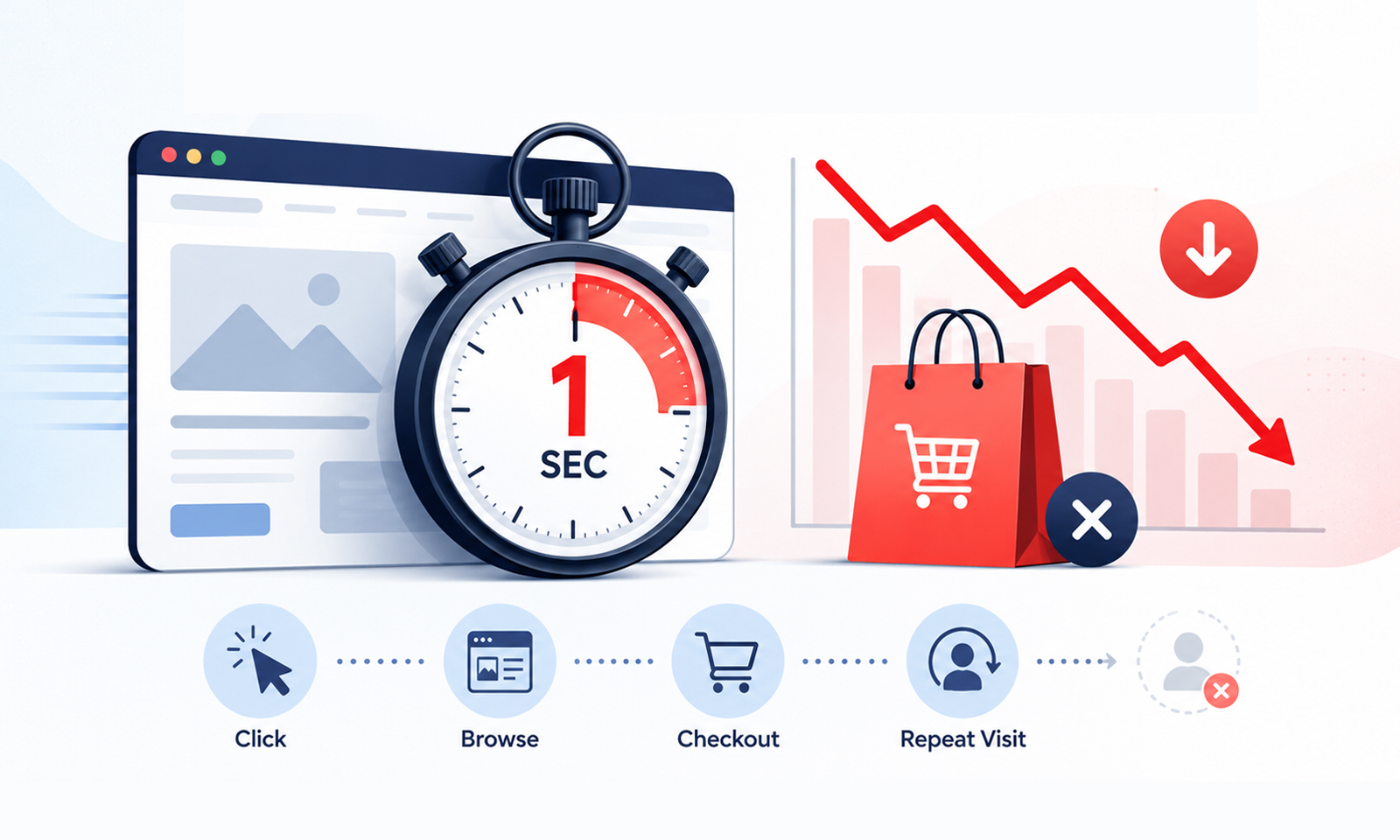
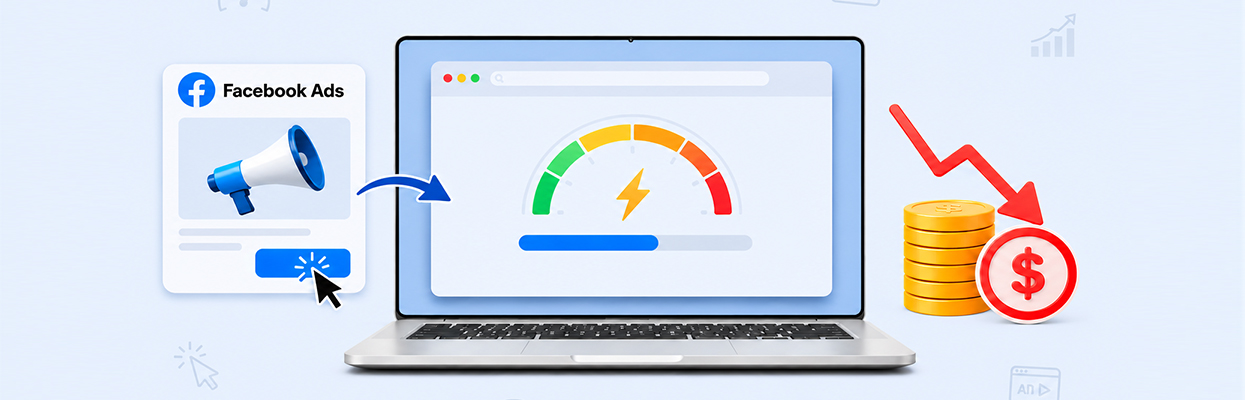
Facebook ads can bring interested visitors to your website, but what happens after the click matters just as much. If your landing page takes too long to load, potential customers may leave before seeing your offer, even though you have already paid to attract their attention.
Yes, a slow landing page could be wasting your Facebook ad budget. It can reduce the number of visitors who reach your content, contribute to a higher bounce rate, and lower conversions. However, slow loading is only one possible cause. Ad targeting, offer quality, tracking errors, and a confusing checkout can also affect campaign results.
The goal is to identify where visitors are dropping off and determine whether website performance is responsible before spending more money on ads.
How a Slow Landing Page Can Waste Your Facebook Ad Spend
A slow landing page can waste Facebook ad budget when visitors click an ad but leave before the page loads or abandon it before converting. Here’s how to identify and address the problem:
- Why budget gets wasted: Visitors may leave before seeing your offer, reducing the chances of converting paid traffic into customers.
- What to check: Compare Facebook ad link clicks with landing page views, and test mobile loading speed, redirects, and tracking.
- How to measure the impact: Monitor landing page view rate, conversion rate, and cost per conversion to identify where visitors drop off.
- What you can do: Prioritize visible content, reduce unnecessary JavaScript, fix render-blocking resources, and improve mobile usability.
- What to remember: Slow loading can contribute to wasted ad spend, but targeting, offer relevance, and checkout issues can also affect results. Faster pages do not guarantee more conversions.
How Does Landing Page Speed Affect Facebook Ad Conversions?
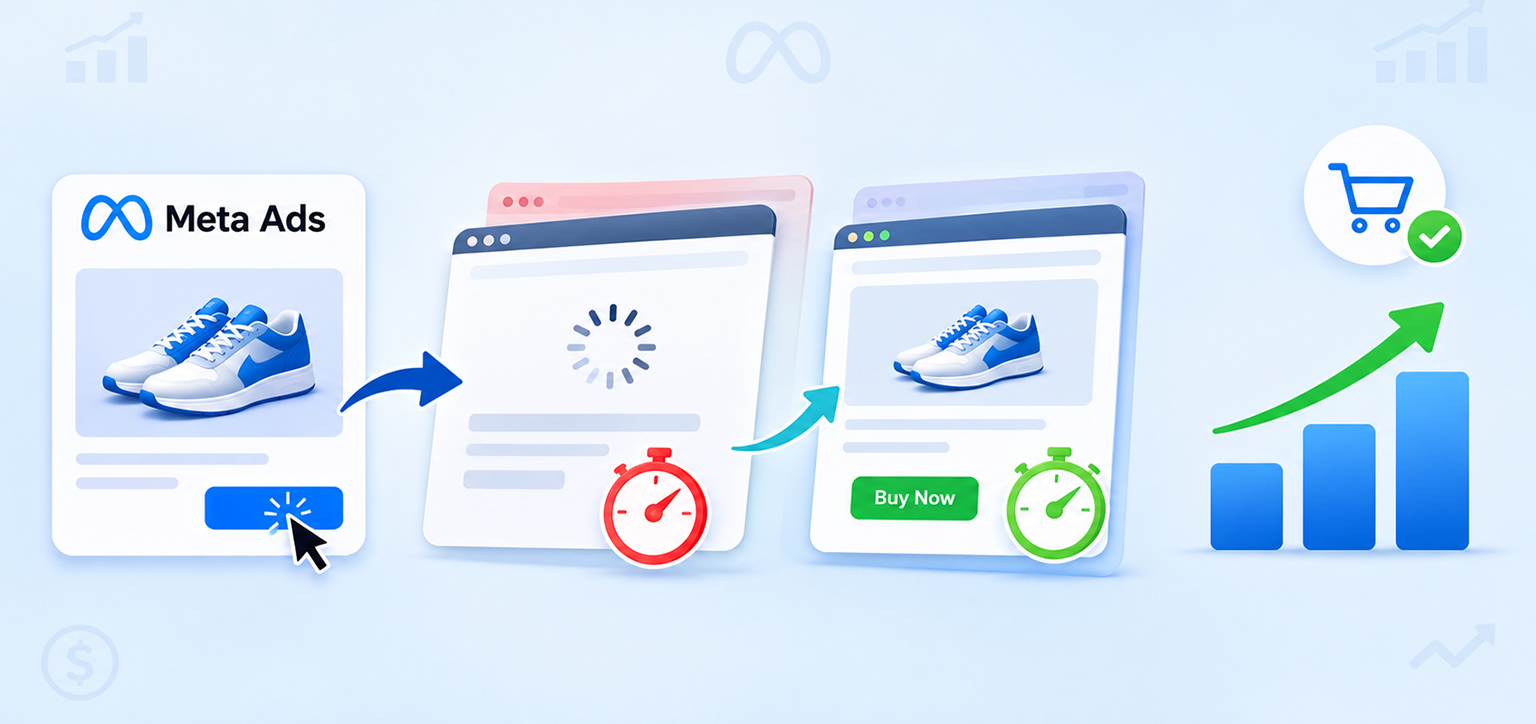
Landing page speed affects how quickly visitors can see your offer, understand its value, and take the next step. When a page loads slowly, some visitors leave before engaging with it, reducing the opportunity to turn paid traffic into leads or sales.
Consider an ecommerce store spending $500 to attract 500 visitors through Facebook ads. If 25 visitors purchase, the campaign generates a 5% conversion rate. If slow loading prevents some interested visitors from reaching the product information or checkout, the store could lose sales opportunities without reducing its advertising spend.
This is an illustrative example, not a prediction of what a speed improvement will achieve. The actual impact depends on how many visitors abandon the page, their purchase intent, and the rest of the buying experience.
Research found that 53% of mobile visitors abandon a page if it takes more than 3 seconds to load. The research is older, but it illustrates why delays deserve attention, especially for mobile advertising traffic.
A slow page can affect two distinct stages:
- Before visitors arrive: They click an ad but leave before the destination loads successfully.
- After visitors arrive: They see the page but abandon it before engaging, submitting a form, or purchasing.
Separating these situations is essential. They require different fixes, and neither automatically proves that page speed is the only problem.
How to Check If a Slow Landing Page Is Wasting Ad Spend
The best way to investigate a slow landing page wasting Facebook ad budget is to follow the visitor journey from the ad click to the final conversion. Start with your campaign data, then test the actual destination page.
1. Compare Facebook Ad Clicks With Landing Page Views
Link clicks and landing page views measure different stages of the journey. Link clicks record interactions with ad links, while a landing page view indicates that the destination page loaded successfully and was recorded according to Meta’s measurement system.
For ads directing visitors to an external website, compare outbound clicks with landing page views in Ads Manager for the same campaign, ad, and date range. You can also review the landing page view metric’s definition in the Meta Business Help Center.
Open Ads Manager and compare the relevant link-click metric with landing page views for the same campaign, ad, and date range. You can also review the landing page view metric’s definition in the Meta Business Help Center.
Calculate the landing page view rate as follows:
Landing Page View Rate = (Landing Page Views ÷ Outbound Clicks) × 100
For example, if an ad receives 1,000 outbound clicks and 700 landing page views, the landing page view rate is 70%.
That gap deserves investigation, but it does not mean that exactly 300 visitors were lost because of slow loading. Some clicks may lead to other destinations or experiences, users may abandon navigation, and tracking or measurement differences can affect the numbers.
If the rate drops suddenly, check page speed, redirects, broken URLs, and tracking before changing your ad creative.
2. Test the Actual Landing Page on Mobile
A landing page loading slowly on mobile can be particularly frustrating because visitors may be using cellular connections and devices with less processing power than desktop computers.
Open the exact URL used in your ad on a smartphone. Test it on both Wi-Fi and a mobile connection, and repeat the test rather than relying on a single visit.
Use Google PageSpeed Insights to review loading performance and potential technical issues. Pay attention to these Core Web Vitals targets:
| Metric | Good performance target | What it tells you |
|---|---|---|
| Largest Contentful Paint (LCP) | 2.5 seconds or less | How quickly the main visible content loads |
| Interaction to Next Paint (INP) | 200 milliseconds or less | How quickly the page responds to interactions |
| Cumulative Layout Shift (CLS) | 0.1 or less | How stable the layout remains as it loads |
These thresholds come from Google’s Core Web Vitals guidance. Google evaluates real-user performance at the 75th percentile of page visits, separately for mobile and desktop. They are useful performance benchmarks, not guaranteed Facebook Ads conversion targets.
3. Check Whether the Page Matches the Ad
Not every Facebook Ads high bounce rate is caused by slow loading. Visitors may leave because the landing page does not deliver what the ad promised.
For example, an ad promoting a 20% discount should take visitors to a page where the offer is easy to find, and its conditions are clear. Sending them to a generic homepage can introduce unnecessary steps and confusion.
Check the headline, offer, product details, call to action, and destination URL. If visitors arrive successfully but do not engage, investigate relevance and usability alongside speed.
Why Are People Clicking Facebook Ads but Leaving Before the Page Loads?
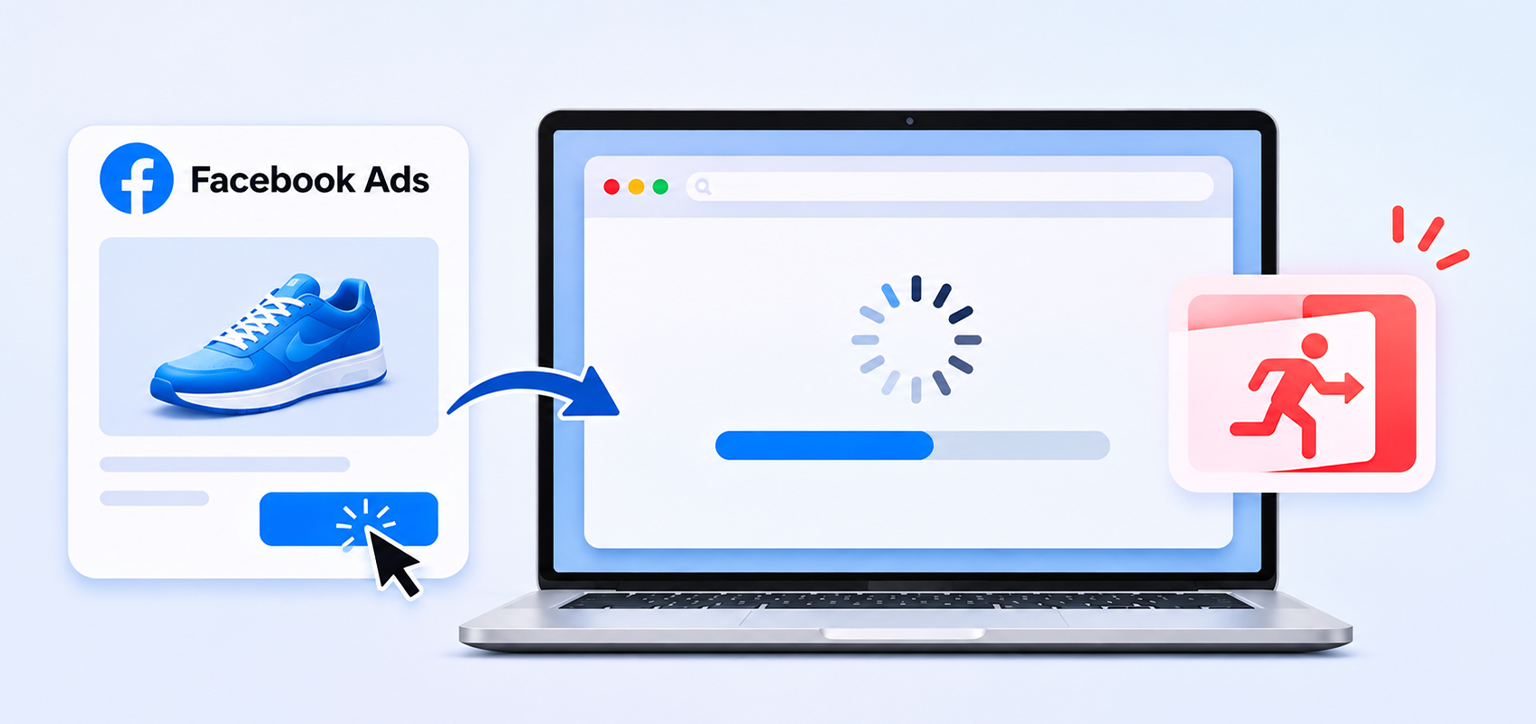
People may click Facebook ads but leave before the page loads because the destination takes too long to respond, a redirect fails, the page encounters an error, or the visitor changes their mind. A tracking problem can also make successful visits appear lower than they actually are.
Here are four common causes to investigate.
Slow Loading and Render-Blocking Resources
A browser needs to download and process resources before it can display parts of a webpage. Large CSS files, synchronous JavaScript, and unnecessary scripts can delay visible content.
This matters when an ad sends visitors to a landing page containing product information, a lead form, promotional banners, and multiple marketing integrations. Even if the server responds quickly, the page may still take time to become usable.
The solution is to identify which resources delay the initial view, rather than assuming the entire website needs rebuilding.
Redirects and Destination Errors
An ad URL may pass through tracking links or several redirects before reaching the final page. Each extra step can introduce delay or a potential failure.
Check that the destination URL works, redirects to the intended page, and preserves relevant campaign parameters. Also test the page when opened from the Facebook or Instagram app, since the in-app browser may behave differently from your usual desktop browser.
Tracking and Measurement Problems
If visitors reach the page but the relevant tracking event does not register correctly, Ads Manager may report fewer landing page views than expected.
Compare Meta’s reporting with your website analytics and available first-party traffic data. Check that the Meta Pixel and relevant events are configured correctly, while accounting for differences in attribution, consent settings, and measurement methods.
Accidental Clicks or Low-Intent Traffic
Some people click an ad accidentally or discover that the offer is not relevant to them. These visitors may leave quickly even when the page loads well.
Review your audience, placements, creative, and offer before attributing every lost visit to performance. A fast landing page cannot compensate for an ad that attracts the wrong audience.
Can a Slow Landing Page Increase Facebook Ads Cost Per Conversion?
Yes, a slow landing page can contribute to a higher Facebook ads cost per conversion if the delay reduces the number of visitors who complete a desired action while advertising costs remain similar. It is not, however, the only factor that determines conversion costs.
Use this formula to understand the relationship:
Cost Per Conversion = Total Ad Spend ÷ Number of Conversions
Suppose you spend $600 and receive 30 purchases. Your cost per purchase is $20. If the same spend generates only 20 purchases in a later period, the cost rises to $30.
That change does not establish that page speed caused the decline. You would need to examine traffic quality, the offer, conversion tracking, checkout performance, and other campaign changes.
To determine whether speed is contributing, compare performance before and after a targeted optimization while keeping other conditions as consistent as possible. Monitor landing page views, conversion rate, and cost per conversion rather than relying on click-through rate alone.
How to Improve Facebook Ad Landing Page Performance Without Redesigning Your Website
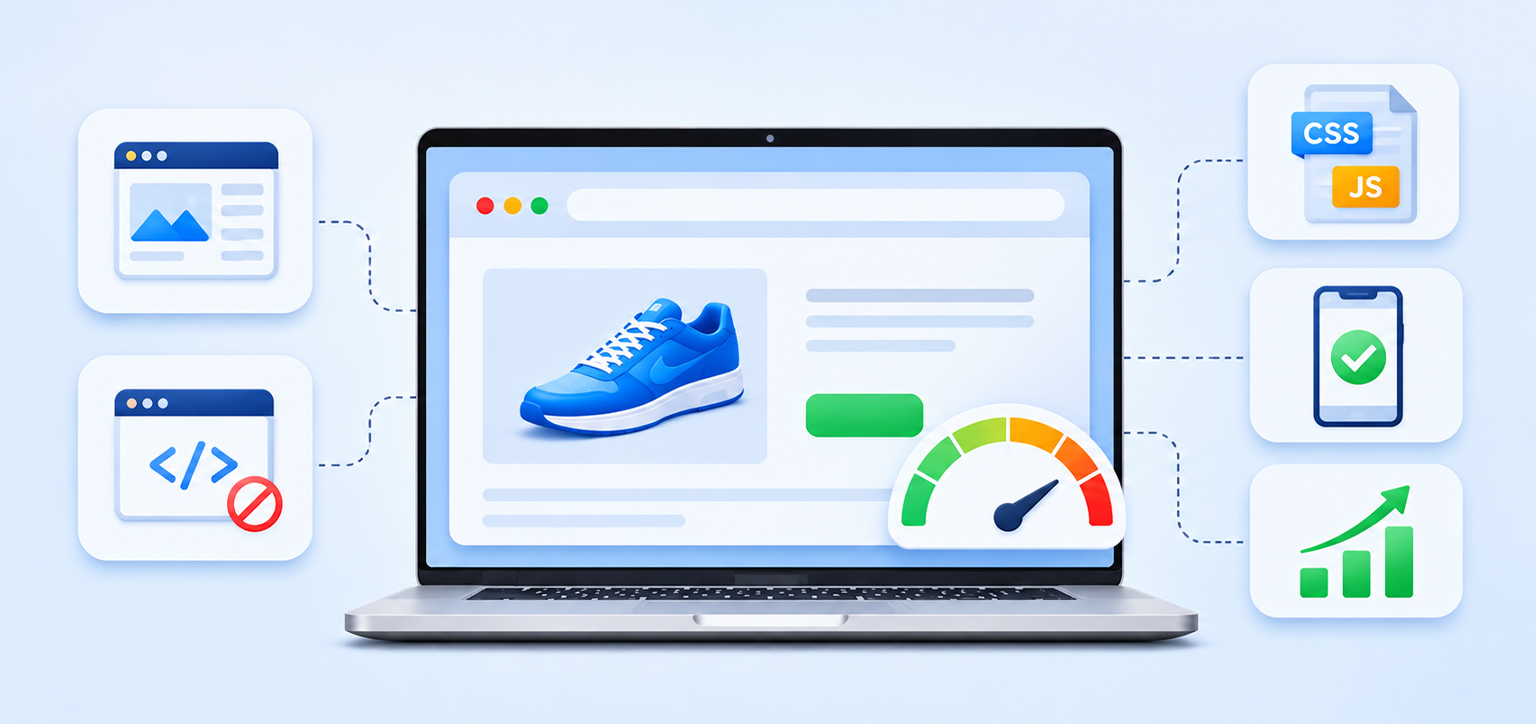
You can often improve landing page performance through targeted technical and usability changes rather than rebuilding the entire website. Start with the issues that delay the first view or prevent visitors from interacting with the page.
1. Prioritize the Content Visitors Need First
Make the main headline, offer, primary product information, and call to action available as early as possible. Avoid delaying the visible content while unrelated scripts or below-the-fold resources load.
Use browser resource prioritization to ensure critical styles, fonts, and the main visible image are discovered and loaded efficiently. Do not lazy-load the image responsible for the page’s LCP, as that can delay the main content instead of speeding it up.
2. Reduce Unnecessary JavaScript and Third-Party Scripts
Analytics tools, advertising pixels, chat widgets, review applications, and A/B-testing scripts can all consume browser resources. Individually, they may seem small, but together they can slow rendering and make a page less responsive, particularly on mobile devices.
Audit which scripts are necessary on the landing page. Remove unused integrations, load non-critical scripts asynchronously or defer them where appropriate, and test tracking and functionality after each change.
3. Address Render-Blocking CSS and JavaScript
Render-blocking resources can prevent a browser from displaying content until certain files have been downloaded and processed. Identify the specific files responsible, then determine whether they can be reduced, deferred, or loaded differently without breaking the page.
The appropriate fix depends on how the page is built. Removing a necessary stylesheet or delaying a script that controls the main form can create new problems, so test changes carefully.
4. Improve Mobile Usability
Speed is only part of mobile landing page optimization. Visitors also need readable text, clear buttons, forms that work on small screens, and a checkout process that does not require unnecessary steps.
Check whether pop-ups cover the call to action, buttons are difficult to tap, or form fields are frustrating to complete. Keep the ad’s promise visible and make the next action obvious.
5. Measure the Result After Each Change
Retest the landing page with PageSpeed Insights and on real devices. Then compare the same campaign’s landing page view rate, conversion rate, and cost per conversion over comparable periods.
If testing reveals delays caused by render-blocking resources, unnecessary scripts, or inefficient resource loading, address those issues and measure the impact. Tools such as Website Speedy automate certain website performance optimizations, reducing the need for manual technical changes. The appropriate optimizations depend on how the website is built and which resources are slowing it down.
A faster laboratory score alone does not prove that your campaign is performing better. Compare the results against real-user experience and actual campaign outcomes, accounting for changes in audience, ad spend, and demand. This helps you determine whether performance improvements are making a meaningful difference to your Facebook advertising results.
Conclusion
A slow landing page can waste part of your Facebook ad budget by preventing interested people from reaching your offer or making it harder for them to convert. But clicks that fail to become sales do not automatically indicate a speed problem.
Start by comparing link clicks with landing page views, testing the actual landing page on mobile, and checking tracking, redirects, relevance, and checkout usability. Fix the most significant issues first, then measure whether the changes improve visitor engagement and conversions.
The aim is not simply to make a page load faster. It is to help more of the people you pay to attract reach a usable page and have a fair opportunity to become customers.
Frequently Asked Questions
Could a slow landing page be wasting my Facebook ad budget?
How fast should a landing page load for Facebook ads?
Can a slow landing page increase my Facebook ads cost per conversion?
How do I check whether my Facebook ad landing page is loading slowly on mobile?
Why are my Facebook ad clicks high but landing page views low?
Can I improve landing page speed without redesigning my website?
About the Author