






TL;DR: Before increasing ad spend, fix poor mobile Core Web Vitals on your Wix website by identifying LCP, INP, and CLS issues, simplifying mobile page layouts, reviewing third-party scripts, and testing important landing pages. Monitor real-user performance and conversions before scaling campaigns.
Increasing Google or Meta ad spend can bring more visitors to your Wix website, but it won’t solve problems that occur after someone clicks an ad. If your landing page loads slowly, buttons respond late, or page elements shift while loading, visitors may leave before exploring your offer.
Poor Wix mobile Core Web Vitals can indicate these problems, particularly when your desktop performance looks fine, but mobile results remain weak. Before putting more money into advertising, identify what’s slowing down your mobile pages, fix the issues you can control, and check whether visitors can complete the actions your campaigns are designed to generate.
The goal isn’t simply to achieve a high PageSpeed Insights score. It’s to make sure your website delivers a reliable mobile experience before you pay to send more traffic to it.
How to Fix Wix Mobile Core Web Vitals Before Increasing Ad Spend
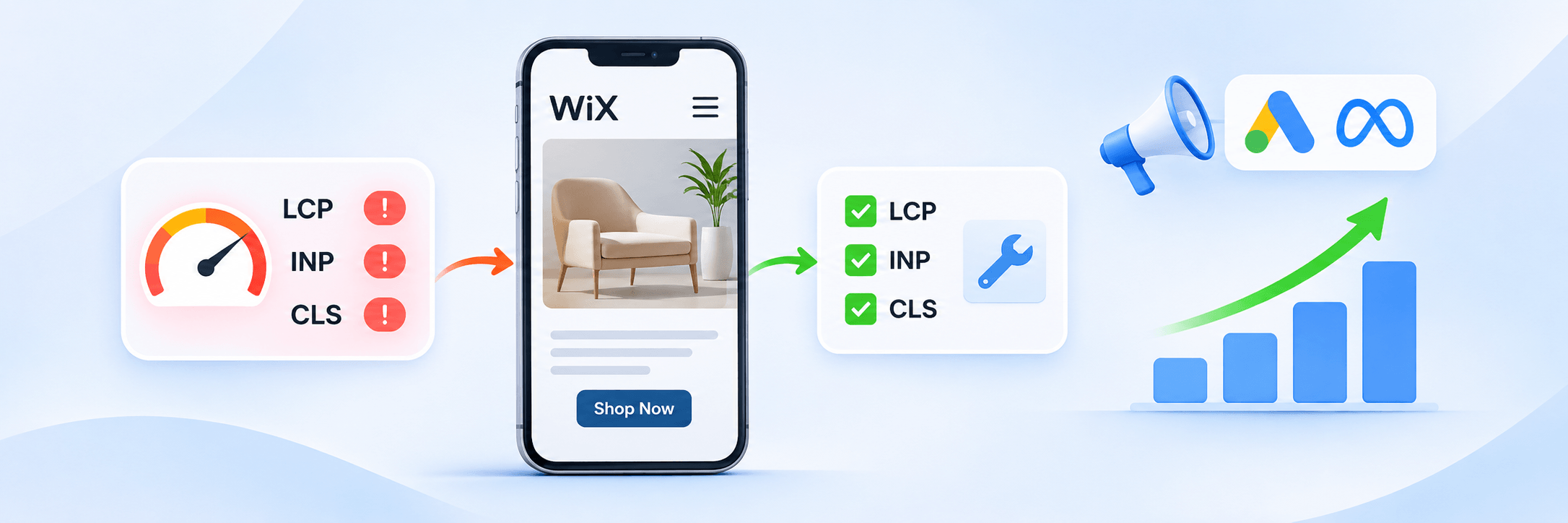
You should address these issues before scaling your advertising campaigns:
| Priority | What to check | Recommended action |
|---|---|---|
| 1. Measure | Mobile Core Web Vitals | Test important landing pages using PageSpeed Insights |
| 2. Fix LCP | Slow-loading main content | Simplify hero sections and prioritize the main visible content |
| 3. Fix INP | Delayed button and form responses | Review unnecessary JavaScript and third-party scripts |
| 4. Fix CLS | Unexpected layout shifts | Reserve space for images, banners, and embedded elements |
| 5. Test ads | Mobile landing page experience | Check the complete journey from ad click to conversion |
| 6. Monitor | Real-user performance | Compare Core Web Vitals and conversion data before scaling |
Why Are Core Web Vitals Poor on My Wix Website?
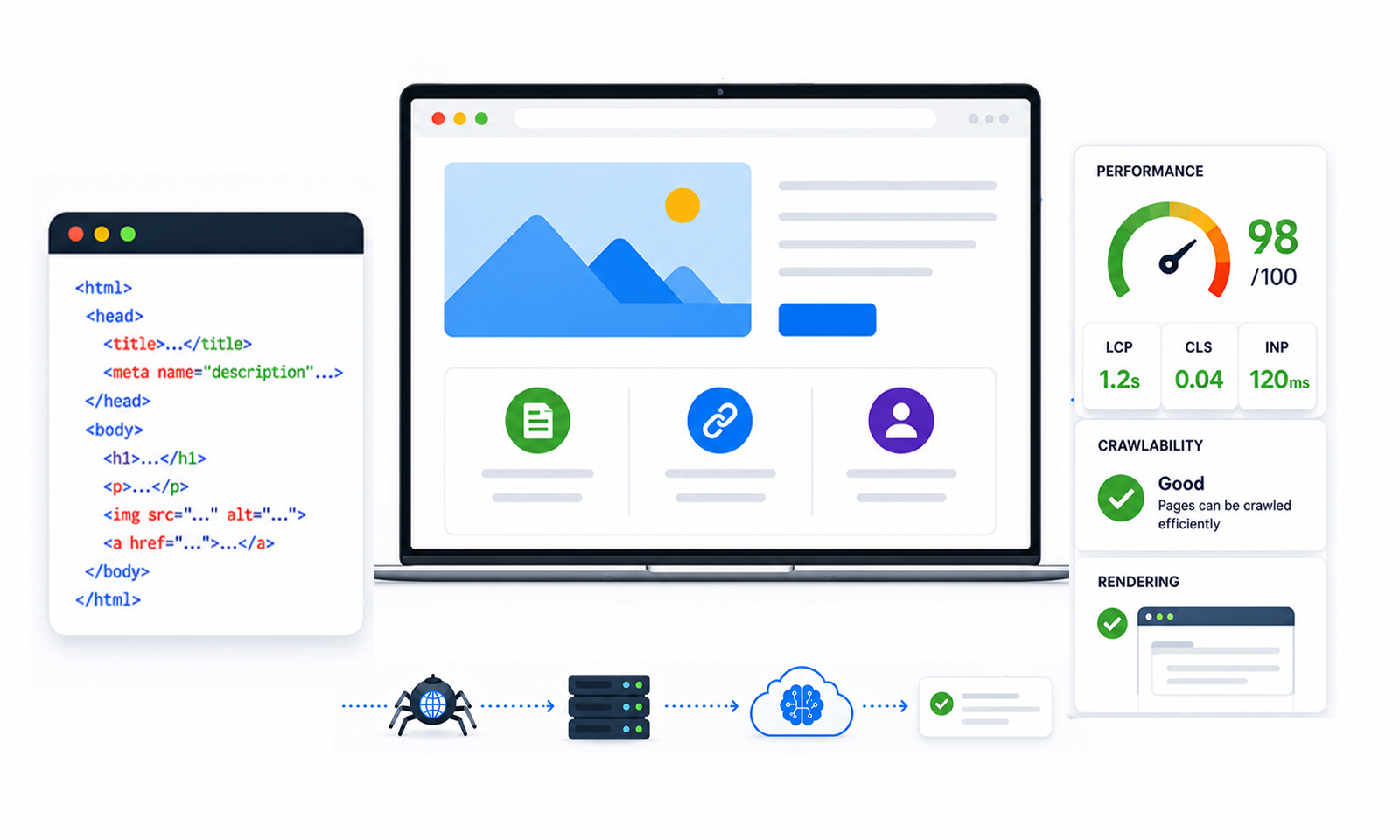
Core Web Vitals measure three important aspects of website experience: loading performance, interactivity, and visual stability.
A Wix website can have poor mobile Core Web Vitals even when its design looks clean. The problem often comes from the number of elements loading on a page, how much JavaScript the browser processes, and how the mobile layout behaves.
Google recommends the following thresholds for good Core Web Vitals performance at the 75th percentile of real-user page visits:
| Metric | What it measures | Good threshold |
|---|---|---|
| Largest Contentful Paint (LCP) | Loading performance | 2.5 seconds or less |
| Interaction to Next Paint (INP) | Responsiveness | Less than 200 milliseconds |
| Cumulative Layout Shift (CLS) | Visual stability | Less than 0.1 |
These thresholds apply to both mobile and desktop assessments, which are evaluated separately.
Why Is My Wix Website Slow on Mobile but Fast on Desktop?
Mobile devices generally have less processing power than desktop computers. They may also operate on slower or less stable network connections.
This means a page containing several animations, large banners, embedded videos, and third-party scripts can perform reasonably well on desktop but struggle on mobile.
For example, consider a Wix landing page with a large hero banner, an animated headline, a promotional popup, a live chat widget, and multiple advertising pixels.
A desktop browser may process these elements without noticeable delays. On a mobile device, however, the same elements can compete for limited processing resources and delay the appearance of the main content.
What Causes Poor Mobile Core Web Vitals on Wix?
Some common causes include:
- Large above-the-fold images and video backgrounds.
- Excessive animations and complex mobile layouts.
- Unnecessary Wix apps and third-party integrations.
- JavaScript that blocks the browser’s main thread.
- Dynamically loaded banners and widgets that shift page content.
- Heavy embedded elements, such as maps and external forms.
Wix also manages some of its underlying platform resources. Therefore, not every warning shown in PageSpeed Insights can be fixed manually. Focus on the elements and integrations you control rather than trying to remove essential Wix resources.
How to Check Core Web Vitals on a Wix Website
Before making changes, establish which metrics are failing and which pages need attention.
Start with Google PageSpeed Insights. Enter the URL of your Wix homepage or landing page and select the mobile report.
Review the Core Web Vitals assessment and the diagnostics under the performance report. Pay attention to the LCP element, JavaScript execution time, render-blocking resources, and layout shift warnings.
Don’t test only your homepage. If your Google Ads campaign sends visitors to a particular service page or product landing page, test that exact URL.
You can also check Wix’s Site Speed dashboard for real-visitor performance data and Google Search Console’s Core Web Vitals report for affected URL groups. Wix’s dashboard requires at least 10 site sessions in the previous seven days to display site speed data, so newer or low-traffic websites may have limited reporting.
One important distinction: PageSpeed Insights provides simulated Lighthouse results and real-user field data from the Chrome User Experience Report (CrUX), when sufficient data is available. If a specific URL doesn’t have enough field data, PageSpeed Insights may show origin-level data instead, which represents aggregated experiences across your website rather than that individual page.
A low lab score doesn’t automatically mean your real visitors experience the same conditions. Compare both types of data and check the reporting scope before prioritizing improvements.
How to Improve Core Web Vitals on Wix Before Increasing Ad Spend
Once you identify the problems, prioritize the fixes that affect your most important advertising landing pages.
1. Improve Largest Contentful Paint (LCP)
LCP measures how quickly the largest visible content element appears on the screen. On a Wix landing page, this could be a hero image, a large heading, or a prominent banner.
If your LCP is poor, start by checking the main element visitors see when they first open the page. Avoid unnecessarily large source images, keep image dimensions appropriate for their display areas, and replace unnecessary video backgrounds with static images. Wix automatically optimizes many uploaded images, but oversized media and heavy visual elements can still affect loading performance.
Also, keep the first section of your landing page simple. A headline, short explanation, and primary CTA are often more useful than several decorative elements competing for attention.
Don’t lazy-load the main image if it is the LCP element. Images further down the page are generally better candidates for lazy loading.
2. Improve Interaction to Next Paint (INP)
INP measures how quickly a website responds to user interactions throughout a visit. This is particularly important for paid traffic because visitors often need to interact with your landing page before converting.
For example, a potential customer might tap a CTA, open a navigation menu, submit a contact form, or select a product option. If the browser is busy processing JavaScript, these actions may respond slowly.
Review the Wix apps and integrations installed on your website. Remove outdated widgets, unused tracking tools, and scripts that no longer serve a business purpose.
Also, avoid loading every third-party feature on every page. A live chat widget, for example, may be necessary on a contact page but not on every landing page.
If scripts are contributing to the problem, reducing JavaScript execution time can help you understand which optimizations to investigate.
3. Fix Cumulative Layout Shift (CLS)
CLS measures unexpected movement of visible page elements. Imagine someone clicking your Google ad and opening a Wix landing page. They begin tapping the CTA, but a promotional banner loads above it and pushes the button downward.
This creates a frustrating experience and may lead to accidental clicks.
To address Wix CLS issues, reserve sufficient space for images, embedded videos, banners, and other dynamically loaded elements. Avoid inserting promotional sections above existing content after the page has started loading.
Pay particular attention to cookie banners, announcement bars, popups, and embedded forms. Check how they behave on smaller screens, not just desktop.
4. Review Third-Party Scripts and Render-Blocking Resources
Marketing integrations are important for measuring advertising performance, but too many scripts can affect mobile responsiveness. Common examples include Google Analytics, advertising pixels, chat tools, heatmaps, and external marketing widgets.
Start by listing the integrations running on your Wix landing pages. Remove unnecessary ones and check whether essential scripts can be loaded later without affecting tracking or functionality.
For Google Analytics, Google Tag Manager, and advertising pixels, use the relevant Wix marketing integrations rather than assuming these tracking scripts will work when added through the Custom Code feature. After changing any integration, verify that your advertising and conversion events are still being recorded correctly.
Wix recommends reducing unnecessary third-party code and using its built-in marketing integrations where appropriate.
If PageSpeed Insights identifies render-blocking CSS or JavaScript, investigate the specific resource before changing anything. Wix controls some underlying resources, so focus on custom code and integrations that you can manage.
The distinction between necessary and unnecessary scripts matters more than simply trying to eliminate every warning.
5. Simplify Your Mobile Landing Page
A desktop landing page doesn’t always need to look identical on mobile. If you’re using the Wix Editor, open the Mobile Editor and review the page as a visitor would see it on a smaller screen. If you’re using Wix Studio, review the mobile breakpoint and adjust the layout using its responsive design controls.
Remove decorative elements that don’t contribute to the page’s purpose. Reduce unnecessary animations, simplify navigation, and make your primary CTA easy to find. Also, check that your headline, offer, and CTA are visible without excessive scrolling.
This is particularly important for paid campaigns because visitors arrive with a specific expectation based on the advertisement. The landing page should immediately provide the information promised in the ad.
How Does Mobile Website Speed Affect Ad Conversions?
Improving Wix mobile performance is not just a technical exercise. It also helps address the experience visitors receive after clicking an advertisement.
Google explains that landing page speed is important for getting better results from mobile advertising. Its Google Ads documentation also provides a Landing Pages report to help advertisers identify pages that could offer a better mobile experience.
Consider a simple example.
Suppose a Wix business spends $1,000 on a campaign and receives 500 landing page visits. If visitors encounter slow loading, delayed interactions, or confusing mobile layouts, some may leave without completing the intended action.
Increasing the budget may bring more visitors, but it won’t automatically resolve the experience problem.
Before scaling, compare mobile landing page views, engagement, form submissions, purchases, and conversion tracking accuracy. If visitors reach the page but don’t convert, investigate both technical performance and the relevance of the landing page.
For a deeper understanding of this relationship, landing page experience optimization is also relevant. A similar issue can occur with social advertising. If Meta reports fewer landing page views than expected, check the actual mobile experience and the in-app browser as well.
When Is Your Wix Website Ready for Increased Ad Spend?
Don’t use a perfect PageSpeed score as the only condition for increasing your budget. Instead, look for improvements across three areas.
Technical performance: Your important mobile landing pages should aim for good LCP, INP, and CLS results based on real-user data. If URL-level field data is unavailable, use lab tests and repeatable mobile checks to identify remaining issues. Don’t treat a single successful PageSpeed Insights test as proof that your real visitors consistently experience good performance.
Landing page experience: Visitors should be able to understand the offer, navigate the page, and complete the intended action without unnecessary delays or interruptions.
Advertising performance: Check whether landing page views, conversion events, and actual business outcomes are being measured correctly. Test your CTA buttons, forms, checkout process, and conversion tracking on mobile before increasing your budget. Compare conversion rates and cost per acquisition before and after making changes.
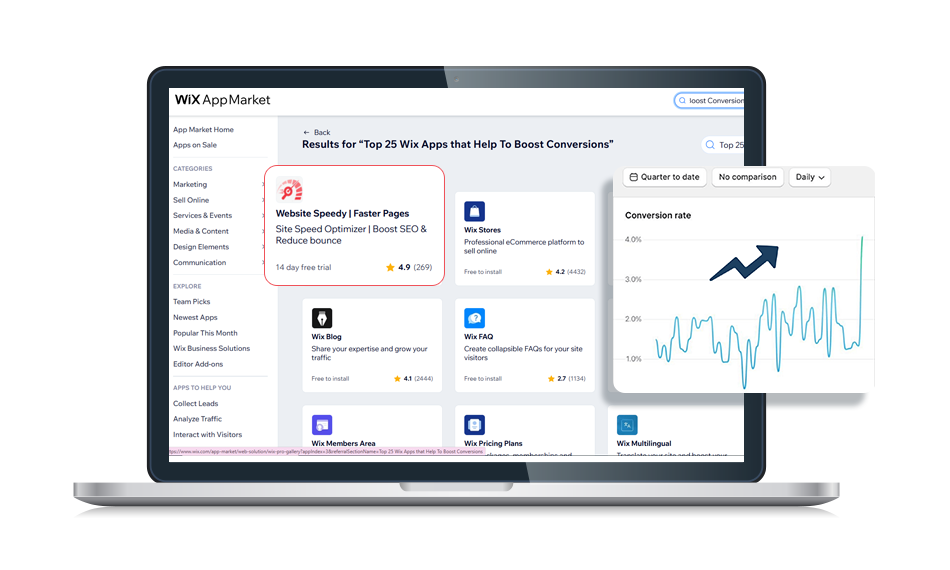
Website Speedy is one example of a performance optimization tool that supports Wix websites. Its approach includes techniques such as asynchronous loading, prefetching, preloading, and lazy loading. Whether using a tool or making manual changes, check that the optimization addresses your actual performance issues.
A Wix App Market customer shared this experience:
“With speedy, for the first time few pages of Wix shop already passing core web vitals.”
The customer also mentioned a one-click activation process and a 15-day trial before subscribing. This is an individual customer experience, not a guarantee that every Wix website will achieve the same results.
After implementing changes, retest your pages and compare the results. Remember that real-user Core Web Vitals use rolling data periods, so improvements may not appear immediately in field reports.
Conclusion
Poor Wix mobile Core Web Vitals are worth investigating before increasing advertising budgets. Start by testing the exact landing pages receiving paid traffic, then prioritize LCP, INP, CLS, unnecessary scripts, and mobile usability.
Once you’ve implemented the necessary changes, compare real-user performance, landing page engagement, and conversion data. The objective is to make sure your Wix website can deliver a good mobile experience and make effective use of the additional traffic your advertising campaigns bring.
Frequently Asked Questions
1. How can I improve Core Web Vitals on Wix?
2. Why is my Wix website slow on mobile but fast on desktop?
3. Do poor Core Web Vitals directly increase Google Ads costs?
4. Can Wix apps affect mobile Core Web Vitals?
5. How long does it take to improve Wix Core Web Vitals?
6. Should I increase ad spend if my Wix PageSpeed score is low?
About the Author