






TL;DR: A high Shopify paid traffic bounce rate can come from poor traffic quality, ad-to-landing-page mismatch, slow page speed, weak mobile UX, or conversion friction. Diagnose the issue by campaign, landing page, device, and conversion behavior before changing your ads or website.
Paid traffic becomes expensive when visitors click an ad but leave before engaging with your Shopify store.
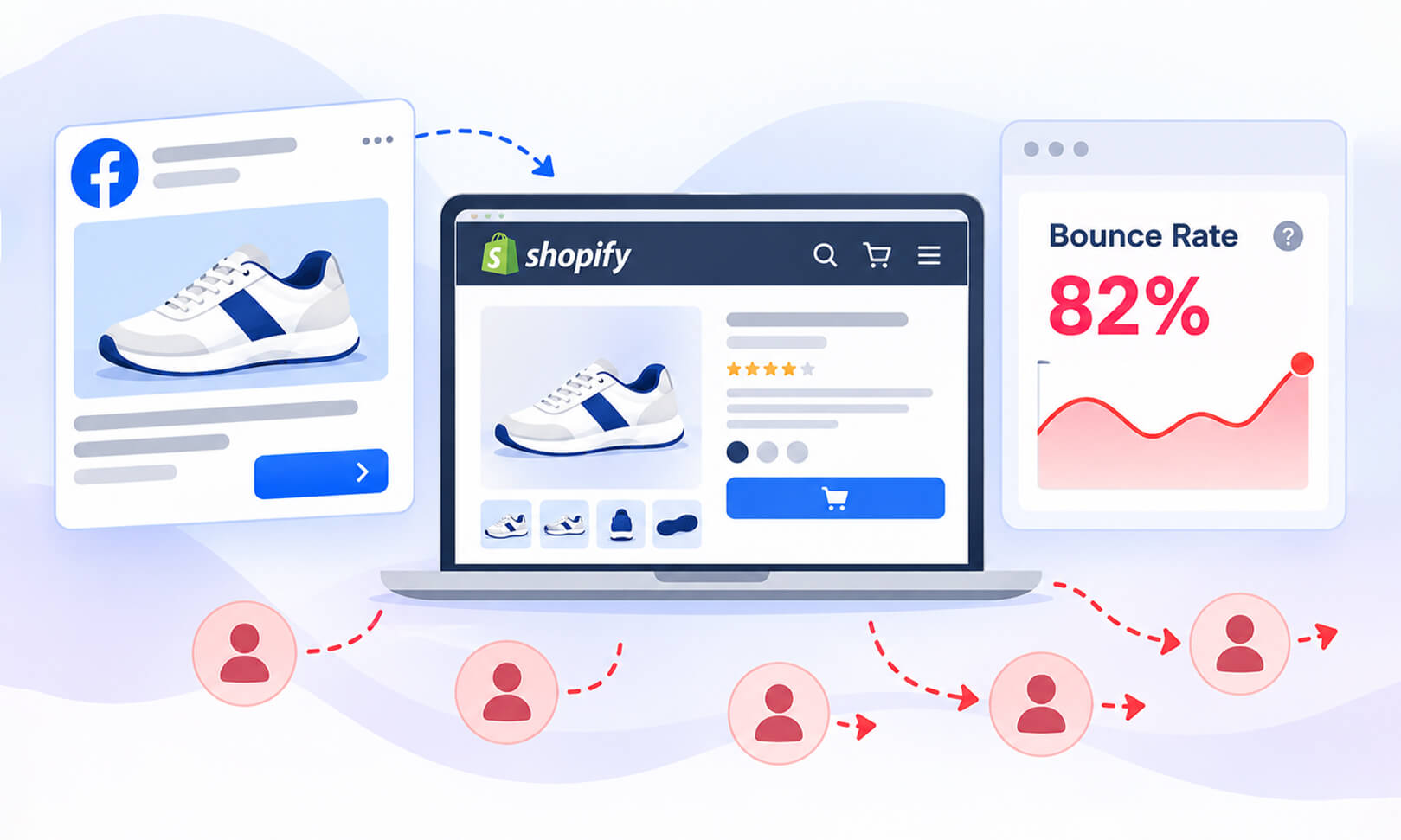
A high Shopify paid traffic bounce rate does not automatically mean your advertising is attracting the wrong people. The cause may be the traffic itself, the page visitors reach, the experience on mobile, or the gap between what the ad promises and what the landing page delivers.
The useful question is therefore not simply, “Is my bounce rate high?” It is why are paid visitors leaving, and what should I fix first?
Shopify defines bounce rate as the percentage of sessions that end after a single pageview. GA4 defines it differently, counting sessions that aren’t engaged. Check which platform you’re using before comparing bounce rates, and remember that a high rate doesn’t always indicate a poor user experience.
Why Do Paid Visitors Leave a Shopify Store?
Paid visitors typically leave a Shopify store because of poor traffic quality, ad-to-page mismatch, slow page speed, weak mobile UX, unclear offers, or conversion friction. Identifying which issue affects each campaign helps you fix the right problem instead of optimizing blindly.
| Problem | What it means | What to check |
|---|---|---|
| Poor traffic quality | Visitors are not a strong match for the offer | Campaign targeting, search intent, audience |
| Ad-to-page mismatch | The landing page doesn’t deliver what the ad promised | Product, offer, headline, CTA |
| Slow page speed | Visitors wait for content or interactions | Mobile speed, LCP, INP, JavaScript |
| Poor mobile UX | The page is difficult to browse or use | Layout, buttons, pop-ups, navigation |
| Weak landing page | Visitors don’t understand the offer or next step | Value proposition, product details, CTA |
| Conversion friction | Visitors are interested but struggle to buy | Cart, forms, checkout, payment experience |
What Causes Paid Visitors to Leave Your Shopify Store?
A high Shopify paid traffic bounce rate usually comes down to a disconnect between the visitor’s expectation and the experience they receive after clicking.
- The ad attracts the wrong intent
The visitor may click because the message sounds relevant but discover that the product or offer isn’t actually what they wanted. - The landing page doesn’t match the ad
Someone clicking an ad for a specific product or discount may be sent to a generic collection or homepage. - The page loads too slowly
Visitors may leave before the product, offer, or CTA becomes usable. - The mobile experience is frustrating
Small controls, intrusive pop-ups, difficult navigation, or slow interactions can create immediate friction. - The offer is unclear
Visitors shouldn’t have to search for the price, product benefits, shipping information, availability, or next step. - The page lacks trust
Missing product information, unclear policies, weak reviews, or unexpected costs can make visitors hesitate. - The buying process creates friction
A visitor may engage with the product but abandon it when adding to cart or checking out.
Google Ads recommends matching landing-page content to the ad. If visitors can’t quickly find the product or offer they expected, they’re more likely to leave.
Is an 80% Paid-Traffic Bounce Rate High for a Shopify Store?
80% is high enough to investigate, but it is not a universal failure threshold.
Shopify does not define one ideal bounce-rate percentage for every store. A bounce can simply mean a visitor viewed one page and left, and Shopify explicitly notes that a high bounce rate isn’t always bad.
Instead of judging the number in isolation, compare it with:
- Conversion rate
- Add-to-cart rate
- Revenue per session
- Campaign and ad group
- Landing page
- Device type
- Geographic location
- New versus returning visitors
For example, an 80% bounce rate combined with almost no engagement or purchases deserves investigation. But the same bounce rate on a page where visitors quickly find a phone number, store location, or other single-page answer may mean something very different.
Does Ad-to-Landing-Page Mismatch Cause High Bounce Rates?
Yes. Ad-to-landing-page mismatch is one of the clearest reasons paid visitors leave quickly.
Imagine an ad promising:
“20% Off Men’s Running Shoes”
If the click opens a general footwear collection where the visitor has to search for the advertised products and promotion, the experience doesn’t match the expectation created by the ad.
The fix is straightforward: connect the ad promise to the page.
If the ad promotes a specific product, send visitors to that product page. If it promotes a category, use a relevant collection page. If it promotes a discount, make the offer visible and easy to understand.
Google recommends keeping ad messaging, keywords, landing-page content, and calls to action closely aligned.
Can Slow Shopify Page Speed Cause a High Bounce Rate?
Yes. Slow Shopify pages can contribute to a high Shopify paid traffic bounce rate, especially when paid visitors arrive on mobile devices.
This matters because the click has already cost money. If a visitor waits several seconds before seeing useful content or interacting with the page, the advertising spend has been incurred without giving the visitor a reasonable opportunity to convert.
Google specifically recommends improving landing-page speed for mobile advertising and reports that, in its retail data, a one-second delay on mobile can affect mobile conversions by up to 20%.
For Shopify, test the actual URLs receiving paid traffic rather than assuming the homepage represents the entire store.
Pay particular attention to:
- Large hero and product images
- Render-blocking resources
- Excessive JavaScript
- Third-party scripts
- Shopify apps adding unnecessary functionality
- Layout shifts
- Slow interactive elements
Shopify speed optimization tips cover several of these areas, including images, apps, JavaScript, and Core Web Vitals.
Can Mobile Page Speed Increase Paid-Traffic Bounce Rates?
Yes. A mobile visitor can experience performance problems that are less noticeable on desktop.
A large product image, third-party tracking script, review widget, chat tool, or marketing popup may add significant browser work. On a slower mobile connection or less powerful device, that additional work can become much more noticeable.
Google Ads recommends fast, mobile-friendly landing pages. If mobile visitors bounce more often than desktop visitors, check loading speed, navigation, and usability before assuming traffic quality is the problem.
If mobile paid traffic has a much higher bounce rate than desktop traffic for the same campaign and landing page, investigate the mobile experience before assuming the audience is poor quality.
Can Poor Landing Page Experience Make Paid Visitors Leave?
Yes. A landing page can be technically functional and still provide a poor experience. A paid visitor should be able to answer several questions quickly:
What is this product?
Why should I care?
How much does it cost?
Is the advertised offer actually available?
What should I do next?
If those answers are buried below several banners, pop-ups, reviews, recommendations, or blocks of content, the visitor has more work to do before reaching the intended action.
Google recommends making landing pages relevant, useful, mobile-friendly, easy to navigate, and clear about the action visitors should take.
How to Diagnose and Fix a High Shopify Paid Traffic Bounce Rate
The fastest way to fix a high Shopify paid traffic bounce rate is to identify where the problem follows the visitor.
1. Check the campaign first
Compare bounce or engagement and conversion behavior across campaigns.
If one campaign performs poorly while others use the same landing page successfully, review its targeting, audience, creative, and offer. If several campaigns struggle on the same page, investigate the page experience, mobile performance, and offer presentation.
Shopify’s marketing reports can connect marketing activities with sessions and sales, helping you examine campaign performance rather than relying on one site-wide number.
2. Check the landing page
Look at the exact URL receiving paid clicks. Ask whether the visitor sees the product, offer, pricing, and CTA promised by the advertisement.
Google Ads also provides landing-page reporting and tools for checking whether ads are reaching the intended URLs.
3. Compare mobile and desktop
If desktop traffic converts normally but mobile traffic has a much higher bounce rate, inspect the mobile version of the page.
Check navigation, CTA visibility, pop-ups, image sizes, page speed, and interaction responsiveness.
4. Test page performance
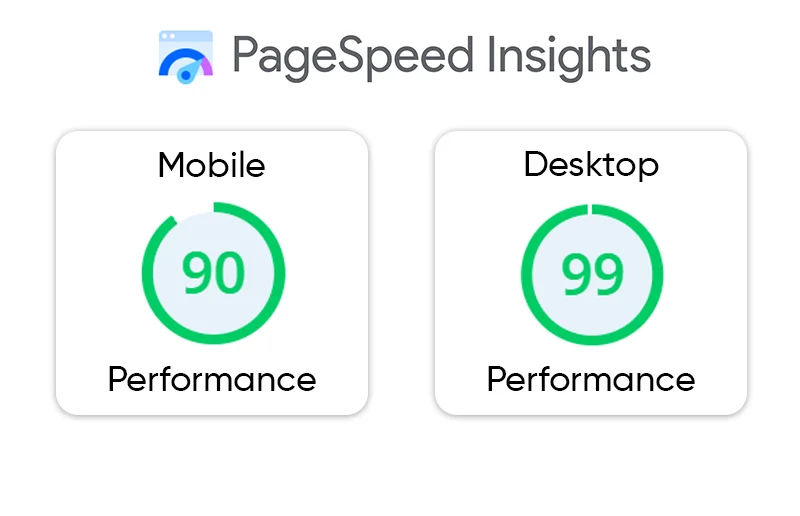
Run the actual landing page through PageSpeed Insights and review its Core Web Vitals and performance diagnostics.
Reducing JavaScript Execution Time can help when long-running or unnecessary JavaScript is contributing to poor responsiveness. For pages relying heavily on external tools, third-party script optimization is another area worth investigating.
5. Check what happens after the landing page
If visitors add items to their cart or reach checkout but don’t purchase, investigate that stage of the conversion funnel. Check cart additions, checkout starts, and completed purchases to identify where shoppers drop off.
For example, complicated forms, unexpected costs, limited payment options, or confusing checkout steps can create friction even when the landing page itself performs well.
6. Fix the largest problem first
Don’t change targeting, page design, images, scripts, copy, and checkout simultaneously.
Identify the strongest pattern first. If the issue is concentrated on one slow mobile landing page, start there. If the problem appears across campaigns but only for a particular audience, investigate traffic quality and intent.
Then measure the same campaign, page, and device segment again.
How Can I Check My Shopify Landing Page Performance for Paid Traffic?
Start with the pages actually receiving advertising clicks. In Shopify, review marketing activity and acquisition data to identify sessions and sales associated with your campaigns.
Then combine that information with your advertising platform and performance testing data. A useful diagnostic view looks like this:
| Data point | What it can reveal |
|---|---|
| Campaign | Whether the problem is isolated to certain traffic |
| Landing page | Whether particular pages cause visitors to leave |
| Device | Whether mobile performance or UX is involved |
| Conversion rate | Whether visitors are actually progressing |
| Add-to-cart rate | Whether product-page engagement is occurring |
| Page speed | Whether technical performance may be contributing |
| Ad-to-page match | Whether visitors receive what they expected |
Record bounce rate, conversion rate, and revenue before making changes. Compare the same metrics afterward using similar time periods and traffic conditions. A lower bounce rate matters most when overall conversions or business results improve.
How Can I Reduce My Shopify Paid-Traffic Bounce Rate?
Once you’ve identified the cause, the fix should match it.
If traffic quality is the problem: Refine targeting, keywords, audiences, placements, and ad messaging.
If ad-to-page mismatch is the problem: Send visitors to a more relevant product or collection page and make the advertised offer immediately visible.
If page speed is the problem: Optimize large images, reduce unnecessary JavaScript, audit apps and third-party scripts, and improve Core Web Vitals.
If mobile UX is the problem: Simplify navigation, make CTAs easy to tap, reduce intrusive elements, and ensure important information appears early.
If the landing page is weak: Clarify the value proposition, product details, pricing, benefits, shipping information, and next action.
If checkout is the problem: Inspect the journey after the landing page rather than continuing to optimize the first page.
For image-heavy Shopify pages, Shopify image optimization can be relevant when large image assets are contributing to slower loading.
Conclusion
A high Shopify paid traffic bounce rate is a signal to investigate, not a diagnosis by itself.
Visitors usually leave because something fails between the ad click and the next desired action: the traffic isn’t relevant enough, the landing page doesn’t match the ad, the page is slow, the mobile experience is difficult, the offer is unclear, or the buying process creates friction.
The most reliable way to fix the problem is to segment the data by campaign, landing page, device, and conversion behavior, then address the specific point where visitors are being lost.
The objective isn’t simply to make the bounce-rate percentage smaller. It is to make every paid click lead to a fast, relevant, understandable, and easy-to-use Shopify experience.
FAQs
Is an 80% paid-traffic bounce rate high?
Why do paid visitors leave a Shopify store without converting?
Can slow Shopify page speed cause a high bounce rate?
Does mobile speed matter more for paid traffic?
How can I tell whether traffic quality or website performance is causing the high bounce rate?
How can I reduce my Shopify paid-traffic bounce rate?
About the Author