






TL;DR: The best ecommerce ROAS optimization tools help you measure campaign performance, identify conversion problems, recover abandoned carts, and improve landing pages. Start with GA4 and your advertising dashboards, then use tools such as Microsoft Clarity, Klaviyo, attribution platforms, or website speed solutions to address specific gaps.
Ecommerce brands do not always need a bigger advertising budget to generate more revenue. Sometimes, they need better data, more relevant ads, faster landing pages, or a smoother checkout experience. The right tools can help identify these opportunities and improve return on ad spend (ROAS) without increasing campaign budgets.
This guide compares ecommerce ROAS optimization tools by their purpose, practical use cases, and limitations, so you can choose the right combination for your store.
Which Ecommerce ROAS Optimization Tools Help Improve Returns
Tools such as ad analytics platforms, attribution software, cart recovery solutions, and website performance tools address different factors affecting ROAS. The best choice depends on whether you need to improve campaign targeting, measure conversions accurately, recover lost sales, or reduce friction on your website.
| Tool | Primary purpose | How it can improve ROAS |
|---|---|---|
| Google Analytics 4 (GA4) | Track shopping behavior and purchase revenue | Identifies traffic sources, products, and journeys associated with purchases |
| Google Ads and Meta Ads Manager | Evaluate campaign-level results using each platform’s conversion reporting | Helps identify underperforming campaigns, audiences, and creatives |
| Microsoft Clarity | Investigate visitor interactions and potential landing page friction | Reveals landing page friction, confusing layouts, and user drop-offs |
| Triple Whale or Northbeam | Compare marketing attribution across supported channels | Helps evaluate performance across multiple marketing channels |
| Klaviyo | Automate eligible abandoned-cart and post-purchase messaging | Helps recover abandoned carts and generate repeat purchases |
| Website Speedy | Automate supported website performance optimizations | Automates supported performance optimizations to help reduce loading delays and friction for paid visitors |
The key principle: Start by identifying where revenue is being lost, then select the tool that addresses that problem. No single platform can reliably improve every part of ecommerce ROAS.
Best Ecommerce ROAS Optimization Tools to Maximize Ad Returns
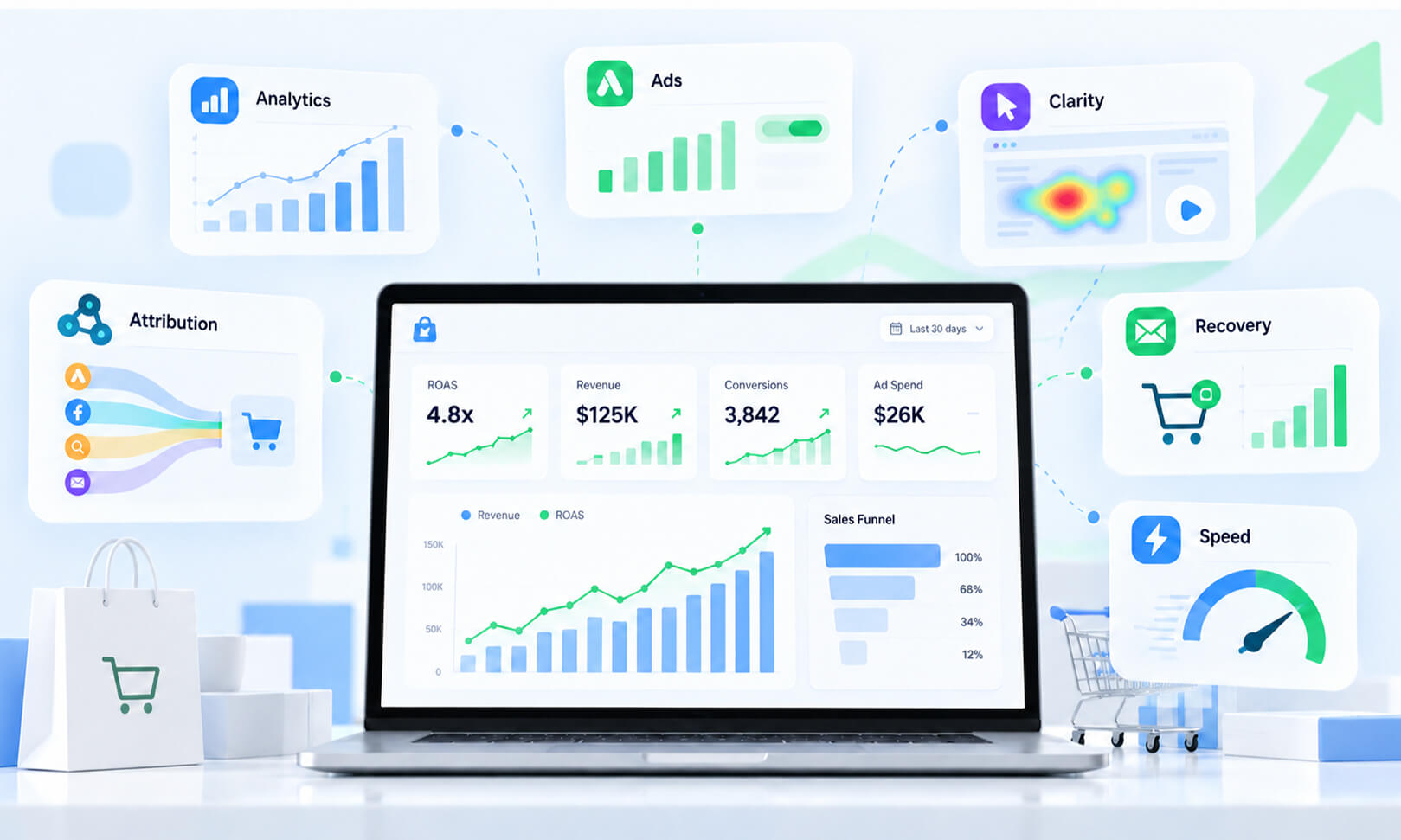
The best ecommerce ROAS optimization tools help you find wasted ad spend and increase revenue from your existing budget. They cover campaign analytics, attribution, cart recovery, and website speed.
1. Google Analytics 4: Find Where Your Ad Traffic Loses Sales
Google Analytics 4 (GA4) is a useful starting point for ecommerce ROAS optimization because it helps you understand what visitors do after clicking an ad. It can show which landing pages, products, and traffic sources are associated with purchases, provided ecommerce tracking is configured correctly.
Use the Ecommerce purchases report and relevant funnel explorations to compare product views, add-to-cart events, checkout starts, and completed purchases. If one campaign generates many product views but few checkouts, investigate the landing page, product pricing, and audience relevance before spending more.
Google’s GA4 ecommerce documentation explains how to measure shopping behavior and purchase events.
Best for: Stores that need to understand which traffic sources and products contribute to sales.
Limitation: GA4 does not automatically collect every ecommerce event on every platform. Verify purchase tracking, revenue values, currencies, and transaction IDs before relying on its reports.
2. Google Ads and Meta Ads Manager: Optimize Existing Campaigns
Your advertising platforms are among the first places to investigate when you want to improve ROAS without increasing ad spend. Both provide reporting and campaign controls that help you evaluate performance within your existing budget.
In Google Ads, review conversion value, cost per conversion, search terms, product performance, and campaign-level ROAS. For Shopping campaigns, check whether spend is concentrated on products that generate meaningful revenue rather than just clicks.
In Meta Ads Manager, compare purchase results across creatives, audiences, placements, and landing pages. An ad with a low cost per click is not necessarily the most profitable. Prioritize purchase value and cost per purchase over clicks alone.
For example, suppose two campaigns each spend $500. Campaign A generates $1,000 in attributed revenue, while Campaign B generates $1,750. Their ROAS values are 2.0x and 3.5x, respectively. This makes Campaign B a stronger candidate for further investigation, although margins, attribution differences, and incremental results still matter.
Before changing budgets, check whether tracking is accurate and whether the campaigns have enough conversion data to support a decision. Google’s conversion goals documentation explains how campaign objectives and conversion goals guide optimization.
Best for: Advertisers who already have campaigns running but need to find underperforming creatives, products, or audiences.
3. Microsoft Clarity: Identify Landing Page and Checkout Problems
Microsoft Clarity provides heatmaps and session recordings that help you see how visitors interact with a page. These insights are particularly useful when ad clicks are high, but ecommerce sales are low.
Look for repeated clicks on elements that do not respond, visitors who struggle to find product information, mobile users who miss the add-to-cart button, and sessions that end during checkout. These observations can reveal friction that campaign dashboards cannot explain.
Suppose a product ad attracts relevant shoppers, but visitors leave after opening the product page. Recordings might reveal that the delivery cost appears too late, the size selector is difficult to use, or the main product image takes too long to load.
Use those findings to create specific improvements, then compare conversion rates before and after the changes. Session recordings show what may be happening, but they do not prove why every visitor leaves. Validate your findings with analytics or controlled tests.
Best for: Stores that receive paid traffic but struggle to convert visitors into customers.
4. Triple Whale and Northbeam: Understand Marketing Attribution
When customers interact with multiple channels before buying, attributing revenue to a single ad platform can be misleading. Tools such as Triple Whale and Northbeam help ecommerce teams analyze marketing performance across channels, depending on their integrations and reporting models.
These tools can help answer questions such as whether Meta Ads assist purchases later credited to Google, which campaigns contribute to customer acquisition, and how reported returns change when you use different attribution methods.
Compare tools based on supported platforms, attribution methodology, data integrations, reporting needs, and pricing. They may be more useful for brands with substantial multichannel activity than for small stores that can make decisions using native ad reports and GA4.
Best for: Growing ecommerce businesses that need a broader view of paid marketing performance.
Limitation: Attribution estimates are not the same as proof that an ad caused an incremental purchase. Compare reports consistently and avoid adding revenue from different platforms together without accounting for overlap.
5. Klaviyo: Recover Sales Beyond the Initial Ad Click
Klaviyo helps ecommerce businesses use email and SMS marketing to follow up with customers and prospects, subject to consent, integrations, and campaign setup.
Abandoned-cart reminders can bring some shoppers back without requiring another paid click. Post-purchase flows and relevant product recommendations can also encourage repeat purchases from existing customers.
Baymard Institute’s cart abandonment research reports an average documented cart abandonment rate of around 70%. This is a broad research average, not a prediction for every store, and some abandoned carts reflect ordinary browsing rather than fixable problems.
To reduce cart abandonment from paid traffic, start by identifying where shoppers leave. Address unexpected costs, confusing checkout steps, missing delivery information, or payment limitations. Then use timely, relevant reminders for eligible shoppers.
Best for: Stores with enough traffic and customer data to build useful lifecycle marketing campaigns.
Limitation: Email and SMS revenue should be reported separately from paid advertising results where appropriate. A recovered order may be influenced by an earlier ad, but it should not automatically be counted as incremental revenue generated by the reminder.
6. Website Speed Optimization Tools: Reduce Friction for Paid Visitors
Website performance is an important part of ecommerce ROAS optimization. Advertising can bring qualified shoppers to a store, but slow-loading pages, delayed interactions, or an unstable layout can make it harder for visitors to complete a purchase.
Tools such as Google PageSpeed Insights help diagnose performance issues. Website speed optimization tools, including Website Speedy, can help address supported issues such as render-blocking resources and unnecessary JavaScript, depending on the platform and site configuration.
Improving website performance can make it easier for shoppers to browse products and complete purchases after clicking an ad. Page speed is worth investigating when paid visitors struggle to browse products or complete checkout. Google’s web.dev guide to performance and conversions explains how performance can affect different stages of the customer journey.
For Shopify, Wix, Squarespace, and other ecommerce stores, the right fix depends on the platform, theme, installed apps, and hosting environment. Third-party scripts can affect site performance, while long JavaScript execution can delay page interactions. Identifying these issues can help store owners decide which performance improvements to prioritize.
How to Identify Wasted Ad Spend Using Analytics Tools
Wasted ad spend is not simply money spent on a campaign that fails to generate an immediate purchase. Some visitors need multiple interactions before buying, so the goal is to identify spending that consistently produces poor business outcomes.
Use GA4 and native advertising dashboards together to investigate:
- High clicks, few purchases: Check audience relevance, landing page messaging, and product availability.
- High add-to-cart activity, few checkouts: Investigate shipping costs, payment options, and checkout usability.
- High conversion volume, weak revenue: Review average order value, discounts, refunds, and product margins.
- Strong reported ROAS, weak profitability: Include product costs, fulfillment, returns, and other expenses when evaluating business performance.
Segment results by campaign, device, landing page, product, and new versus returning customers. Allow for differences in attribution windows and conversion delays before pausing campaigns.
How to Improve Mobile Conversion Rates Without Increasing Ad Spend
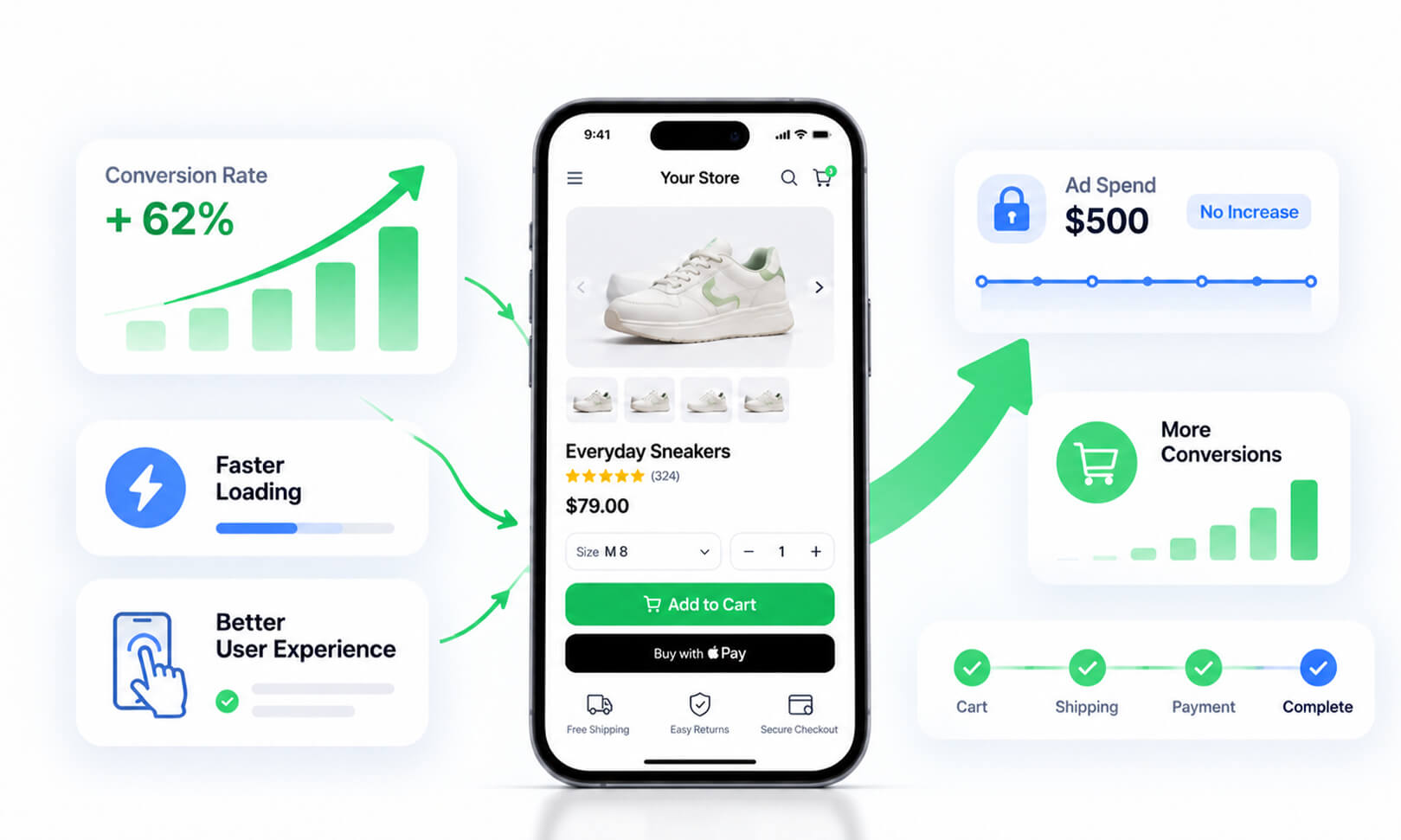 How to Improve Mobile Conversion Rates Without Increasing Ad Spend”>
Mobile traffic can be expensive to acquire, so conversion friction matters. If mobile ROAS is lower than desktop ROAS, compare conversion rates, landing page behavior, and checkout completion across devices before changing your ad campaigns. Slow loading, difficult navigation, or a less convenient checkout may contribute to the gap, but differences in audience, product mix, and attribution can also affect results.
Start with mobile landing page speed, product image visibility, readable text, button placement, form usability, payment options, and checkout steps. Check whether cookie banners, chat widgets, or marketing scripts interfere with interactions.
Website speed optimization tools such as Website Speedy can help address supported performance issues that affect mobile landing pages. Before and after applying changes, test important product and landing pages on mobile and compare purchase conversion rates to determine whether the improvements contribute to better advertising returns.
Measure mobile purchase conversion rate and revenue per session before and after changes. Avoid making several major changes simultaneously, because doing so makes it harder to determine what helped.
Best Ecommerce ROAS Tools Compared
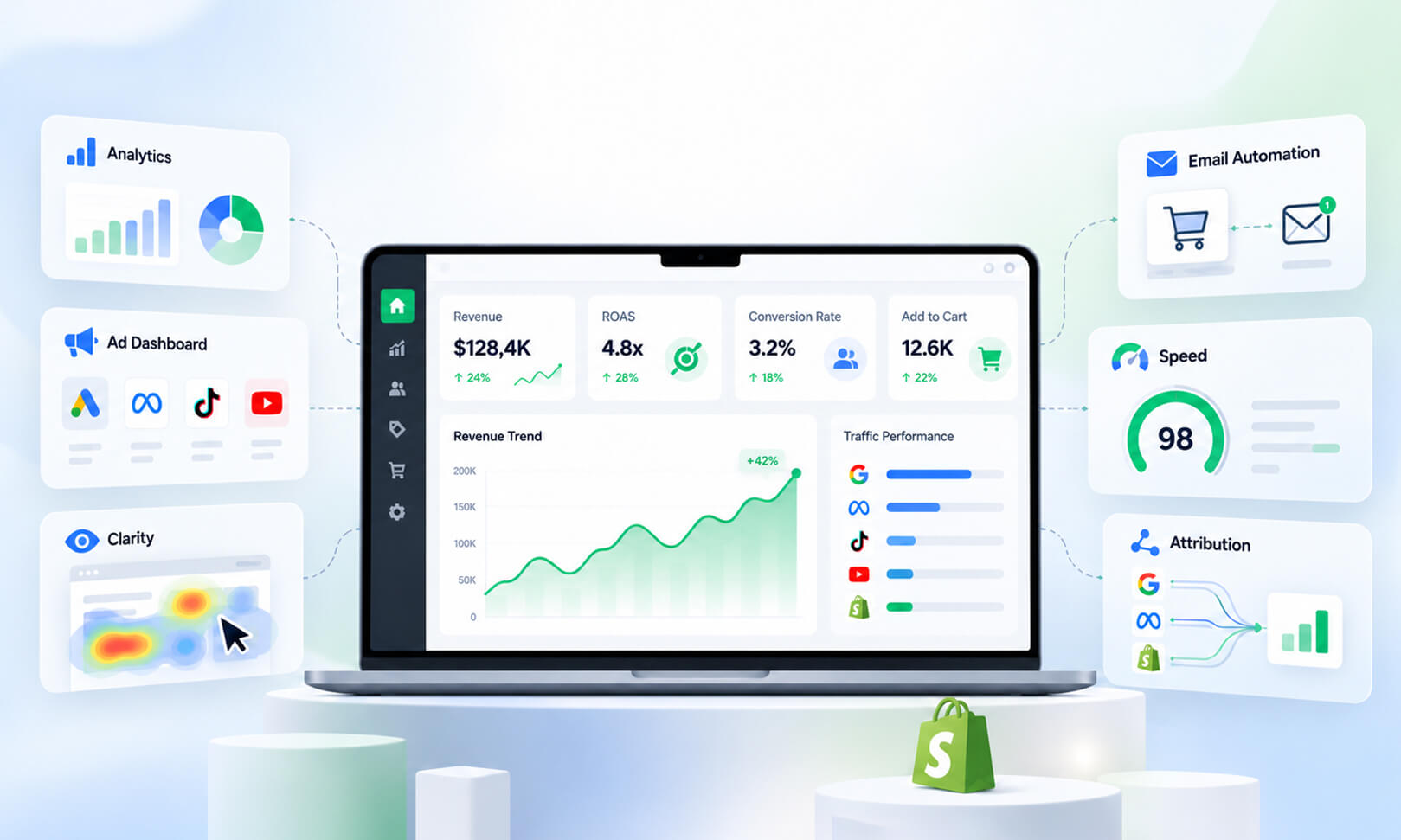
The best ecommerce ROAS tools depend on the problem you need to solve, your store’s size, and your available resources.
| Your main challenge | Start with | Consider next |
|---|---|---|
| Unclear campaign performance | GA4 and native ad dashboards | Attribution software |
| High clicks but low conversions | Microsoft Clarity | A/B testing tools |
| Cart abandonment | Ecommerce analytics | Email and SMS automation |
| Slow landing pages | PageSpeed Insights | Website speed optimization tools |
| Complex multichannel reporting | GA4 and ad dashboards | Triple Whale or Northbeam |
| Limited budget | Free analytics and diagnostic tools | Paid tools when a clear need emerges |
You do not need every tool on this list. Start with the tools that answer your most important business question, and add more only when the existing setup leaves a meaningful gap.
A Practical Process for Improving ROAS
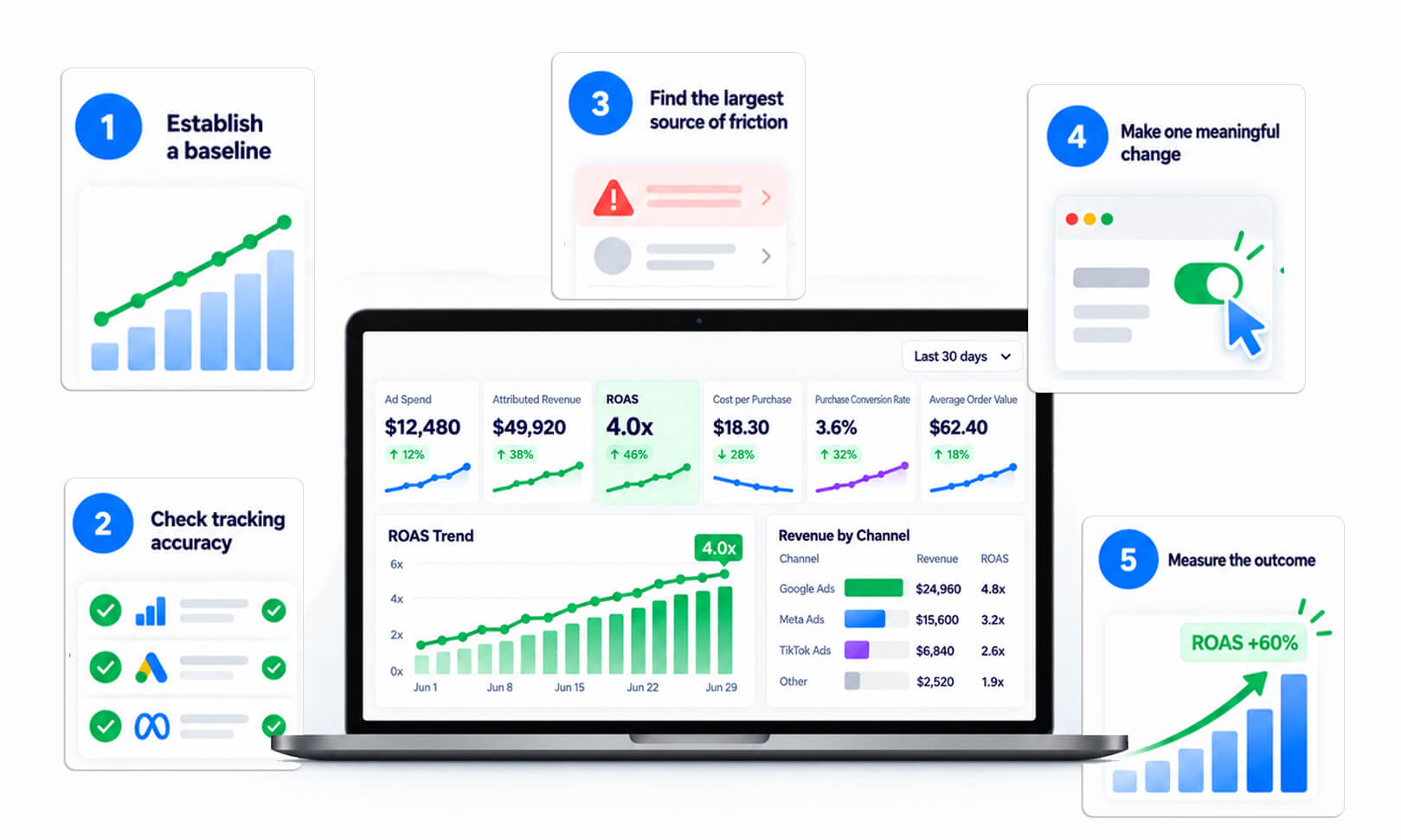
Use this sequence to turn tool data into measurable improvements.
Step 1: Establish a baseline.
Record ad spend, attributed revenue, ROAS, cost per purchase, purchase conversion rate, and average order value over a consistent period.
Step 2: Check tracking accuracy.
Verify purchase events, revenue values, transaction IDs, and attribution settings. Missing or duplicated events can distort decisions.
Step 3: Find the largest source of friction.
Identify whether the main problem is campaign targeting, product selection, landing page relevance, site performance, or checkout completion.
Step 4: Make one meaningful change.
For example, simplify a mobile product page or pause a consistently unprofitable placement after considering its role in the customer journey.
Step 5: Measure the outcome.
Compare results across equivalent periods and account for seasonality, promotions, and conversion delays. Where feasible, use controlled experiments to estimate the effect of the change.
Step 6: Evaluate profitability.
ROAS measures advertising revenue relative to ad spend, not profit. A campaign with higher ROAS may still produce lower profit if its products have weaker margins.
Conclusion
Improving ecommerce ROAS does not always require a larger advertising budget. The right tools help you understand campaign performance, uncover wasted spend, identify conversion problems, and improve the shopping experience. Start with reliable tracking, fix the biggest measurable issue, and evaluate results using both revenue and profitability. Consistent measurement and focused improvements are more useful than adding tools without a clear purpose.
Frequently Asked Questions
1. What are the best tools to improve ecommerce ROAS without increasing ad spend?
2. How can I improve ecommerce ROAS without spending more on ads?
3. Can website speed optimization improve ecommerce ROAS?
4. Which free tools can help increase ecommerce ROAS?
5. Why are ad clicks high but ecommerce sales low?
6. How do I know whether my ecommerce ROAS optimization tools are working?
About the Author