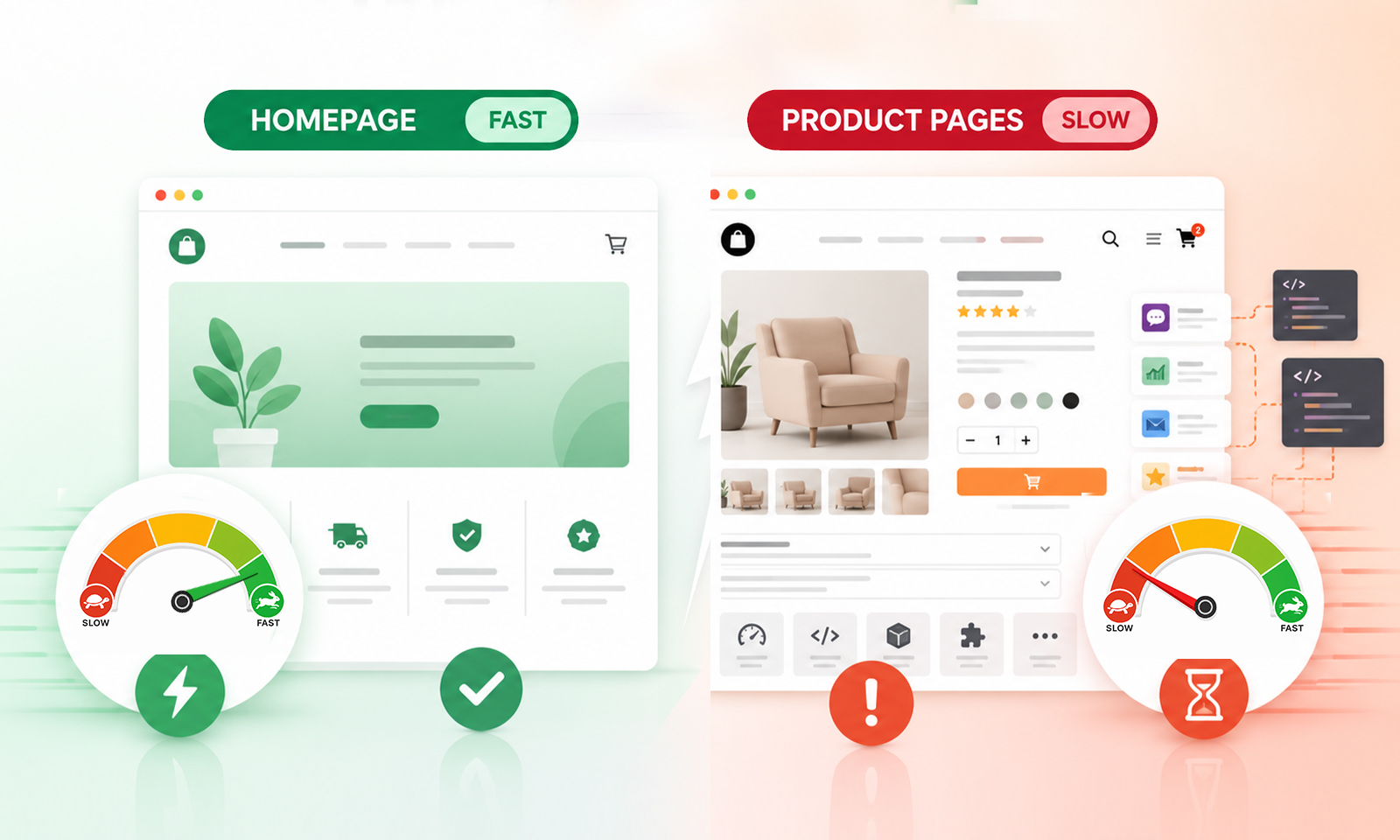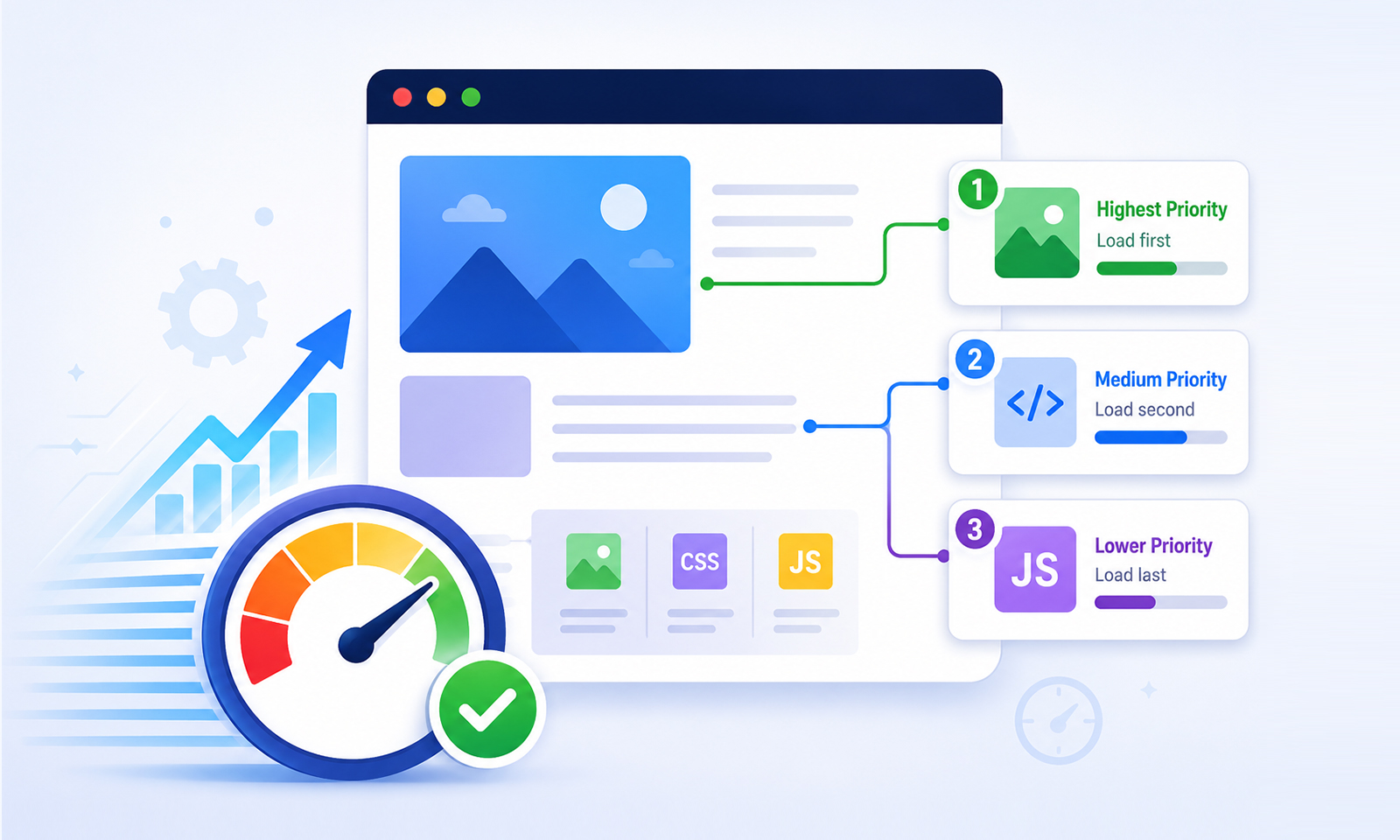
TL;DR: Browsers decide which resources load first, and that order directly shapes your page speed. Poor prioritization inflates LCP and blocks rendering. This guide covers how browser resource prioritization works, what breaks it, and how to fix it.
When a browser opens a webpage, it doesn’t download everything at once. It makes continuous decisions about which resources matter most and in what order they should arrive. This process is called browser resource prioritization, and improving that loading order can save hundreds of milliseconds off LCP, even before larger optimization efforts begin.
Most developers spend time compressing images or minifying JavaScript, both valid moves, but the browser’s loading order can cause delays long before file sizes become relevant. Understanding how browsers decide what to load first, and how you can influence those decisions, is what separates a genuinely fast website from one that just looks optimized on paper.
Why Browser Resource Prioritization Matters
Browser resource prioritization improves website speed by ensuring critical resources receive bandwidth before less important assets. Key benefits include:
- Loads the most important resources first, allowing content to appear faster on screen.
- Reduces delays caused by non-critical files competing for bandwidth.
- Helps browsers render visible page content sooner by prioritizing critical CSS, fonts, and above-the-fold assets.
- Improves page load efficiency by optimizing the order in which resources are downloaded and processed.
- Minimizes render-blocking issues that can slow down page display.
- Enhances user experience by reducing perceived loading time.
- Supports better Core Web Vitals performance, including Largest Contentful Paint (LCP).
- Ensures limited network resources are allocated to assets that have the greatest impact on page speed.
What Is Browser Resource Prioritization?
Browser resource prioritization is the mechanism by which a browser assigns an internal importance level, from Lowest to Highest, to every resource it fetches. These levels dictate the order in which resources are requested and how much network bandwidth each receives.
When loading a page, a browser typically fetches HTML, CSS, JavaScript, fonts, images, and third-party scripts, often dozens of requests simultaneously. Since bandwidth is finite, it sequences them: render-blocking CSS first, critical JavaScript next, decorative below-fold images last.
According to DebugBear’s research on HTTP prioritization, every request carries a priority level that the server is expected to honor when sending response data. This is how resource prioritization for website speed works at the protocol level.
The key insight: the browser has sensible defaults, but it doesn’t always know what you know about your page. That’s where developer-controlled signals come in.
How Browsers Discover and Load Resources
Before the browser can prioritize a resource, it has to find it. This discovery process has two distinct paths, one fast, one slow. In simple terms, resources discovered earlier can usually start downloading earlier.
The Preload Scanner (Fast Path) is a secondary, lightweight parser built into every major browser. While the primary HTML parser works line by line, the preload scanner races ahead, scanning raw HTML markup for resource URLs: <img src>, <link href>, <script src> tags. It queues these for download immediately, even while the main parser is blocked.
As web.dev explains, the preload scanner discovers <img> elements even while rendering and document parsing is blocked, making requests concurrent rather than consecutive.
The DOM Parser (Slow Path) builds the full Document Object Model. Resources hidden from the initial HTML, images in CSS background-image, and elements injected via JavaScript are only discovered here.
As corewebvitals.io documents, this creates a dependency chain: the browser downloads the HTML, finds the CSS link, downloads the CSS, builds the CSSOM, and then finally discovers the image URL. That entire chain is an avoidable delay.
Page resource prioritization starts with HTML structure. Critical resources must be visible in the markup, not assembled by JavaScript, not buried inside CSS files.
Why Resource Prioritization Matters for Core Web Vitals
Largest Contentful Paint (LCP) is the most directly affected Core Web Vital. It measures how quickly the largest visible element renders, with Google’s target under 2.5 seconds. LCP is built from four phases: TTFB, Resource Load Delay, Resource Load Duration, and Element Render Delay. Poor critical resource prioritization inflates Resource Load Delay, the browser either found the LCP resource too late or assigned it too low a priority.
First Contentful Paint (FCP) suffers too. Shopify’s performance team identifies render-blocking resources as the most common cause of slow FCP outside of server response time.
INP (Interaction to Next Paint) replaced First Input Delay as a Core Web Vital in 2024. While INP is primarily a JavaScript execution problem, it’s also worsened by loading too many heavy, non-deferred scripts at page start, which is a resource prioritization failure.
How Resource Loading Order Affects Page Speed
Browser resource prioritization improves website speed by ensuring the most important files are downloaded and processed before less critical resources. Instead of treating every request equally, modern browsers assign different priority levels to HTML, CSS, JavaScript, fonts, images, and third-party resources based on their impact on rendering the page.
When critical resources such as stylesheets, above-the-fold images, and essential scripts are discovered early and given higher priority, the browser can render visible content faster. This reduces delays in page rendering and helps key performance metrics such as Largest Contentful Paint (LCP) and First Contentful Paint (FCP).
By loading the right resources at the right time, websites can reduce rendering delays, improve responsiveness, and deliver a faster experience without necessarily reducing the total number of files being downloaded.
Understanding Render-Blocking Resources
Render-blocking resources are typically CSS files and synchronous JavaScript files that prevent the browser from rendering content until they are processed. The browser stops everything when it encounters one, no pixels are painted until the resource is downloaded, parsed, and executed.
The impact is measurable. Vodafone reduced render-blocking JavaScript and saw a 31% LCP improvement and an 8% increase in sales. Google Fonts alone creates render-blocking requests on over 5.8 million sites. The fix isn’t always removing these resources, it’s changing when they load relative to what the browser needs to render the page.
How the Browser Preload Scanner Works
The preload scanner runs in parallel with the blocked main parser, but it only reads raw HTML. It can’t parse CSS files, execute JavaScript, or see anything not in your server-rendered markup. Three patterns defeat it entirely:
- LCP images set via CSS background-image
- Resources injected into the DOM with JavaScript
- Fonts referenced only inside CSS @font-face rules without a
<link rel="preload">hint
As web.dev documents, markup rendered by JavaScript sidesteps the preload scanner entirely, the browser won’t begin downloading a JavaScript-injected LCP image until the script executes and adds it to the DOM. For website resource prioritization, the rule is simple: anything critical to the above-the-fold experience belongs in the initial server-rendered HTML.
Using Preload and Fetch Priority Correctly
Two signals give you direct control over resource loading optimization: rel="preload"
and fetchpriority, and they solve different problems.
<link rel="preload"> tells the browser to fetch a resource earlier than it would naturally
discover it, most useful for web fonts (found only after the CSS file is parsed) and hero images set as CSS
backgrounds.
<link rel="preload" href="/fonts/inter.woff2" as="font" type="font/woff2" crossorigin>
<link rel="preload" href="/hero.webp" as="image">
fetchpriority controls relative importance once a resource is discovered. Images default to Low priority, including your LCP hero image, so signaling otherwise matters.
<img src="/hero.webp" fetchpriority="high" alt="Hero image">
<img src="/promo-banner.webp" fetchpriority="low" loading="lazy" alt="Promo">
Each optimization technique serves a different purpose within the browser’s loading process. The table below shows when each should be used.
Async vs. Defer for JavaScript Loading
A <script> tag is parser-blocking by default. Two attributes fix this:
async downloads the script in parallel and executes it immediately when ready, potentially interrupting parsing. Best for independent scripts: analytics, ads, third-party widgets.
defer downloads in parallel but waits until HTML has fully parsed before executing, preserving document order. Best for application JavaScript that needs the DOM.
<script src="/analytics.js" async></script>
<script src="/app.js" defer></script>
When you use either attribute, DebugBear notes the browser automatically reduces the request priority for those scripts, freeing bandwidth for render-blocking resources without any additional configuration.
Common Resource Loading Mistakes That Slow Websites Down
Lazy-loading the LCP image: Many sites are still lazy-loading their LCP images.
loading="lazy" on the hero image prevents the preload scanner from queuing it early.
Never lazy-load your LCP element.
Using CSS background-image for the LCP element: These URLs are invisible to the
preload scanner. Switching to an <img> tag with fetchpriority="high"
is one of the highest-impact LCP fixes available.
Preloading too many fonts: Loading too many fonts upfront can compete with critical resources like CSS and delay rendering. Preload only the 2–3 most important fonts needed for above-the-fold content, and keep font files as small as possible.
Ignoring server-side HTTP prioritization: Many CDNs don’t fully honor browser priority ordering. If the server sends a low-priority image alongside a high-priority stylesheet, markup-level prioritization is undermined. Test your CDN using Chrome DevTools’ Network panel.
Lazy Loading vs. Preloading: Knowing When to Use Each
Lazy loading and preloading are complementary strategies, but developers sometimes confuse their roles or apply them indiscriminately.
The general rule: preload what’s critical and invisible to the preload scanner; lazy-load everything below the fold. Applying both thoughtfully is what makes lazy loading vs preloading a powerful combination rather than a contradiction.
Best Practices for Faster Resource Loading
-
Structure HTML for discoverability. Use
<img>for your LCP element, not CSS backgrounds. Place critical<link>tags in the<head>where the preload scanner finds them immediately. - Add fetchpriority=”high” to your LCP image. Images default to Low priority. This one attribute prevents the browser from waiting until layout time to boost it.
- Preload late-discovered critical resources. Web fonts, unavoidable CSS background images, and above-fold third-party resources are the right candidates.
- Use defer for most JavaScript, async for truly independent scripts. This eliminates most render-blocking script problems without major code changes.
- Use loading=”lazy” on all below-fold images and iframes. Fewer early requests mean more bandwidth for what matters at page load.
- Audit with PageSpeed Insights and Lighthouse. These tools surface render-blocking resources, unused CSS, and LCP issues in actionable terms.
Conclusion
Browser resource prioritization isn’t a single technique, it’s a way of thinking about how your page loads from the browser’s perspective. The browser already runs a preload scanner, assigns priority levels to every request, and adjusts them dynamically. The developer’s job is to work with that system, not against it.
Small, targeted changes such as using an <img> tag for the LCP element, adding fetchpriority="high", deferring non-critical JavaScript, and preloading key fonts can compound into meaningful improvements in LCP, FCP, and overall user experience. Given that 85% of mobile pages still fail Lighthouse’s render-blocking resources audit, most websites have more room to improve here than they think.
Frequently Asked Questions
Q1. What is browser resource prioritization?
Q2. Which resources should load first on a webpage?
Q3. How does preload improve Largest Contentful Paint (LCP)?
Q4. What are render-blocking resources in Core Web Vitals?
Q5. Can poor resource prioritization hurt website speed?
About the Author