







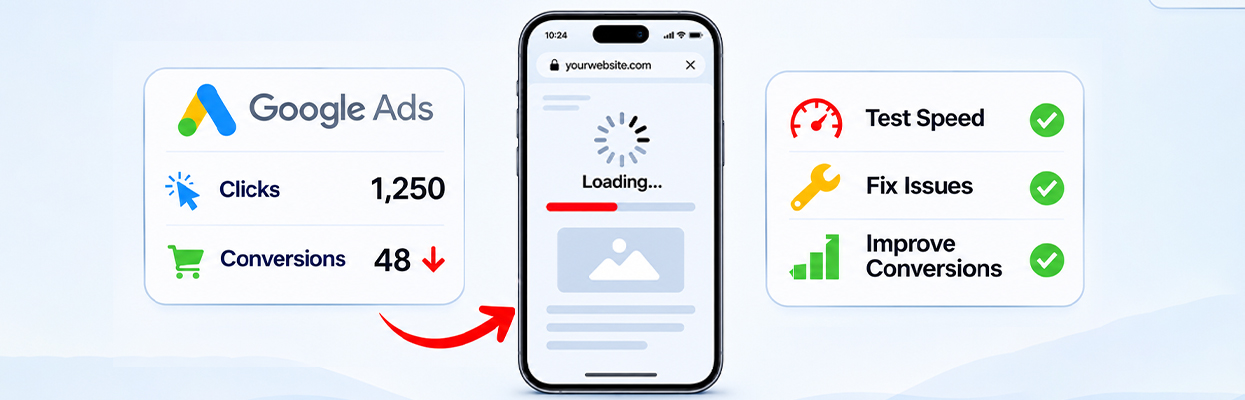
TL;DR: Yes, a slow mobile website can reduce Google Ads conversions by making visitors wait too long for landing pages to load, increasing abandonment, and delaying important actions. Test your mobile landing page speed, review Google Ads conversion data, and fix the issues that prevent visitors from engaging or completing a purchase.
If your Google Ads campaigns are generating clicks but not enough sales or leads, the problem might start after someone clicks your ad. A slow mobile landing page can frustrate visitors before they see your offer, explore your products, or complete a form.
The important question is whether website speed is contributing to your low conversion rate or whether another issue is responsible. You can find out by comparing mobile landing page performance with conversion data and checking where visitors leave.
Can a Slow Mobile Website Reduce Google Ads Conversions?
Yes. A slow mobile website can reduce Google Ads conversions because visitors may abandon a landing page before it loads or leave when buttons, forms, or checkout take too long to respond. This means you could pay for ad clicks without getting the expected sales or leads.
- Why it happens: Delayed loading and unresponsive elements create friction after the ad click.
- What to do: Test the mobile landing page, identify loading and interaction delays, and fix the issues that prevent visitors from taking action.
- What to measure: Compare mobile conversion rates before and after optimization to determine whether the changes improve results.
How Does Mobile Website Speed Affect Google Ads Performance?
A visitor who clicks an ad has already shown some interest in your product or service. If the landing page loads slowly, that interest can fade before the visitor gets a chance to act.
Google’s landing page performance guidance recommends improving landing page speed as a way to improve the experience for mobile ad visitors. Google has also reported that, in retail, a one-second delay on mobile can affect conversions by up to 20%. This is a reported finding, not a guaranteed outcome for every business.
There are three main ways slow mobile loading can affect Google Ads conversions.
1. Visitors leave before the page becomes useful
When a mobile landing page takes too long to load, visitors may leave before they see the offer or product they clicked the ad to find. In its mobile page speed research, Google reported that slower page loading was associated with higher bounce rates, based on an analysis of mobile ecommerce sites. The impact on an individual website will vary depending on its audience, offer, device, and network conditions.
2. Delayed interactions interrupt the buying journey
A page can display its headline while still being difficult to use. Heavy JavaScript, chat widgets, tracking scripts, and other resources can delay buttons, menus, filters, and forms.
For example, a visitor may tap “Add to cart” and see nothing happen for a moment. They may tap again, leave, or assume the store is broken. This is why mobile website speed involves responsiveness as well as initial loading.
3. A poor landing page experience can affect advertising efficiency
Google Ads evaluates landing page experience as part of its ad quality assessment. Relevant content, useful information, easy navigation, transparency, and loading speed all contribute to the experience.
However, a slow PageSpeed Insights score does not automatically mean your Google Ads landing page experience will be rated below average. Speed is one part of a broader assessment, and improving it does not guarantee lower costs or higher conversions.
How Do I Check Mobile Landing Page Speed in Google Ads?
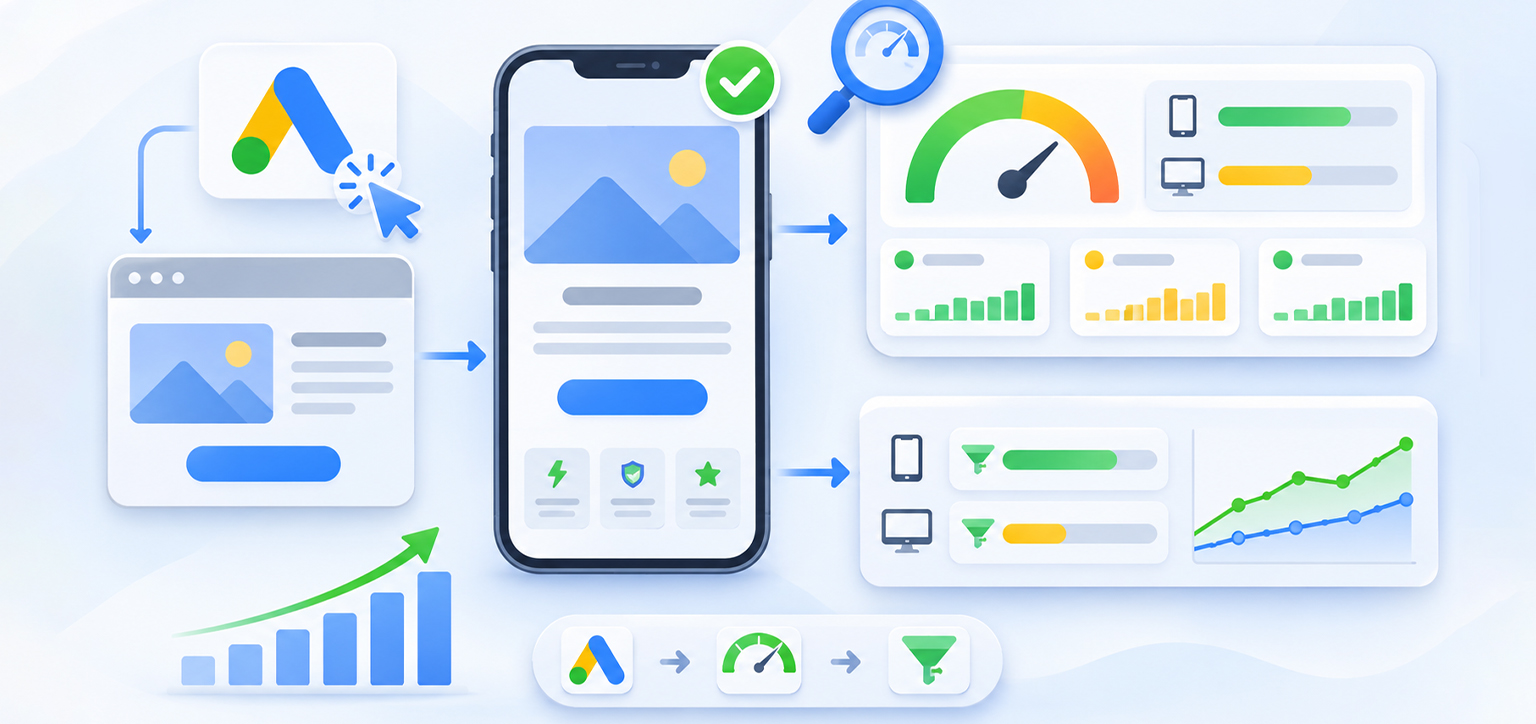
Start with the pages receiving paid traffic rather than testing your homepage alone. A homepage can be fast while a product page, lead form, or checkout page remains slow.
Step 1: Find your landing pages in Google Ads
Open your Google Ads account and navigate to Campaigns → Insights and reports → Landing pages. The exact menu labels may vary with the interface.
Review the landing page URLs receiving traffic and check the Mobile-friendly click rate column. A rate below 100% indicates that the page was not consistently identified as mobile-friendly when tested by Google’s Mobile-Friendly test. You can also review the Valid AMP click rate if your landing pages use AMP.
Step 2: Test the actual landing page URL
Open PageSpeed Insights and enter the URL used in your ad. Run the test and review both the available real-user data and the diagnostic results. Field data is based on real-world Chrome user experiences and may not be available for every URL. If URL-level data is unavailable, check whether origin-level data is provided and use the diagnostic results to investigate potential performance issues.
Pay attention to these Core Web Vitals:
| Metric | What it measures | Good target |
|---|---|---|
| Largest Contentful Paint (LCP) | How quickly the main visible content loads | 2.5 seconds or less |
| Interaction to Next Paint (INP) | How quickly the page responds to user interactions | 200 milliseconds or less |
| Cumulative Layout Shift (CLS) | How much the layout shifts unexpectedly | 0.1 or less |
These are Google’s recommended thresholds for good Core Web Vitals at the 75th percentile of page visits. They are useful diagnostic benchmarks, not conversion guarantees.
A mobile PageSpeed Insights score is useful, but do not treat it as the final verdict. A page can receive a reasonable score and still have a confusing offer, an unreliable form, or a difficult checkout.
Step 3: Compare speed with conversion data
Look at mobile and desktop results over the same period. Compare conversion rate, cost per conversion, conversion value, and landing page behavior.
If mobile clicks remain steady while mobile conversions fall, investigate the post-click experience. If clicks and conversions both decline, check campaign changes and traffic quality as well.
In Google Ads, segment your campaign data by device and review which landing page URLs receive mobile clicks but generate fewer conversions. This helps you identify whether the problem is concentrated on specific landing pages rather than affecting your entire mobile campaign.
Remember that Google Ads conversion reporting can be affected by tracking problems, attribution settings, and conversion delays. Speed is a possible cause, not proof of the cause.
What Should I Fix First If My Mobile Landing Page Loads Slowly?
Start with the problems that delay useful content or prevent visitors from taking the next step. Avoid making every possible optimization at once, because you need to know which changes actually help.
1. Optimize the main image and visible content
Large hero images, banners, and product photos can delay the main content from appearing. Resize images to their displayed dimensions, compress them appropriately, and use efficient image formats.
Do not lazy-load the main above-the-fold image if doing so delays its appearance. Lazy loading is generally more appropriate for images farther down the page.
2. Reduce render-blocking CSS and JavaScript
Browsers may need to download and process certain CSS and JavaScript before displaying or responding to a page. Remove unused code where possible, defer non-critical scripts, and prioritize the resources required for the initial view.
The practical objective is not to remove functionality indiscriminately. It is to help visitors see the offer and interact with essential elements sooner.
3. Audit third-party scripts
Advertising pixels, analytics, chat tools, review widgets, and personalization scripts can add network requests and browser processing. Review which integrations are necessary on each landing page, and delay non-essential scripts when it is safe to do so.
4. Make forms and checkout easier to use
Speed is only part of mobile landing page optimization. Keep forms short, use appropriate input types, make buttons easy to tap, and ensure error messages are visible.
For ecommerce stores, test product selection, cart updates, shipping calculations, payment options, and the final purchase step on a real phone. A fast landing page cannot compensate for a checkout that fails or creates unnecessary friction.
5. Measure the effect of each change
After making an improvement, rerun the speed test and monitor conversion outcomes. Compare similar traffic periods and account for campaign changes, promotions, seasonality, and conversion delays.
How Can Website Speed Improvements Support Google Ads Conversions?

When paid visitors land on a slow website, they may leave before viewing the offer or completing a purchase. Improving loading speed can help remove this barrier, although conversion results also depend on the landing page content, offer, and user experience.
Website Speedy automates website performance optimizations, including lazy loading, caching, asynchronous script loading, reducing render-blocking resources, and Core Web Vitals improvements. These changes can help pages load more efficiently, giving visitors a better chance of engaging with the landing page after clicking an ad.
A relevant example comes from Trustpilot reviewer Rick Mantheiy, who reported:
“We have a large catalog and our desktop speed is verified at google 1.57 seconds and Mobile 2.42 seconds since we began using Website Speedy.”
This review provides a customer-reported example of loading speeds on desktop and mobile, but it does not establish a direct improvement in Google Ads conversions. To assess the impact on your own campaigns, compare mobile landing page speed, conversion rate, and cost per conversion before and after optimization.
Conclusion
A slow mobile website can contribute to low Google Ads conversions, but the best response is to identify where visitors encounter friction rather than assume speed explains everything.
Start with the landing pages receiving paid clicks, test their mobile performance, compare conversion data by device, and prioritize fixes that help visitors see relevant content and complete important actions. Then measure whether those changes improve actual conversions and advertising efficiency.
Frequently Asked Questions
Can a slow mobile website cause Google Ads clicks but no conversions?
How fast should a mobile landing page load for Google Ads?
Does mobile website speed affect Google Ads costs?
How can I improve Google Ads landing page conversion rates on mobile?
Is a high mobile PageSpeed Insights score enough to improve conversions?
Why is my mobile landing page slow even though my desktop page is fast?
About the Author