






TL;DR: If Google Ads conversions dropped suddenly by 75%, check conversion tracking, recent campaign changes, traffic quality, bidding, and landing page performance first. Compare actual orders with reported conversions before changing campaigns to identify the real cause without wasting ad spend.
A sudden 75% drop in Google Ads conversions can make a profitable campaign look broken overnight. But fewer reported conversions do not always mean fewer customers. A tracking error, a change in traffic quality, a bidding adjustment, or a slow landing page could be responsible.
The fastest way to diagnose the problem is to compare conversions with clicks, conversion rate, actual sales, and tracking status over the same period. Start with measurement, then investigate campaign performance and the post-click experience.
Key Reasons Why Did Google Ads Conversions Drop Suddenly?
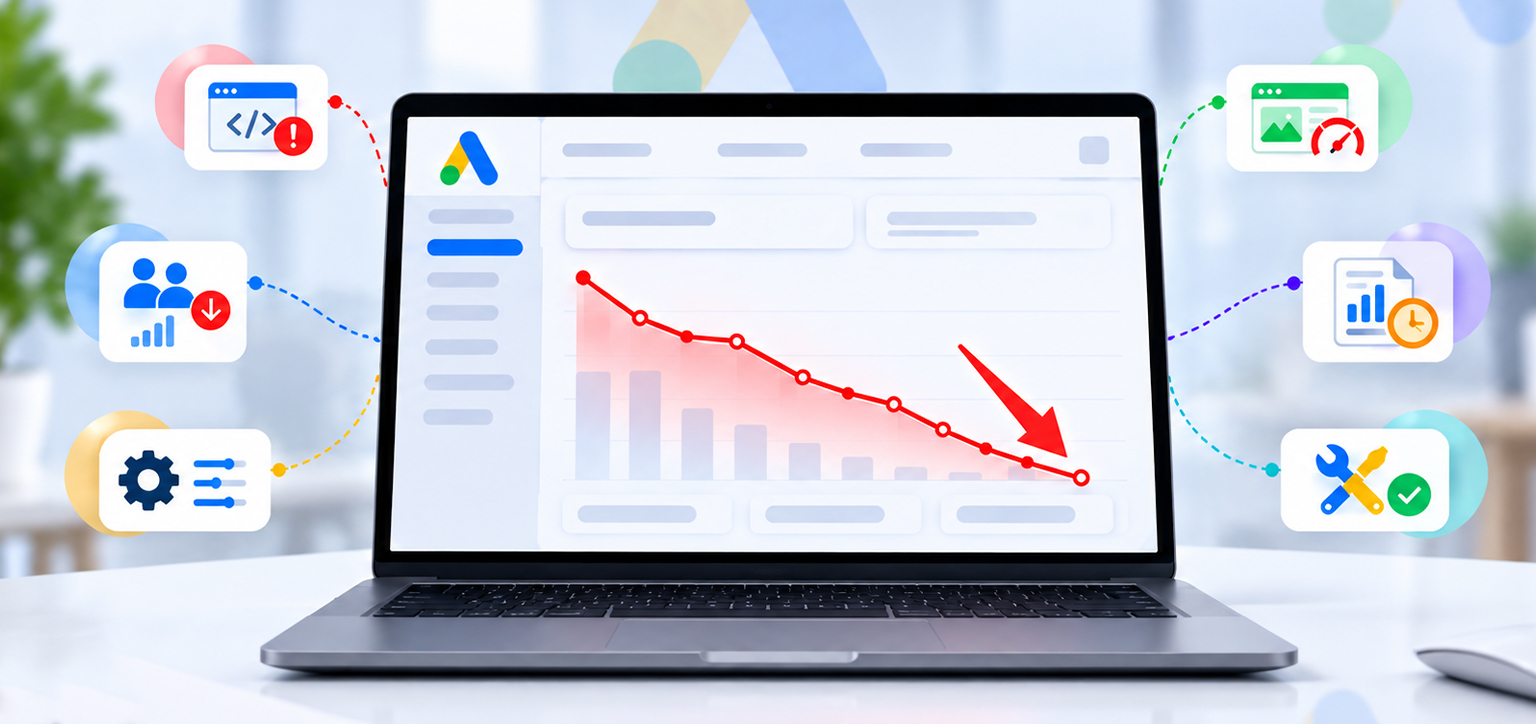
- Tracking issue: Google Ads may have stopped recording purchases or leads correctly.
- Traffic issue: Clicks may have fallen, or the campaign may be attracting less relevant visitors.
- Campaign changes: Budgets, bidding strategies, keywords, targeting, or ad schedules may have changed.
- Landing page issue: A slow, broken, or poorly functioning page may prevent visitors from converting.
- Reporting delay: Recent conversions may not have been fully attributed or reported yet.
- How to recover: Verify tracking, compare performance metrics, isolate the change, and fix the confirmed cause before making major campaign adjustments.
How to Diagnose a 75% Drop in Google Ads Conversions
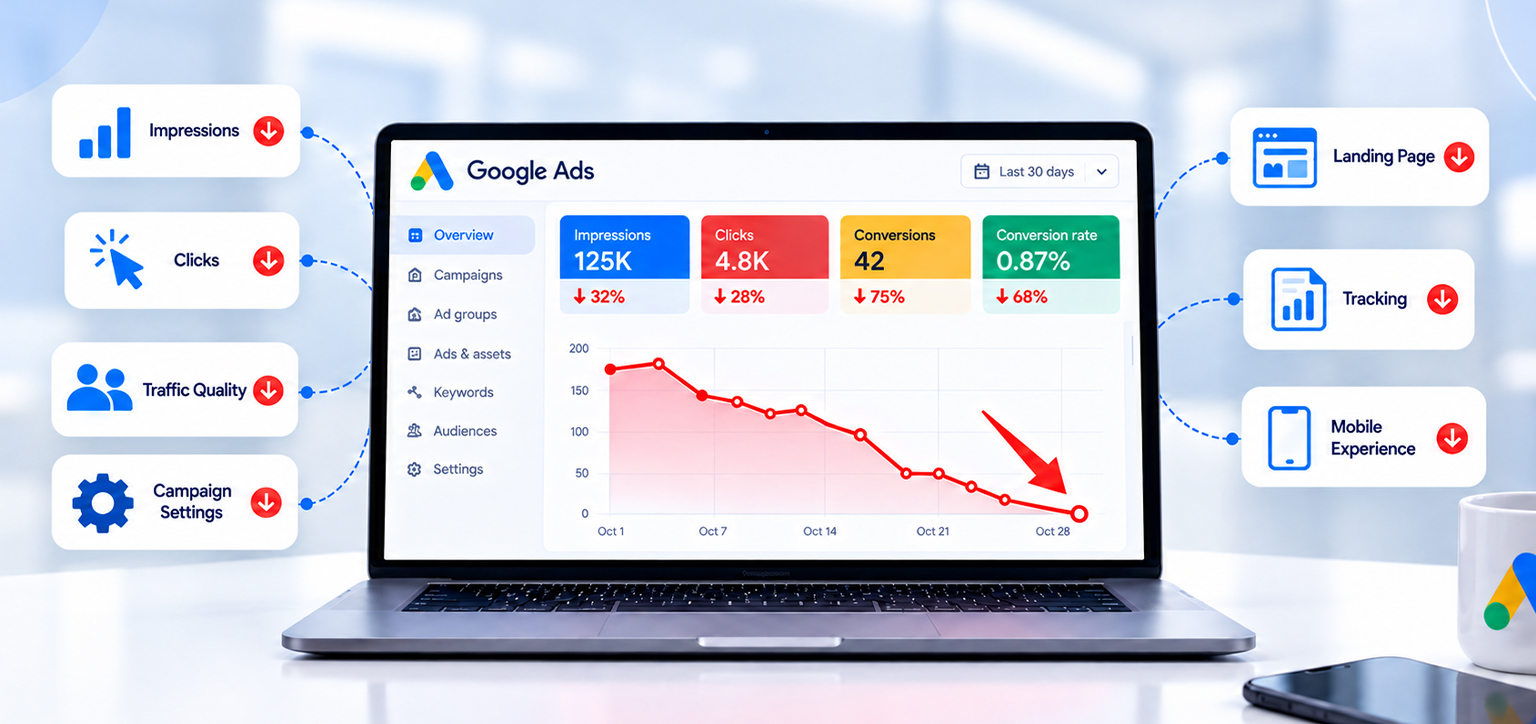
Before changing bids or increasing your budget, identify which part of the conversion process changed. A simple comparison of impressions, clicks, conversion rate, and actual sales will narrow down the cause.
| What you notice | What it may indicate | What to check first |
|---|---|---|
| Clicks are steady, but conversions collapse | Tracking failure or a broken conversion path | Test a purchase or lead submission |
| Impressions and clicks both fall | Budget, bidding, ad eligibility, or lower demand | Campaign status and impression share |
| Clicks stay steady, but conversion rate falls | Landing page, offer, or traffic quality issue | Mobile experience, search terms, checkout |
| Google Ads reports fewer sales, but store orders remain steady | Reporting or attribution discrepancy | Conversion tags and reporting dates |
| Cost per acquisition (CPA) rises | Fewer conversions for similar spend, or higher costs | CPA, CPC, conversion rate |
| Only mobile conversions fall | Mobile page or checkout friction | Test the entire mobile journey |
| Only one campaign declines | Campaign-specific change or traffic shift | Change history, targeting, and search terms |
The key distinction is whether actual conversions fell or only reported conversions fell. Google Ads can show fewer conversions because of reporting delays or measurement changes, even when customers are still buying.
1. Check Whether Google Ads Conversion Tracking Is Broken
Tracking should be your first check when Google Ads conversions drop suddenly, especially if clicks and spend remain close to normal.
Google Ads might stop recording purchases or leads if a tag stops firing, a checkout or form changes, or the conversion action is misconfigured. A website redesign, a new checkout integration, or a Google Tag Manager update can also introduce measurement problems.
How to check conversion tracking
- Open Google Ads and go to Goals → Conversions → Summary.
- Review the status of your purchase, lead, or other primary conversion actions.
- Look for statuses such as Needs attention, Misconfigured, Unverified, or Tag inactive.
- Open Google Tag Assistant and test the complete conversion journey.
- Place a test order or submit a test lead, where appropriate, and verify that the correct conversion event fires.
For an ecommerce store, check whether the purchase event fires after a successful order, not simply when someone reaches the checkout page. Also confirm that the correct conversion ID and label are configured and that purchase values are passed correctly if you use conversion value or return on ad spend (ROAS) bidding.
If you use Google Tag Manager, review recent container changes and confirm that the conversion tag and Conversion Linker are configured correctly.
Important: Do not assume a tag is working simply because it appears in the page source. Test whether the event fires at the correct point in the customer journey.
2. Rule Out Reporting Delays and Attribution Changes
Sometimes a Google Ads conversion rate drops in the report because the reporting window is incomplete, not because customers stopped converting.
When comparing Google Ads with Shopify, your CRM, or another analytics platform, use the same reporting basis wherever possible. In Google Ads, compare the standard Conversions column with the Conversions (by conv. time) column to understand the difference between the date of the ad interaction and the date the conversion occurred.
For example, imagine your campaign received 100 clicks yesterday. Some visitors may buy today or later this week. Yesterday’s reported conversion count can therefore look weaker than the final result.
To investigate:
- Compare complete periods, such as the last seven full days against the preceding seven full days.
- Check your usual time from click to purchase or lead submission.
- Review the Days to conversion segment and conversion lag reporting where available.
- Confirm that the conversion action is still set as a primary action if your campaign uses it for bidding.
- Check whether attribution settings, conversion windows, or counting rules have changed.
Google explains how conversion delays can temporarily inflate reported CPA and reduce reported ROAS in its conversion lag reporting documentation.
Avoid making major campaign changes based only on the current day or the last few hours. If your business normally has a longer buying cycle, give recent data time to mature before concluding that performance has collapsed.
3. Check Recent Google Ads Campaign Changes
If tracking is working, investigate changes made shortly before the decline. A seemingly small adjustment can affect which people see your ads, how much you pay for clicks, or which conversion actions Smart Bidding optimizes toward.
Open Google Ads Change history and review changes around the date the decline began.
Pay particular attention to:
- Bidding strategy: Changes to target CPA, target ROAS, or bidding settings can affect traffic volume and campaign delivery.
- Budget: Budget reductions or a campaign becoming budget-constrained can limit eligible traffic.
- Keywords and search terms: Pausing effective keywords, adding negative keywords, or matching to less relevant searches can reduce qualified traffic.
- Audience and location targeting: Changes can shift the campaign toward visitors who are less likely to convert.
- Ads and landing pages: New messaging or a different destination may create a mismatch between what the ad promises and what the visitor sees.
- Conversion goals: Changing primary conversion actions can affect both reported totals and automated bidding.
A sudden drop after a specific change does not automatically prove that change caused the problem. Compare the affected campaign with other campaigns that did not change, and examine whether the decline started at the same time.
If the timing and metrics point to a particular adjustment, test a targeted correction rather than resetting the entire account.
4. Find Out Whether Clicks or Traffic Quality Have Changed
When people ask, “Why am I getting Google Ads clicks but no conversions?”, the answer often lies in what happens between the ad click and the conversion.
Start by comparing impressions, click-through rate (CTR), clicks, average cost per click (CPC), and conversion rate. Then segment the data by campaign, search term, device, location, and landing page.
For example, suppose your campaign still receives 1,000 clicks, but conversions fall from 40 to 10. The conversion rate has dropped from 4% to 1%. That points to a change in the post-click conversion process, traffic quality, or measurement rather than simply a loss of traffic volume.
Now consider a different situation: clicks fall from 1,000 to 250 while the conversion rate remains close to 4%. That suggests the main problem is traffic volume.
Check the following:
- Are search terms still relevant to your products or services?
- Has a broad-match keyword started attracting less qualified searches?
- Have device or geographic segments changed significantly?
- Are competitors offering lower prices, faster delivery, or a more attractive deal?
- Has a previously strong product gone out of stock?
- Are ads promising something the landing page no longer delivers?
A higher Google Ads CPA can result from more expensive clicks, a lower conversion rate, or both. Check which metric changed before adjusting bids.
If clicks are falling, review campaign delivery and auction conditions. If clicks remain stable but conversions decline, focus on tracking, traffic quality, the landing page, and the offer.
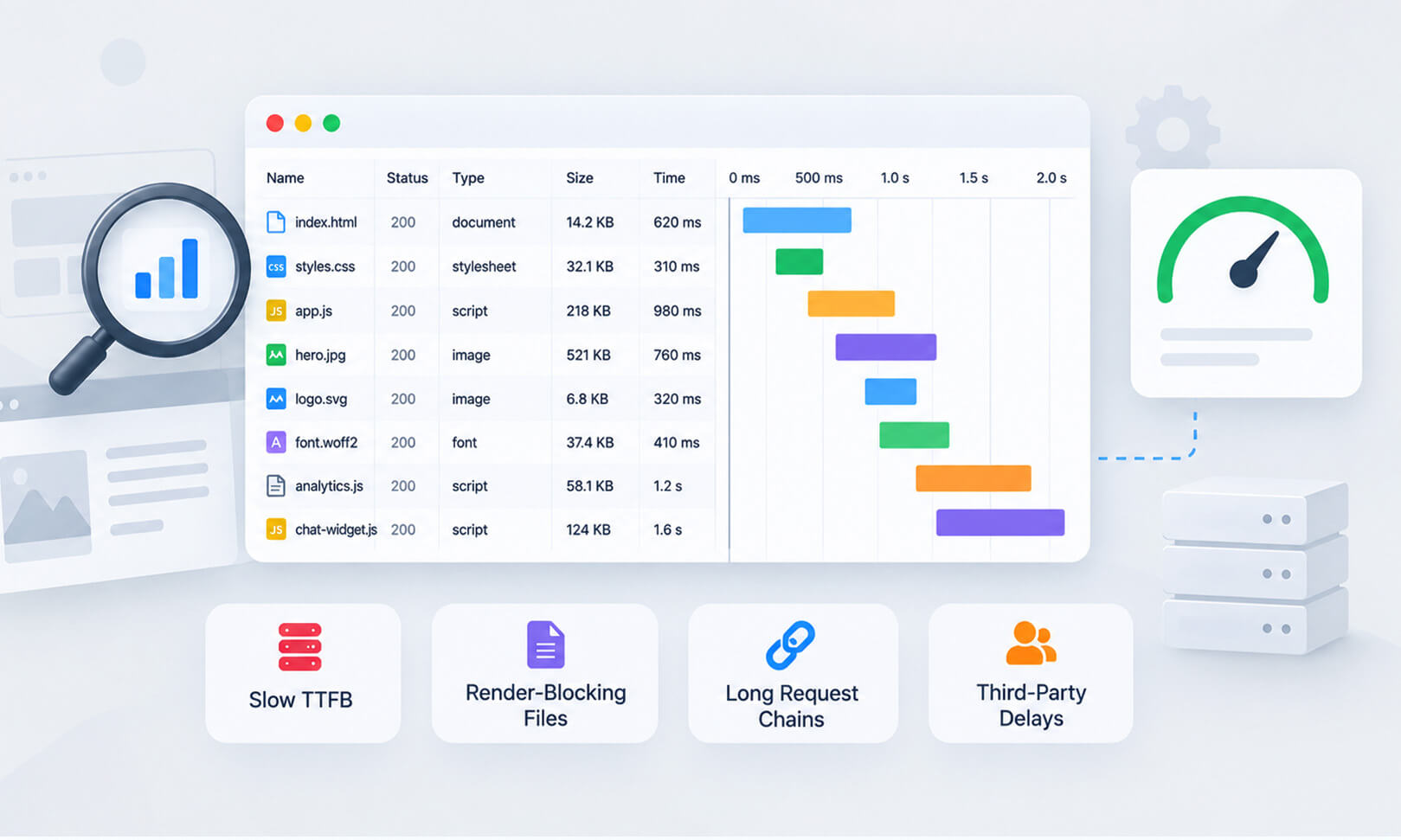
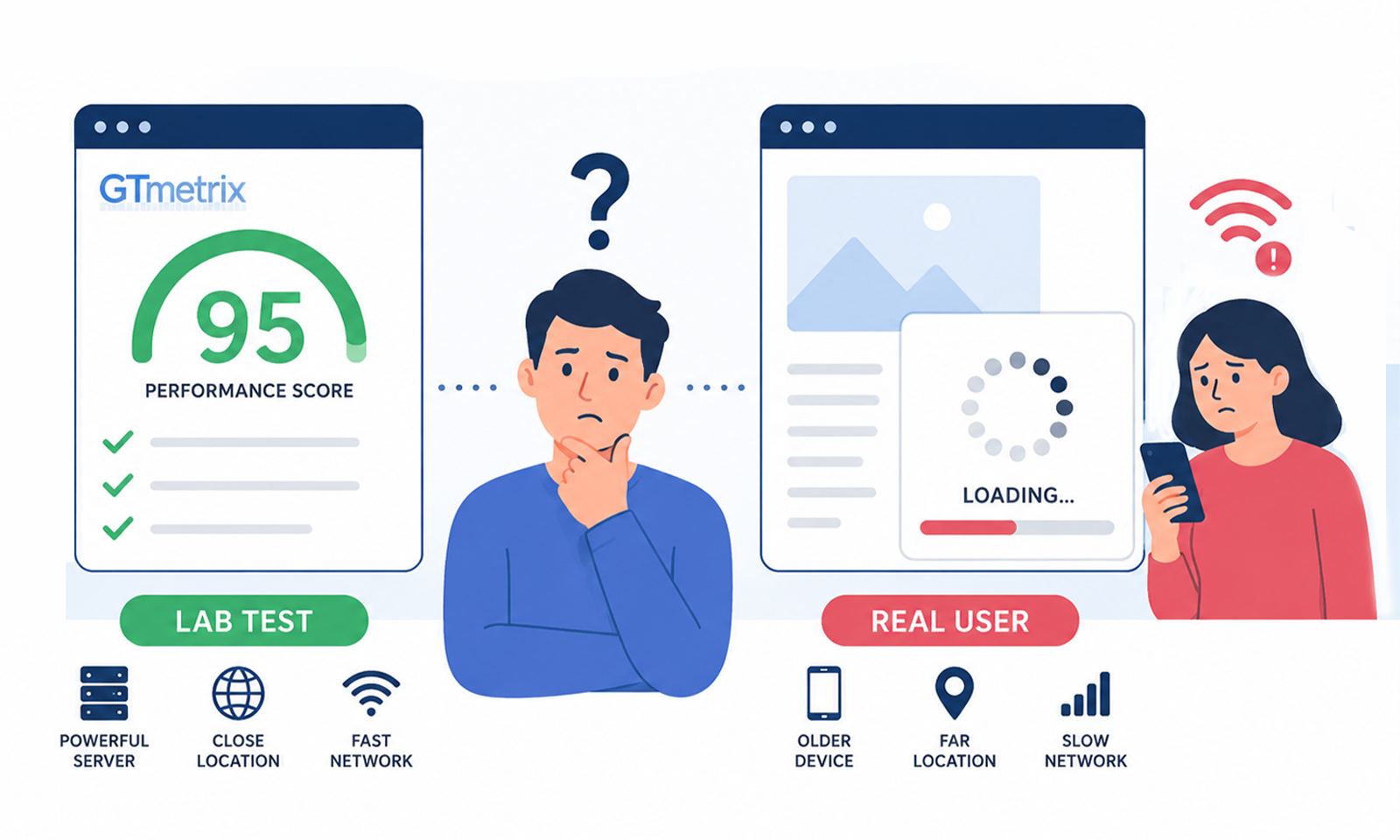
5. Investigate Slow Landing Pages and Mobile Experience
A slow landing page affecting conversions is a possibility worth checking when ads continue to attract clicks, but fewer visitors complete a purchase or lead form.
Visitors may leave before the page becomes usable, struggle to interact with filters or forms, or abandon checkout when page elements load slowly. The effect can be especially noticeable on mobile connections, where shoppers may be browsing product pages while multitasking or comparing alternatives.
On image-heavy product pages, oversized images are one possible source of slow loading. Compressing images and serving appropriately sized versions can reduce the amount of data visitors need to load, potentially improving the page’s loading experience, particularly on mobile devices.
However, image optimization is only one part of landing page performance. Scripts, delayed interactions, layout shifts, and checkout issues can also affect the user experience. Even when a page loads quickly, irrelevant messaging, unexpected shipping costs, or an uncompetitive offer can prevent conversions. Check these factors together to identify what is actually affecting your Google Ads results.
How to check whether website speed is contributing
Start by opening the exact landing page used by your ads, not just your homepage. Test it on a mobile device and complete the same steps a real customer would take.
Check these areas:
- Loading speed: Does the main product, offer, or lead form appear promptly?
- Interaction: Do menus, buttons, filters, and forms respond without noticeable delays?
- Layout stability: Do elements shift while visitors try to click or type?
- Checkout: Do payment methods, shipping calculations, or third-party scripts slow down the process?
- Mobile usability: Are buttons easy to tap, and can visitors complete the form or purchase without errors?
Use PageSpeed Insights to assess page performance and Core Web Vitals. Review Largest Contentful Paint (LCP), Interaction to Next Paint (INP), and Cumulative Layout Shift (CLS), alongside the page’s actual behavior during testing.
If the investigation reveals excessive JavaScript work, review how to reduce JavaScript execution time. If third-party tags, chat widgets, or advertising scripts are creating delays, fixing third-party scripts that affect site performance may help identify opportunities to improve responsiveness.
Website Speedy’s own work focuses on website performance, but speed improvements should be treated as one part of conversion troubleshooting, not proof that slow loading caused a particular decline.
A useful comparison is to examine mobile and desktop conversion rates before and after the drop. If mobile conversions decline while desktop performance remains relatively stable, test the mobile landing page and checkout carefully before changing campaign bids.
6. Check Whether the Landing Page Still Matches the Ad
Even if your page loads quickly, it may not persuade visitors to complete the intended action.
Suppose your ad promises a 20% discount on a product, but the landing page displays the full price or hides the discount below the fold. Visitors may click with a clear intention to buy, then leave when the offer does not match their expectations.
Review the complete path from ad to conversion:
- Does the landing page show the same product, service, or offer mentioned in the ad?
- Is the price, discount, delivery information, or lead-generation promise clear?
- Can visitors find the main call to action without unnecessary scrolling?
- Are there unexpected costs or confusing form fields?
- Does the checkout or lead form work on mobile and desktop?
- Have recent product, pricing, inventory, or website changes made the offer less attractive?
This is particularly important when Google Ads traffic is steady, but sales are down. The campaign may still be attracting the right audience, but something on the page or in the buying process may be preventing visitors from completing their intended action.
Compare the conversion rate of each landing page rather than making broad changes across the entire website. A problem affecting one product page or one form may explain most of the decline.
7. Review Budget, Bidding, Competition, and Demand
If conversions and clicks have both fallen, investigate campaign delivery before focusing solely on the landing page.
Check whether your budget is limited, ads have been disapproved, billing has failed, or bid changes have reduced the number of eligible auctions. Review Search impression share and lost impression share where available, along with auction insights.
Competition and demand can also change. A competitor may launch a promotion, a product may become less attractive at its current price, or seasonal demand may decline. These changes can affect clicks, CPC, and conversion rates differently.
Do not increase your budget automatically just because the Google Ads CPA increased. More spending will not solve broken tracking, a malfunctioning checkout, or irrelevant traffic.
Instead, determine which situation applies:
- Lower impressions and clicks: Investigate budget, bidding, eligibility, and demand.
- Higher CPC with fewer clicks: Investigate auction competition, bids, and impression share.
- Similar clicks but lower conversion rate: Investigate tracking, landing pages, traffic quality, and the offer.
- Similar sales but fewer reported conversions: Investigate conversion measurement and reporting.
This approach helps you avoid treating every Google Ads performance drop as a bidding problem.
How to Recover Lost Google Ads Conversions
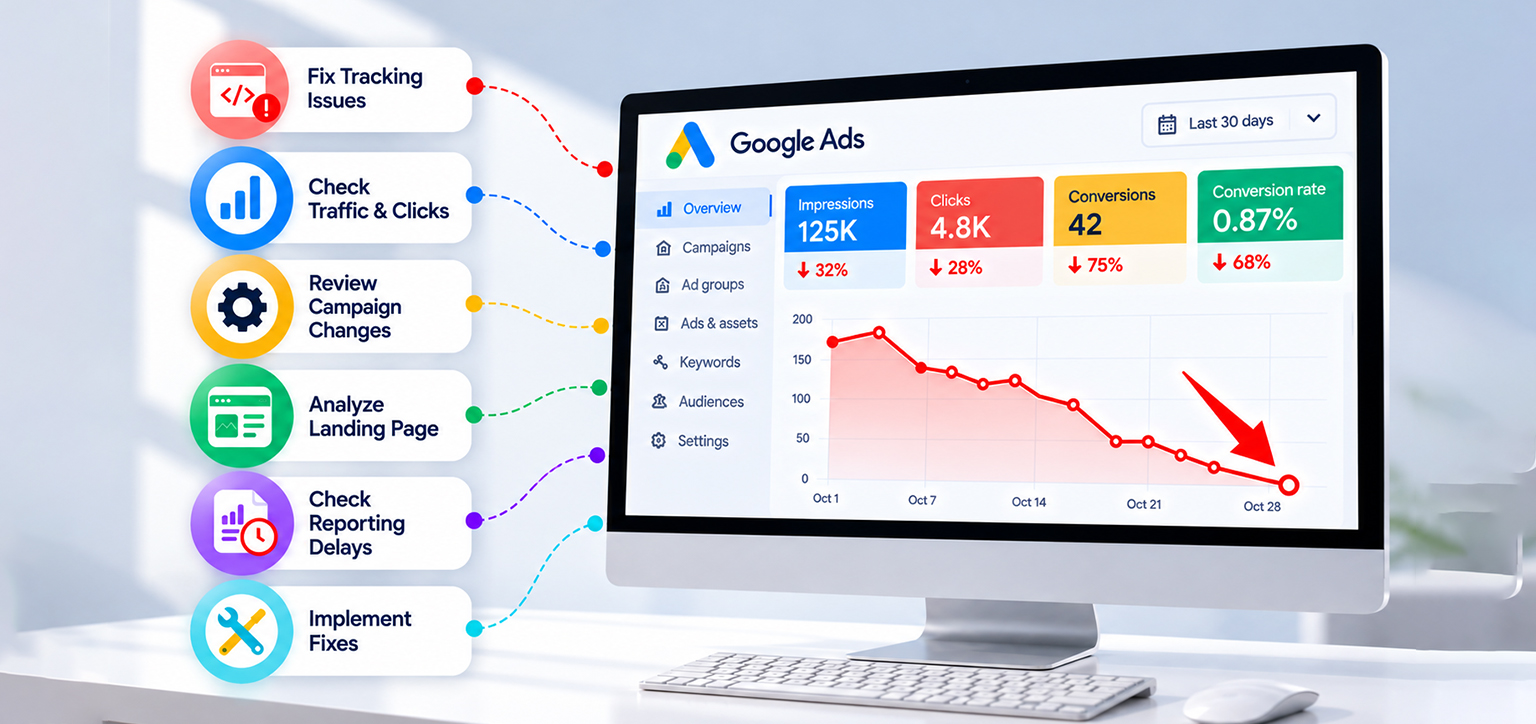
Once you have identified the likely cause, use a controlled recovery process. Avoid changing tracking, bids, targeting, and landing pages all at once because that makes it difficult to determine which correction helped.
Step 1: Confirm whether sales or leads actually declined.
Compare Google Ads conversions with Shopify orders, CRM leads, booking records, or your payment system. If actual business results are stable, investigate tracking and attribution before changing campaign settings.
Step 2: Find the first metric that changed.
Compare impressions, clicks, CTR, CPC, conversion rate, CPA, and conversion value across complete periods. Segment by campaign, device, and landing page to isolate the decline.
Step 3: Fix the confirmed issue.
Repair the conversion tag if tracking is broken, correct targeting if traffic quality has worsened, or fix page and checkout problems if visitors cannot convert. Restore a previous setting only when evidence suggests the change caused the decline.
If the decline is concentrated in one campaign, device, location, or landing page, compare that segment with its previous performance and with unaffected segments. This can help isolate whether the problem is account-wide or limited to a specific part of the campaign.
Step 4: Verify the recovery.
Test conversion tracking again, allow for reporting delays, and monitor conversion rate, CPA, and actual sales. Compare performance over a meaningful period instead of judging recovery from one day.
For businesses running paid traffic to pages with heavy scripts or complex layouts, Website Speedy can be one option to evaluate when a performance audit confirms speed-related problems. The appropriate fix depends on the issue identified, and a faster page alone cannot guarantee that conversions will recover.
How to Automate Website Optimization When Google Ads Conversions Drop
When Google Ads clicks remain steady, but conversions decline, checking website performance can help identify problems that occur after visitors click an ad. Slow loading, delayed interactions, and unstable layouts are worth investigating alongside tracking errors, checkout issues, and offer relevance.
Website Speedy focuses on website performance through features such as lazy loading, render-blocking resource optimization, asynchronous script loading, code minification and combination, and Core Web Vitals improvements. These optimizations can help address specific performance issues, but their impact on Google Ads conversions depends on the problems affecting the site and should be measured separately.
A website speed review on Trustpilot by Olivier Kameni describes the customer’s experience with the service:
“I was impressed by their professionalism and their timely response to address my queries one by one. The final result is outstanding.”
The review concerns website performance and customer support, not a measured recovery in Google Ads conversions. For advertisers, the practical takeaway is to use performance testing and conversion data together. Improving page speed can address one potential obstacle, but tracking accuracy, traffic quality, the offer, and the checkout experience must also be evaluated before attributing a conversion decline to any single cause.
Conclusion
A sudden drop in Google Ads conversions does not always mean your campaigns are failing. Start by verifying conversion tracking, comparing actual sales or leads with reported results, and checking recent campaign changes. If clicks remain steady but conversions fall, investigate landing page speed, mobile usability, offer relevance, and checkout issues. Fix the problem supported by your data, then monitor conversion rate and actual business results to confirm whether performance improves.
Frequently Asked Questions
1. Why did my Google Ads conversions drop by 75% suddenly?
2. Why am I getting Google Ads clicks but no conversions?
3. How do I check if Google Ads conversion tracking is broken?
4. Can a slow landing page cause Google Ads conversions to drop?
5. How do I troubleshoot a sudden drop in Google Ads performance?
6. How can I recover lost Google Ads conversions?
About the Author