TL;DR: The best Webflow apps help you speed up your Webflow site, automate workflows, optimize images, improve SEO, and scale functionality, without writing custom code. Whether you run a blog, store, or business site, these must-have Webflow apps make your site faster, smarter, and more conversion-focused.
Choosing the best Webflow apps can significantly improve your site’s speed, SEO, and scalability. From image optimization and Core Web Vitals improvements to automation, CMS control, and AI-powered SEO, the right Webflow apps help you build faster-loading, conversion-focused websites without custom code.
This guide covers the top Webflow apps for performance, workflow automation, and functionality, carefully selected for designers, developers, agencies, and businesses targeting growth and conversion.
How does Webflow Boost Website Performance?
Webflow already delivers clean HTML, fast hosting, and a global CDN. However, Webflow apps extend these capabilities by adding advanced speed optimization, automation, SEO intelligence, and CMS scalability.
When used correctly, these apps can:
- Improve Core Web Vitals (LCP, CLS, INP)
- Reduce page load times
- Automate workflows
- Enhance SEO without plugins
- Scale CMS-driven websites efficiently
What are the Best Webflow Apps for Improving Website Performance?
Below are the must-have Webflow apps you should consider. These integrations help with speed, SEO, automation, design, content management, and overall store functionality.
| Webflow App | Best For | Pricing |
|---|---|---|
| Website Speedy | Speed optimization & Core Web Vitals improvements for Webflow sites | Free plan available, Custom paid plans available |
| Figma to Webflow | Importing Figma designs directly into Webflow | Free with paid upgrade options |
| Relume Site Builder Import | Rapid layout building with pre-built components | Freemium / Premium team plans |
| SVG Import | Editable SVGs inside Webflow without character limitations | Free |
| Zapier | Workflow automation and app integrations | Free plan; paid from $19.99+/month |
| Finsweet | Advanced dynamic components & UI without coding | Free + paid plans (lifetime & subscription) |
| HubSpot | CRM, marketing automation & lead management | Free CRM; paid tiers via HubSpot plans |
| Unsplash | Royalty-free images inside Webflow | Free |
| Formly & Formplay | Feature-rich Webflow forms & conditional logic | Free + paid options |
| Fluid SEO | On-page SEO scanning & metadata automation | Free tier + premium features |
| Bulk SEO | Bulk editing of SEO fields at scale | Paid tool |
| Asset Bae | Media optimization & cleanup for Webflow | Free + paid tiers |
| Jetboost | Real-time filtering, search & dynamic interaction | Paid plan starts from $9–$29/month (approx) |
| Typeform | Engaging interactive forms & surveys | Free plan; paid from ~$25/month |
| Semflow | AI-powered SEO insights & recommendations | Free trial; $15–$39/month range |
1. Website Speedy – For Instant Website Speed Optimization
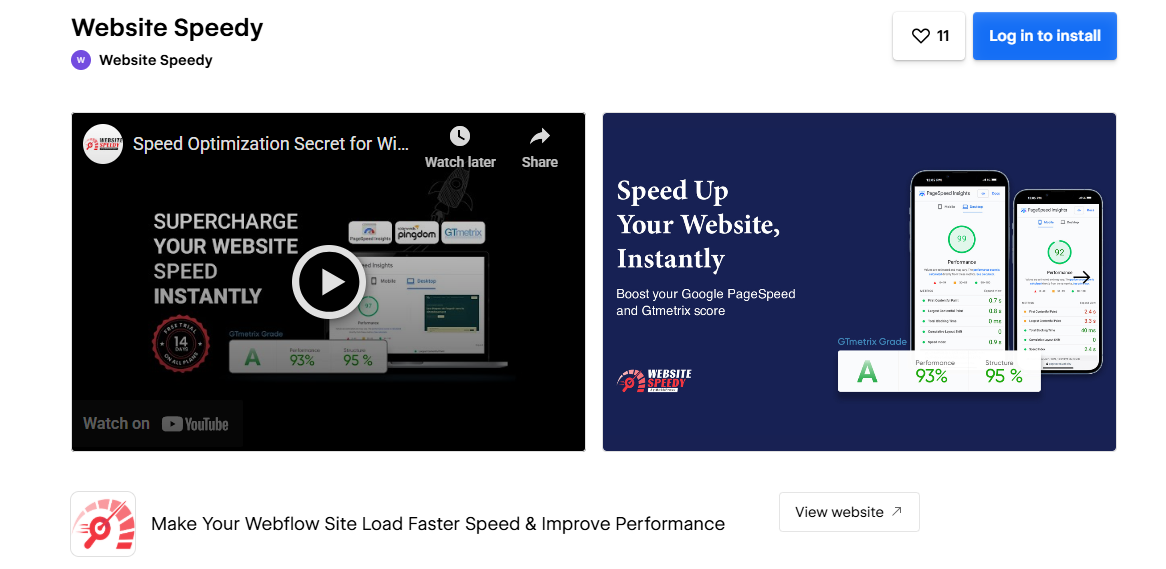
Website Speedy is a performance-focused tool designed to speed up your Webflow site instantly. It handles advanced optimizations like lazy loading, critical CSS, script deferring, image optimization, and caching. Website Speedy is one of the best Webflow apps for improving speed & performance, especially if you want fast loading speeds without technical complexity.
Website Speedy Key Features
1. Automatic Lazy Loading: Loads images and media only when needed, reducing initial page load time on Webflow sites.
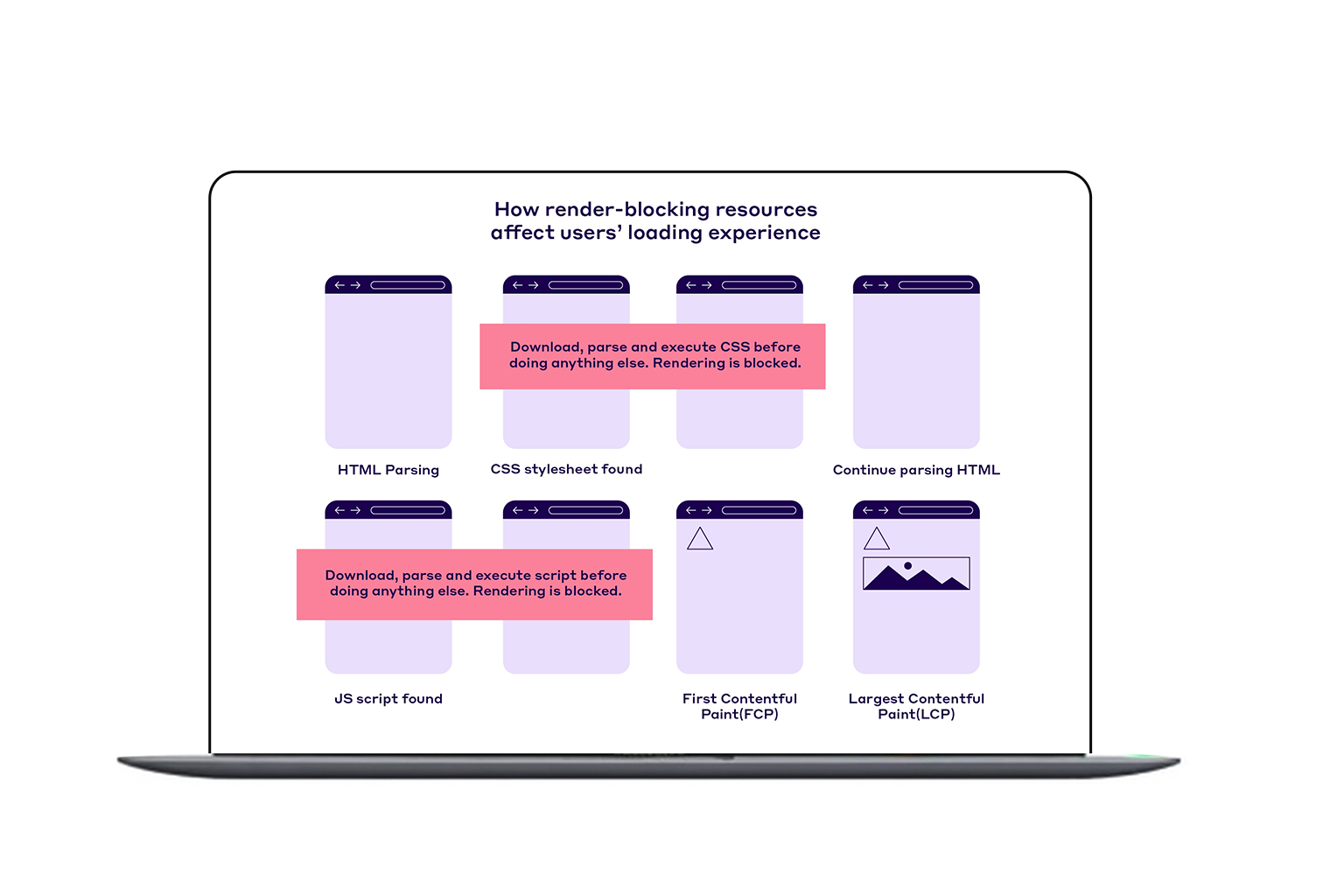
2. Render-Blocking Resource Removal: Defers non-critical CSS and JavaScript so above-the-fold content renders faster.
3. Smart Image Optimization: Compresses and converts Webflow images to lightweight formats for faster delivery without quality loss.
4. JavaScript Deferring: Delays heavy scripts until after page load to improve interactivity and performance.
5. Global CDN Caching: Serves Webflow assets from the nearest server location for consistently fast load times worldwide.
6. Core Web Vitals Optimization: Improves LCP, CLS, and INP scores to help Webflow sites rank better in Google Search.
7. No-Code Setup for Webflow: Works instantly without custom code, making performance optimization easy for non-technical users.
Pros & Cons:
| Pros | Cons |
|---|---|
|
|
2. Figma to Webflow
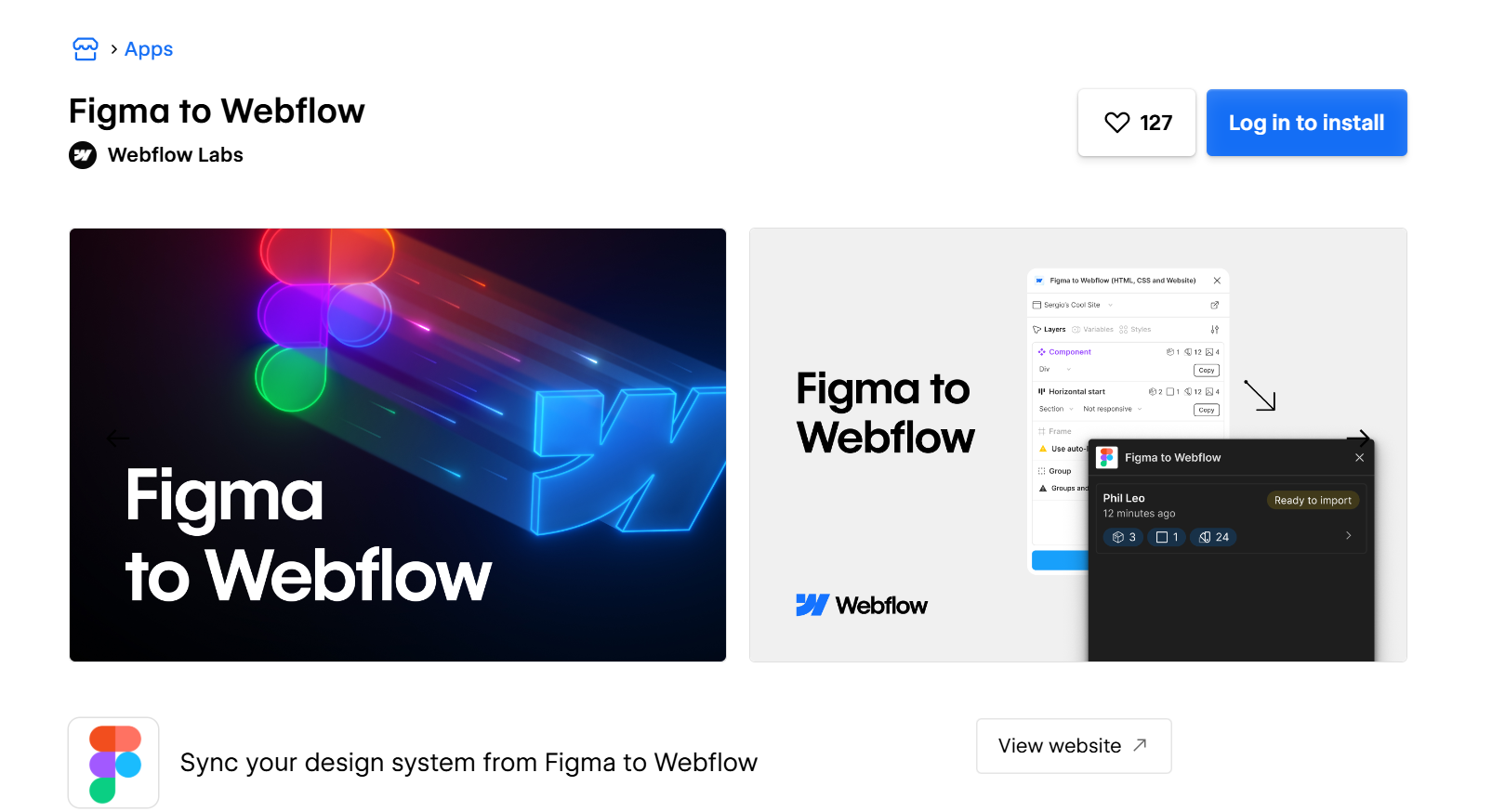
This is among the best Webflow apps for designers who want to convert Figma designs into clean Webflow components. It speeds up your workflow by importing layouts, styles, and design systems directly into Webflow. This tool is perfect for reducing manual development time and improving design accuracy.
Figma to Webflow Features:
1. Direct Figma-to-Webflow Import: Imports Figma designs into Webflow without manual rebuilding.
2. Style & Typography Sync: Carries over color styles, type scales, and spacing automatically.
3. Component Conversion: Transforms Figma components into reusable Webflow symbols.
4. Faster Layout Generation: Reduces development time by instantly generating page structures.
Pros & Cons:
| Pros | Cons |
|---|---|
|
|
3. Relume Site Builder Import
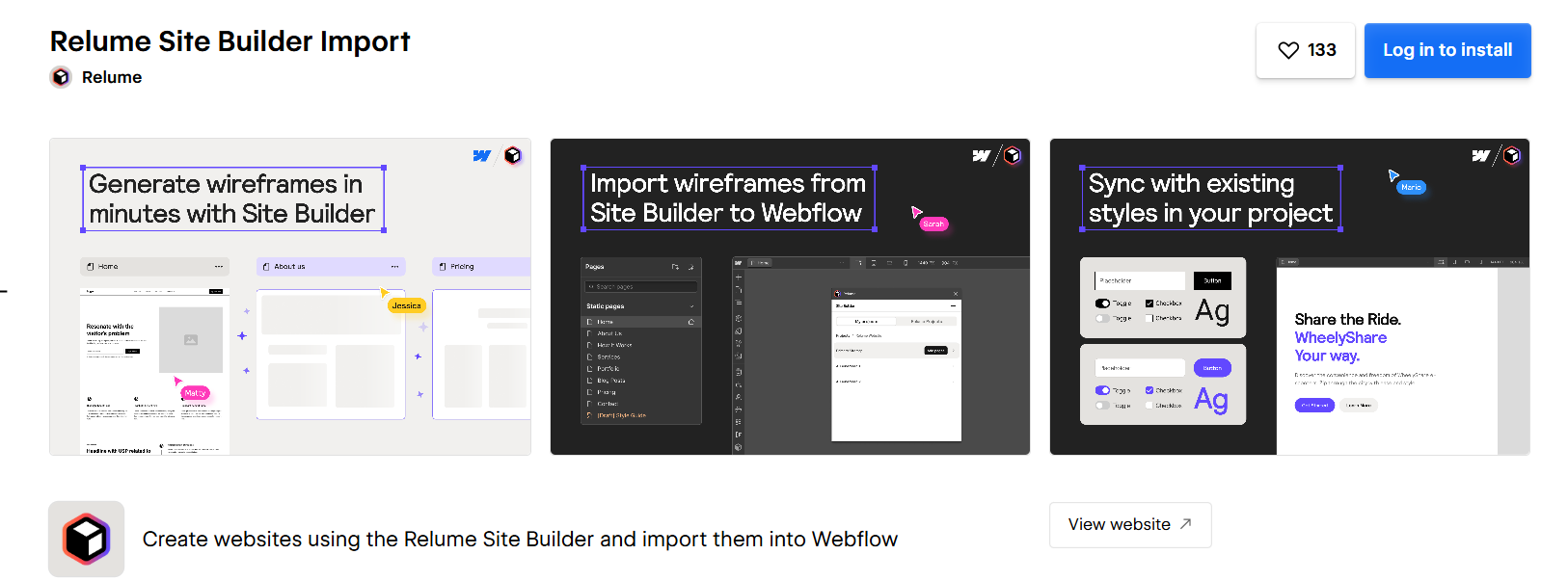
Popular Webflow app for quickly building layouts. It lets you import thousands of components, sections, and UI patterns into Webflow with a single click. Perfect for teams and agencies, Relume Site Builder Import dramatically speeds up the design-to-build workflow.
Relume Site Builder Import Features:
1. Huge Component Library: Access thousands of ready-made layouts and UI patterns.
2. One-Click Webflow Import: Send components directly into your Webflow project.
3. Responsive Layouts: Every block is optimized for all screen sizes.
4. Systemized Design Workflow: Ensures consistency across all site pages
Pros & Cons:
| Pros | Cons |
|---|---|
|
|
4. SVG Import
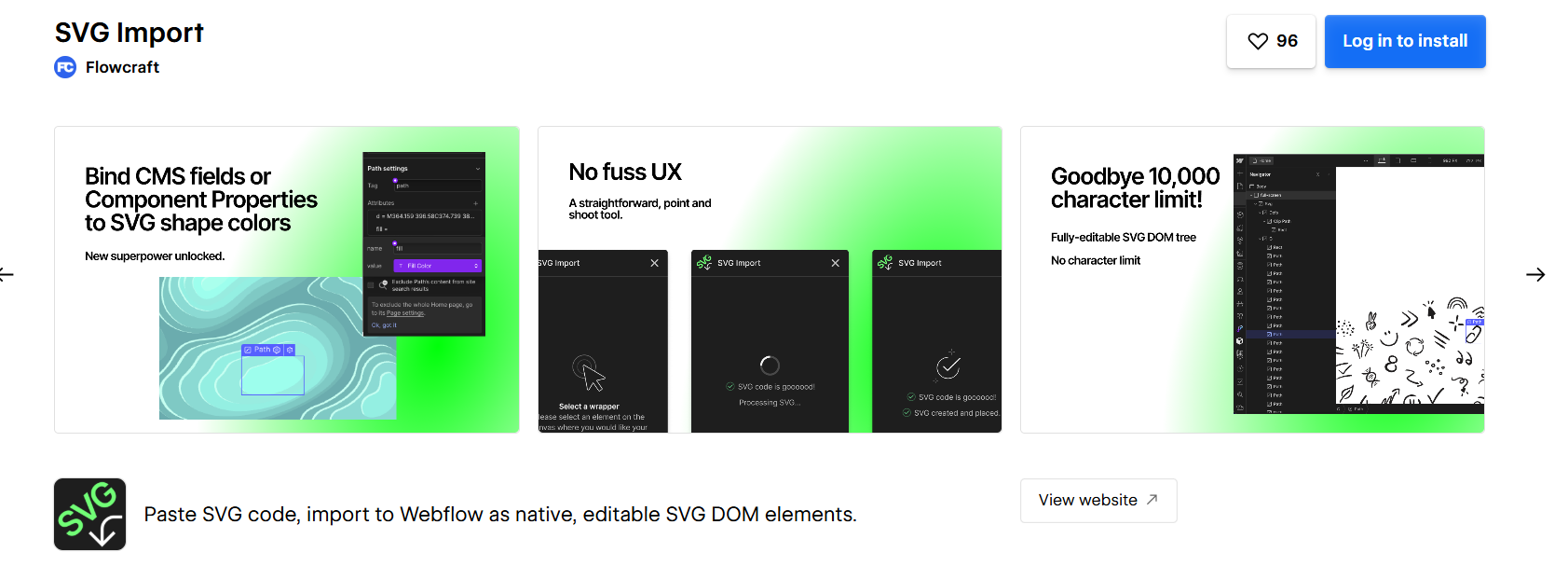
This is a must-have Webflow app for designers working heavily with vector graphics. It allows you to import SVGs directly, preserve layers, and customize them inside Webflow. SVG Import simplifies animations, illustrations, and scalable assets while ensuring lightweight performance to help speed up your Webflow site.
SVG Features:
1. Layer-Preserved SVG Uploads: Imports SVGs without merging or flattening layers.
2. Editable Vector Elements: Let you customize colors and shapes directly.
3. Lightweight Graphics: Keeps performance high with small file sizes.
4. Easy Animation Compatibility: Perfect for Lottie-style or custom animations.
Pros & Cons:
| Pros | Cons |
|---|---|
|
|
5. Zapier
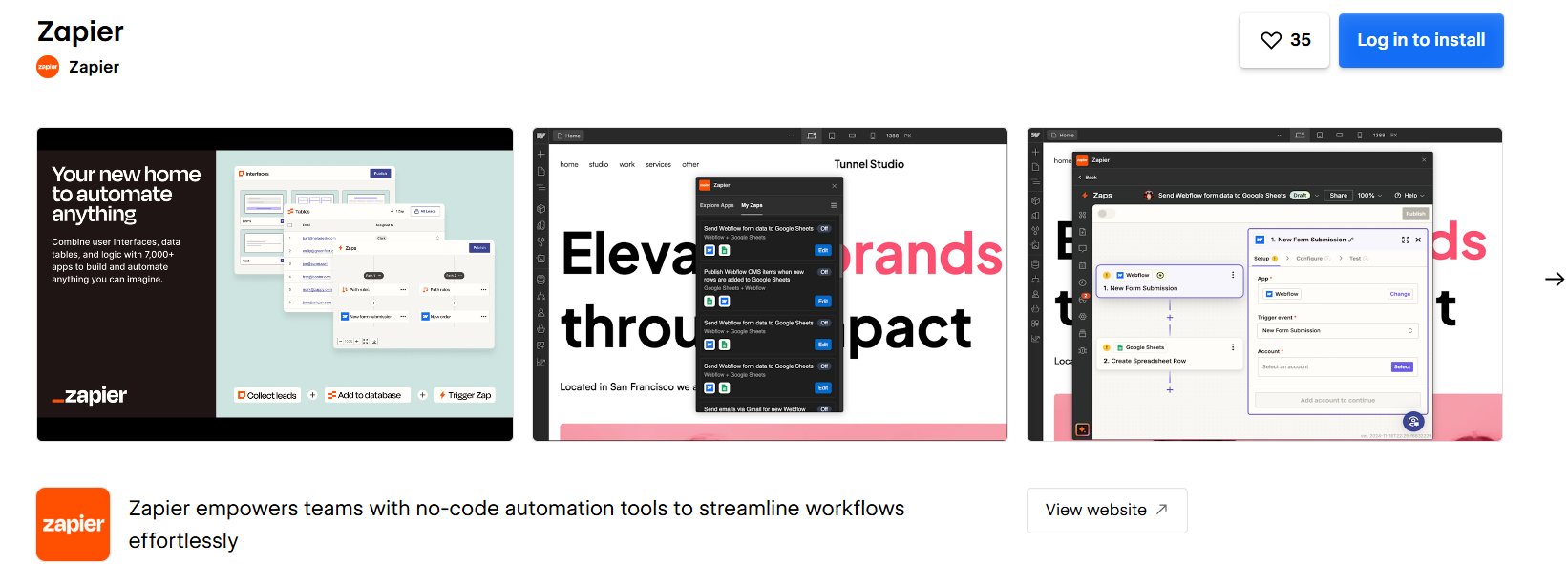
Zapier is among the top Webflow apps for automation. It connects Webflow to thousands of tools such as Gmail, Slack, HubSpot, and Notion. From form submissions to CRM workflows, Zapier automates tasks effortlessly, eliminating repetitive work and improving your site’s operational efficiency.
Zapier Features:
1. 5000+ Integrations: Connects Webflow to nearly every modern tool.
2. Automated “Zaps”: Handles repetitive tasks automatically.
3. Works with CMS & Forms: Syncs data instantly across systems.
4. Custom Trigger Rules: Allows advanced workflows using conditions.
Pros & Cons:
| Pros | Cons |
|---|---|
|
|
6. Finsweet Components
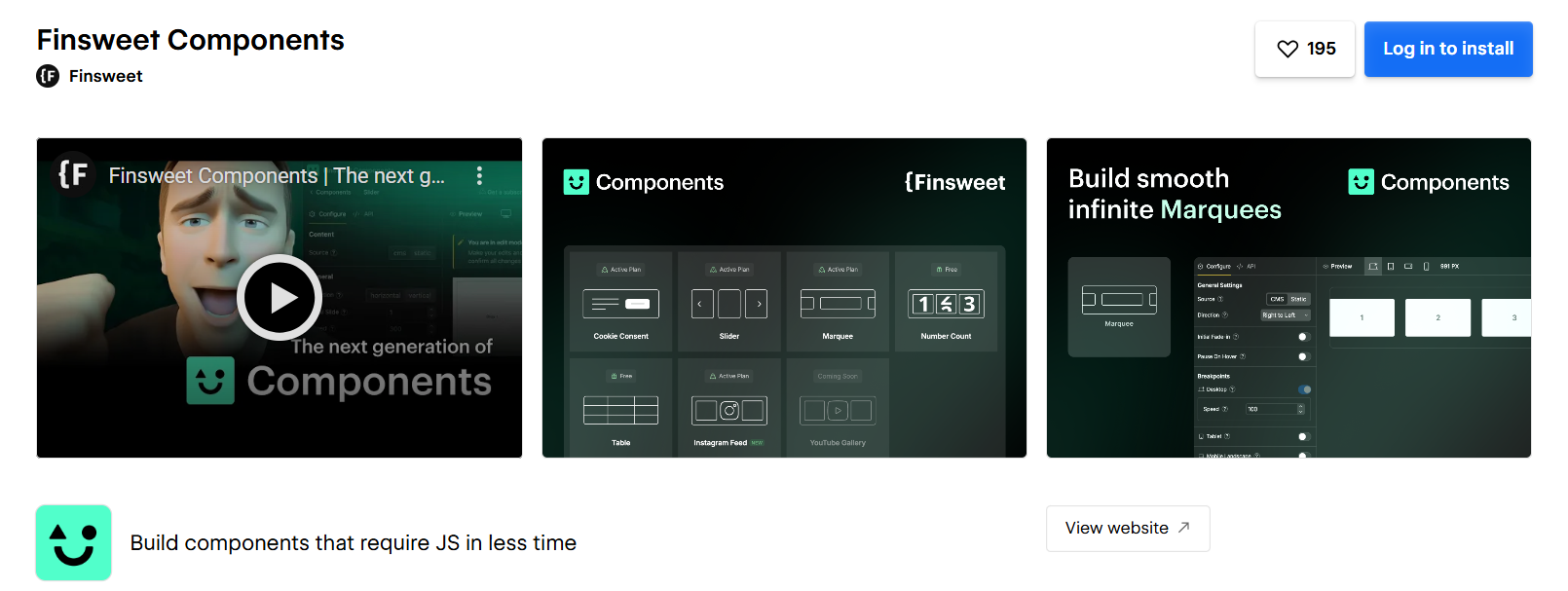
Another recommended best Webflow app for advanced functionality. It provides dynamic components, filters, tabs, sliders, logic-based interactions, and more, all built specifically for Webflow. Finsweet is widely used by agencies and professionals to extend Webflow’s native capabilities without custom coding.
Finsweet: Components Features:
1. Advanced UI Components: Access tabs, sliders, toggles, and more.
2. CMS Enhancements: Add filtering, dynamic sorting, and custom layouts.
3. Logic-Based Functions: Trigger actions based on conditions.
4. Developer-Friendly Library: Built specifically for the Webflow structure.
Pros & Cons:
| Pros | Cons |
|---|---|
|
|
7. HubSpot
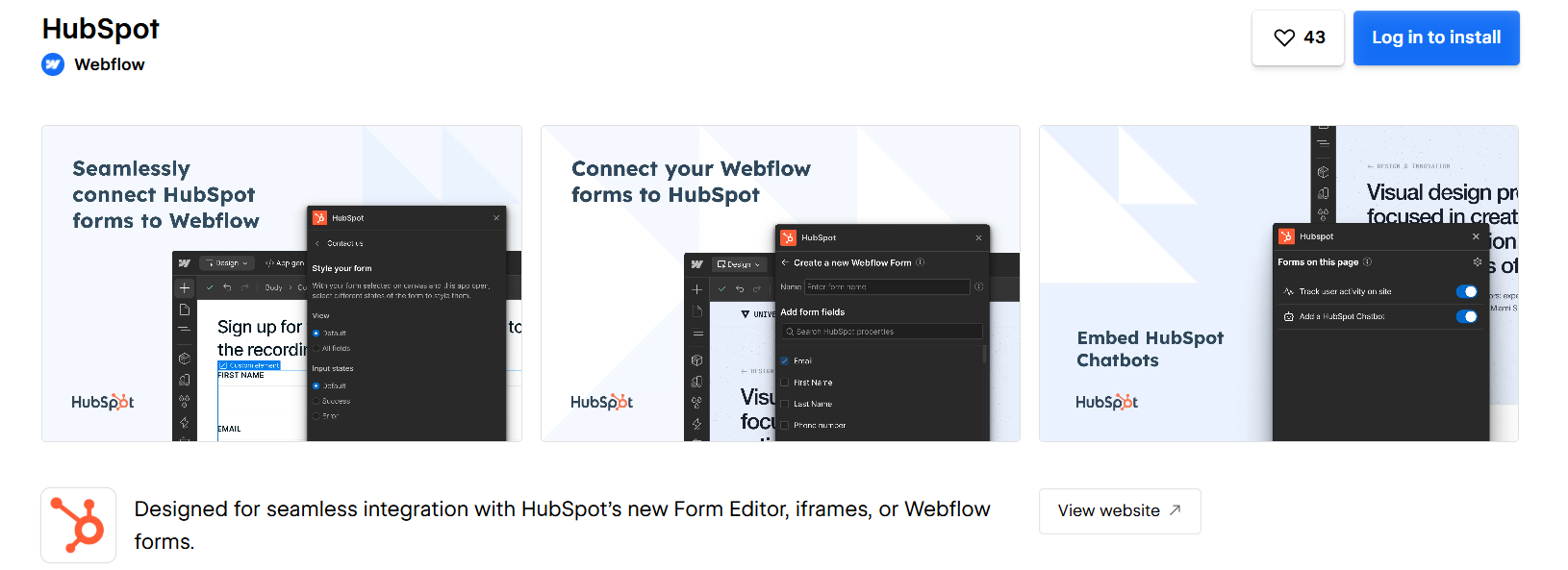
HubSpot is a powerful CRM tool and among the most popular Webflow apps for stores and business sites. It integrates lead capture, email marketing, analytics, and automation into Webflow. It is perfect for scaling businesses that rely on marketing funnels, forms, and customer journey tracking.
HubSpot Features:
1. Free CRM Integration: Syncs all Webflow leads automatically.
2. Email Automation: Builds automated workflows for nurturing leads.
3. Popups & Forms: Add high-converting marketing elements.
4. Analytics Dashboard: Track performance and customer behavior.
Pros & Cons:
| Pros | Cons |
|---|---|
|
|
8. Unsplash
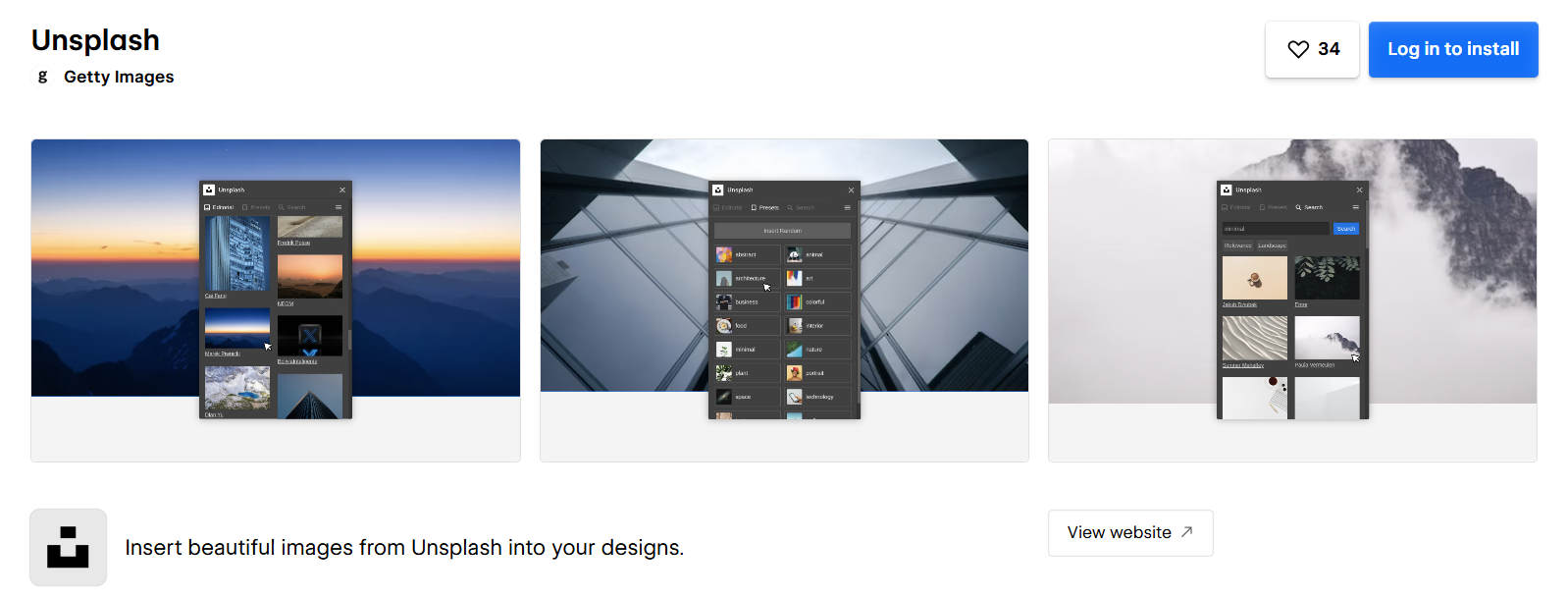
Unsplash is a must-have Webflow app for accessing royalty-free, high-quality images directly inside the designer. It helps creators quickly build beautiful, media-rich sites without leaving Webflow. Unsplash is especially useful for Webflow image optimization apps because images are available in lightweight formats suitable for fast performance.
Unsplash Features:
1. Free Image Library: Millions of royalty-free images.
2. Direct Webflow Integration: Import images without downloading.
3. High-Resolution Photos: Perfect for hero sections and banners.
4. Performance-Friendly Images: Lightweight enough for fast loading.
Pros & Cons:
| Pros | Cons |
|---|---|
|
|
9. Formly & Formplay
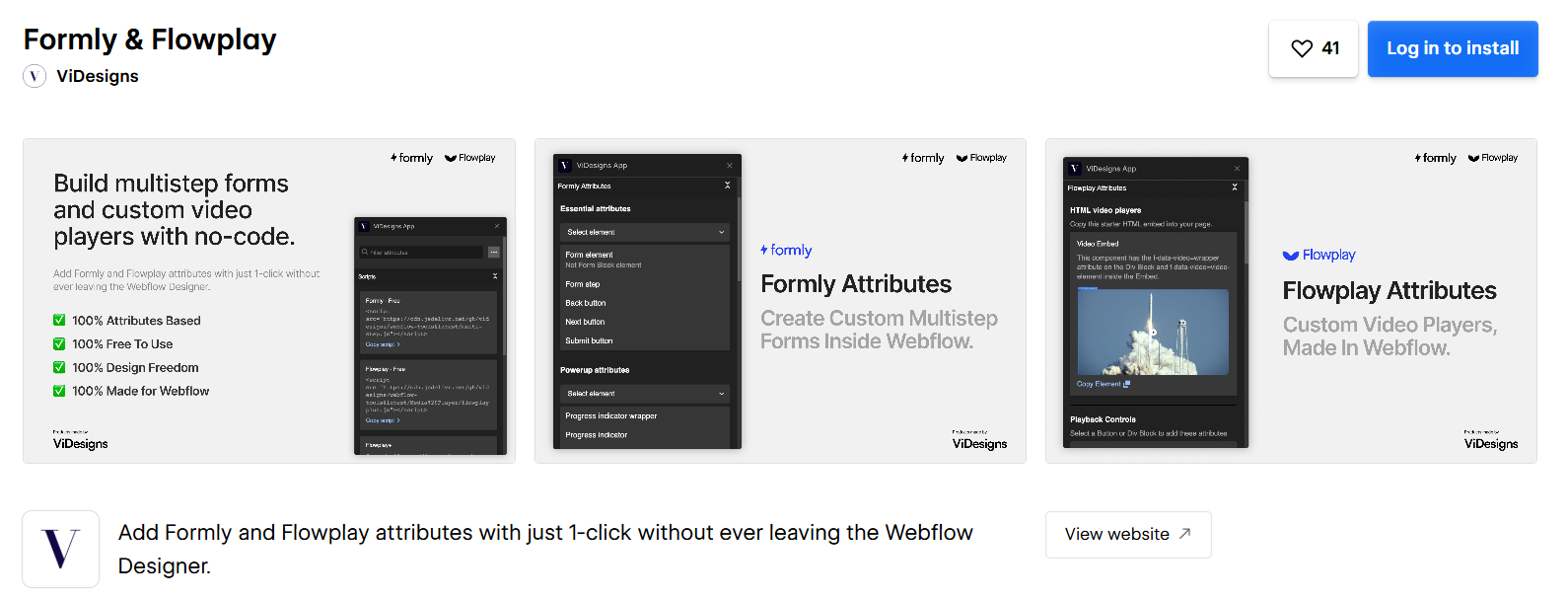
Another one of the best Webflow apps for creating advanced forms without code. From multi-step forms to conditional logic, it helps websites collect data in a more interactive way. It’s ideal for Webflow stores, SaaS signup forms, and workflow automation.
Formly Features:
1. Multi-Step Forms: Create smooth, progressive form experiences.
2. Conditional Logic: Show or hide fields based on user actions.
3. File Upload Support: Collect documents or media easily.
4. CRM Integrations: Connects forms to tools like HubSpot or Zapier.
Pros & Cons:
| Pros | Cons |
|---|---|
|
|
10. Fluid SEO
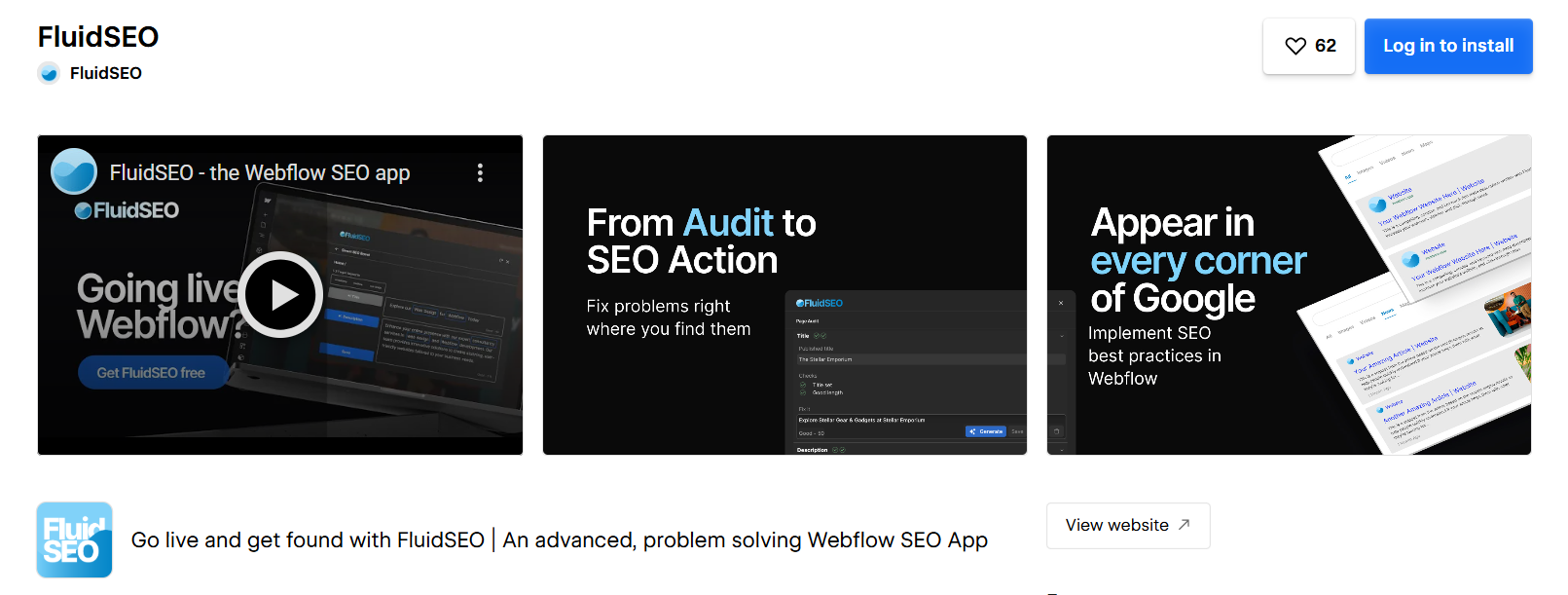
Fluid SEO is a top Webflow app for SEO automation, helping users scan errors, add metadata, optimize pages, and improve rankings. Built specifically for Webflow, Fluid SEO ensures your pages follow Core Web Vitals, keyword optimization, and indexing best practices.
Fluid SEO Features:
1. SEO Error Scanner: Finds issues affecting rankings.
2. Metadata Manager: Bulk-edits titles, descriptions, and tags.
3. Optimization Suggestions: Helps improve on-page SEO quickly.
4. Core Web Vitals Insights: Highlights performance impacts on SEO.
Pros & Cons:
| Pros | Cons |
|---|---|
|
|
11. Bulk SEO
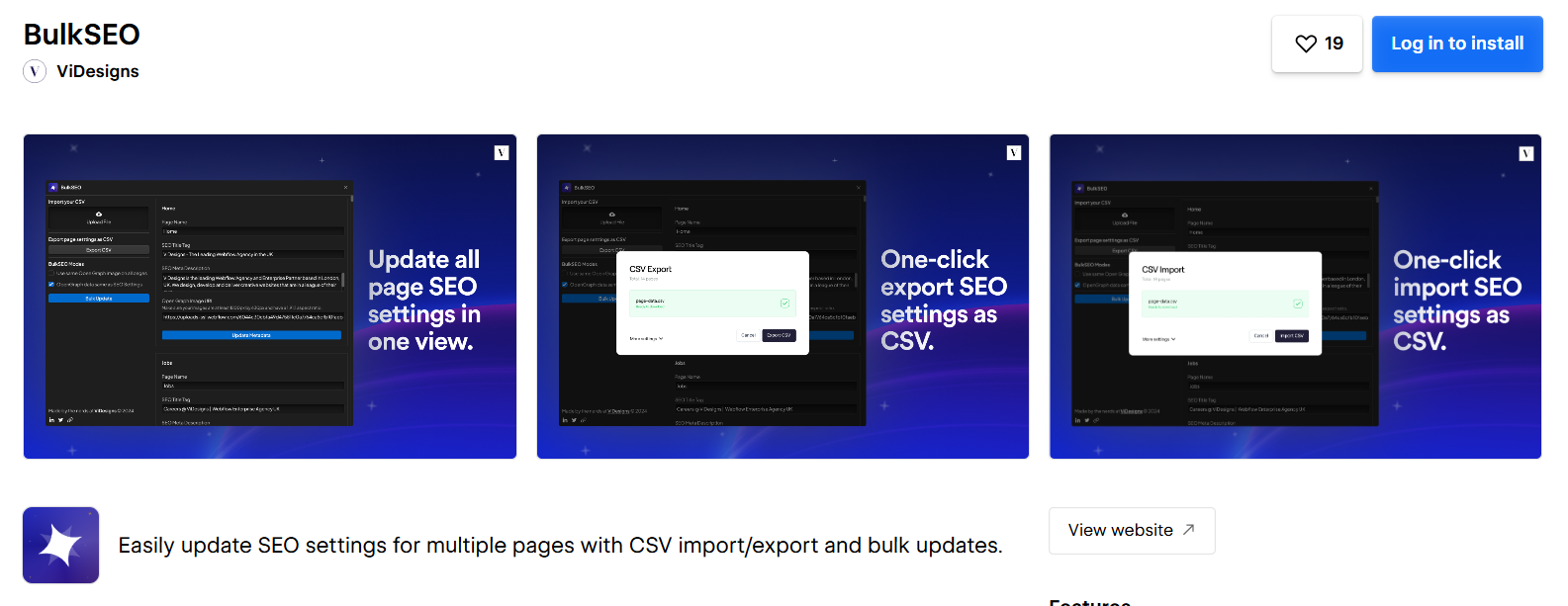
Bulk SEO is one of the best Webflow apps for users managing large sites with hundreds of pages or CMS items. Bulk SEO enables mass editing of SEO fields, meta titles, alt tags, and descriptions all at once, making it ideal for content-heavy Webflow stores and blogs.
Bulk SEO Features:
1. Bulk Metadata Editing: Update hundreds of SEO fields in minutes.
2. CMS SEO Support: Manage blog and product SEO efficiently.
3. Alt-Text Automation: Adds alt tags to images automatically.
4. Batch Processing: Handle large content sets quickly.
Pros & Cons:
| Pros | Cons |
|---|---|
|
|
12. Asset Bae
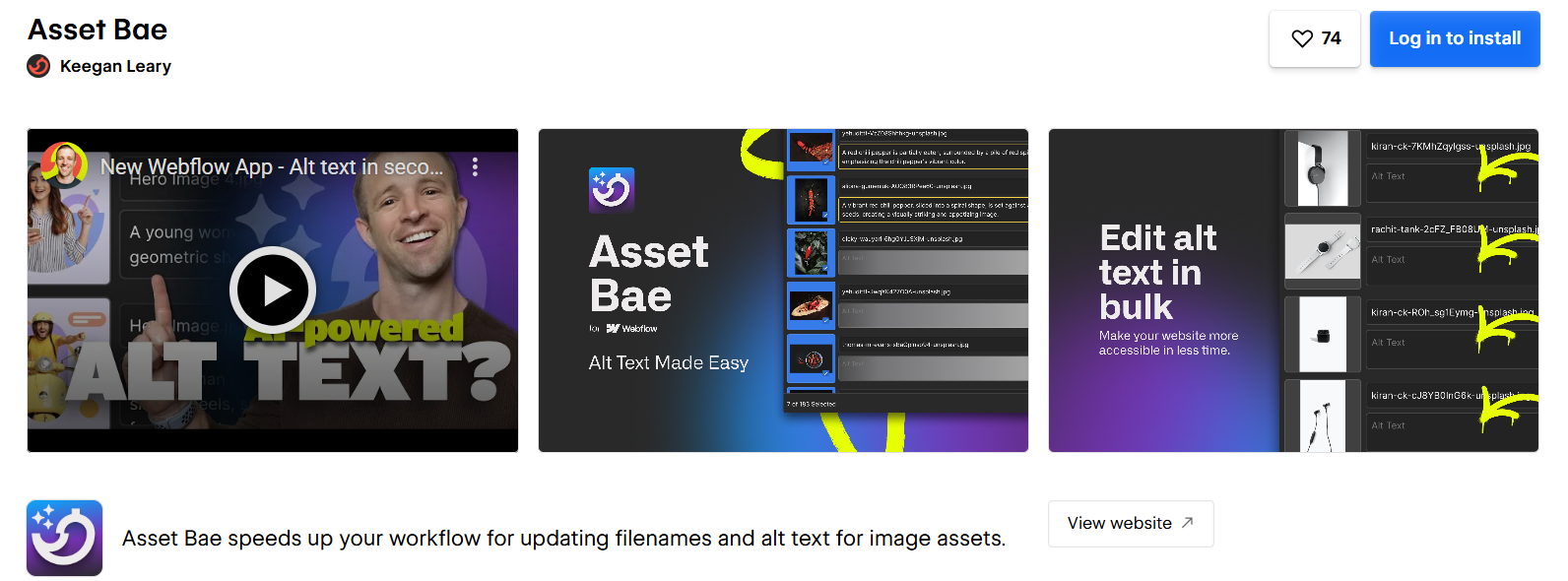
It is an asset management tool and an efficient Webflow app for optimizing media. It helps compress, rename, audit, and clean unused images to improve performance. Asset Bae works great as an efficient Webflow image optimization app to help speed up your Webflow site.
Asset Bae Features:
1. Asset Cleanup: Removes unused images from projects.
2. Compression Tools: Reduces file size for better speed.
3. Bulk Renaming: Keeps image naming SEO-friendly.
4. Media Audits: Finds heavy files slowing your site down.
Pros & Cons:
| Pros | Cons |
|---|---|
|
|
13. Jetboost – Real-time Content Management
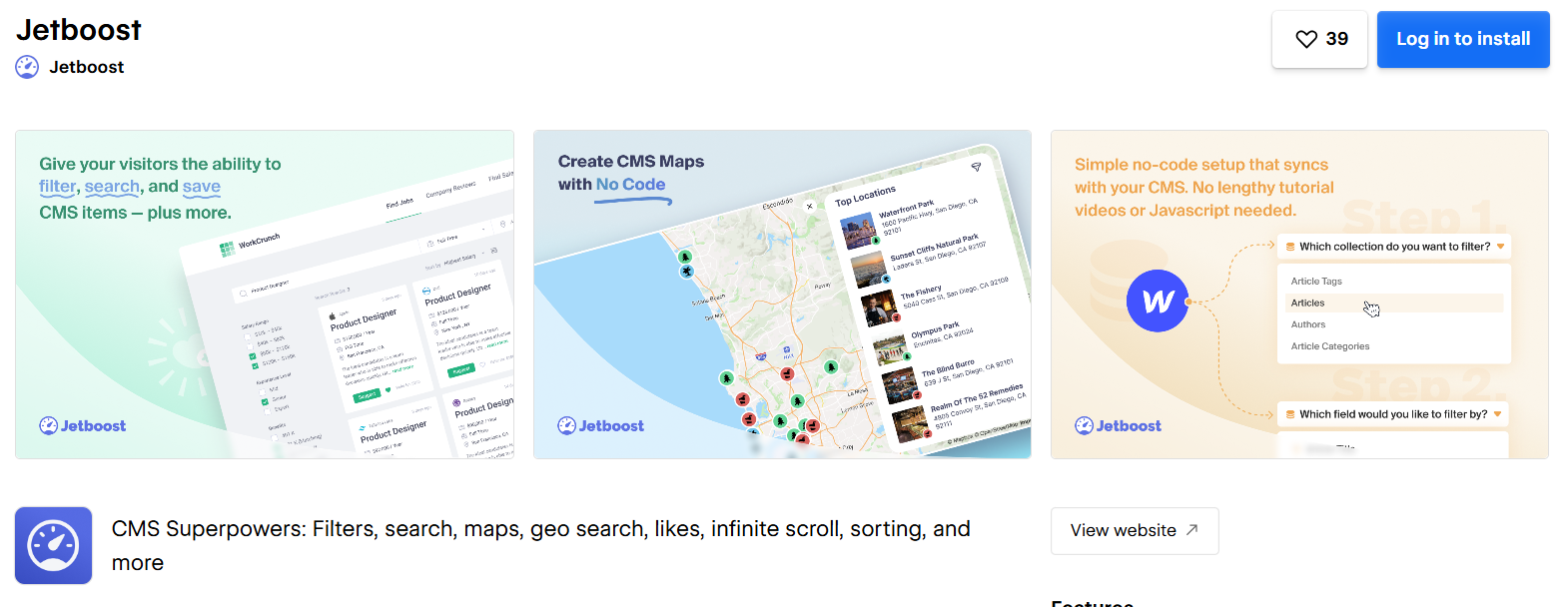
Jetboost is one of the top Webflow apps for enhancing CMS functionality. It enables real-time filtering, search, pagination, favoriting, and sorting, features not natively available in Webflow. Jetboost is essential for large content websites, directories, blogs, and stores.
Jetboost Features:
1. Real-Time Filtering: Let users filter CMS content instantly.
2. Advanced Search: Adds instant search without page reloads.
3. Pagination Controls: Creates fast, dynamic content navigation.
4. CMS Interaction Tools: Add features like wishlists or bookmarks.
Pros & Cons:
| Pros | Cons |
|---|---|
|
|
14. Typeform
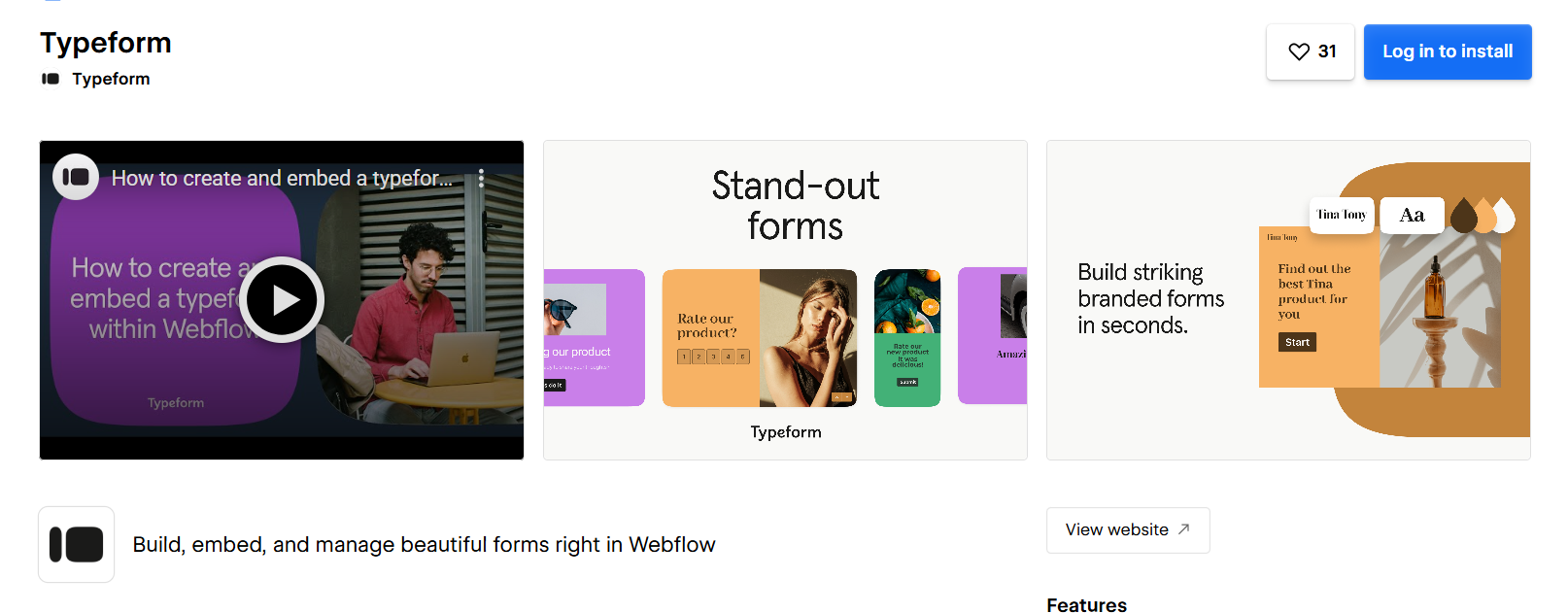
Typeform is a highly engaging form builder Webflow app for interaction-rich forms. Conversational UI, surveys, polls, and quizzes help increase conversions and user engagement. Perfect for SaaS onboarding, store feedback, and lead generation.
Typeform Features:
1. Conversational forms: Creates chat-style interactions.
2. Surveys & Quizzes: Collect detailed insights easily.
3. CRM Integrations: Syncs responses with major tools.
4. Analytics Dashboard: Track form performance and drop-offs.
| Pros | Cons |
|---|---|
|
|
15. Semflow – AI-Powered SEO Assistant
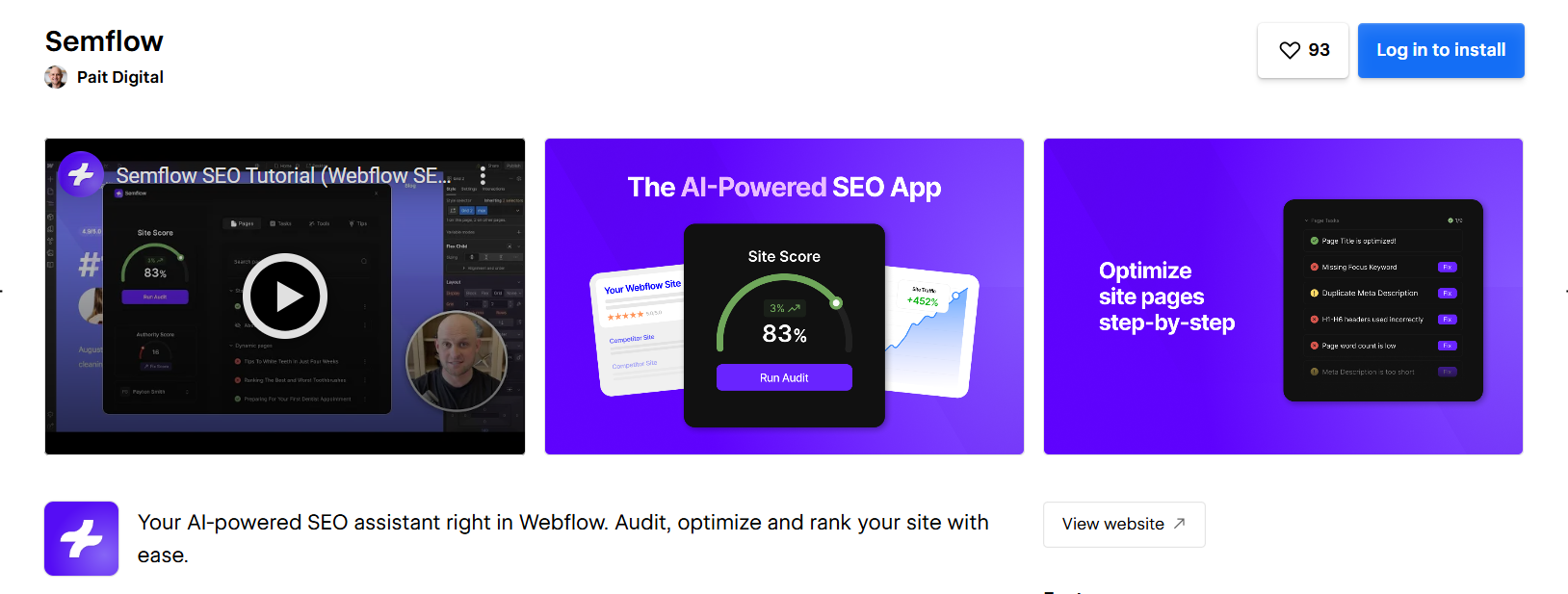
Semflow is an AI-powered SEO tool designed exclusively for Webflow. It analyzes pages, suggests improvements, checks SEO rules, and boosts visibility. If you want automated on-page SEO assistance, Semflow is a highly recommended best SEO app for Webflow, which you can add to your workflow.
Semflow Features:
1. AI SEO Suggestions: Provides instant, intelligent improvement tips.
2. Page Scanning: Checks compliance across all SEO rules.
3. Error Fixing Guidance: Shows exactly what needs correction.
4. Keyword Optimization: Helps refine page focus for ranking.
Pros & Cons:
| Pros | Cons |
|---|---|
|
|
Conclusion
Choosing the best Webflow apps can transform your site’s performance, workflow, and functionality. Whether you need automation, speed optimization, SEO upgrades, better CMS control, or stunning design tools, these top Webflow apps and must-have Webflow apps help you build faster, smarter, and more scalable Webflow sites.
FAQs
Q1. What are the best Webflow apps for improving website performance?
Q2. Do Webflow apps slow down my site or affect loading speed?
Q3. What Webflow apps enhance functionality like forms, SEO, or animations?
Q4. Which Webflow apps help with image optimization and media performance?
Q5. Are Webflow apps necessary for small websites or new businesses?
About the Author